KherveMol
AvailableDraw chemical compounds and crystal structures in 2D and 3D.
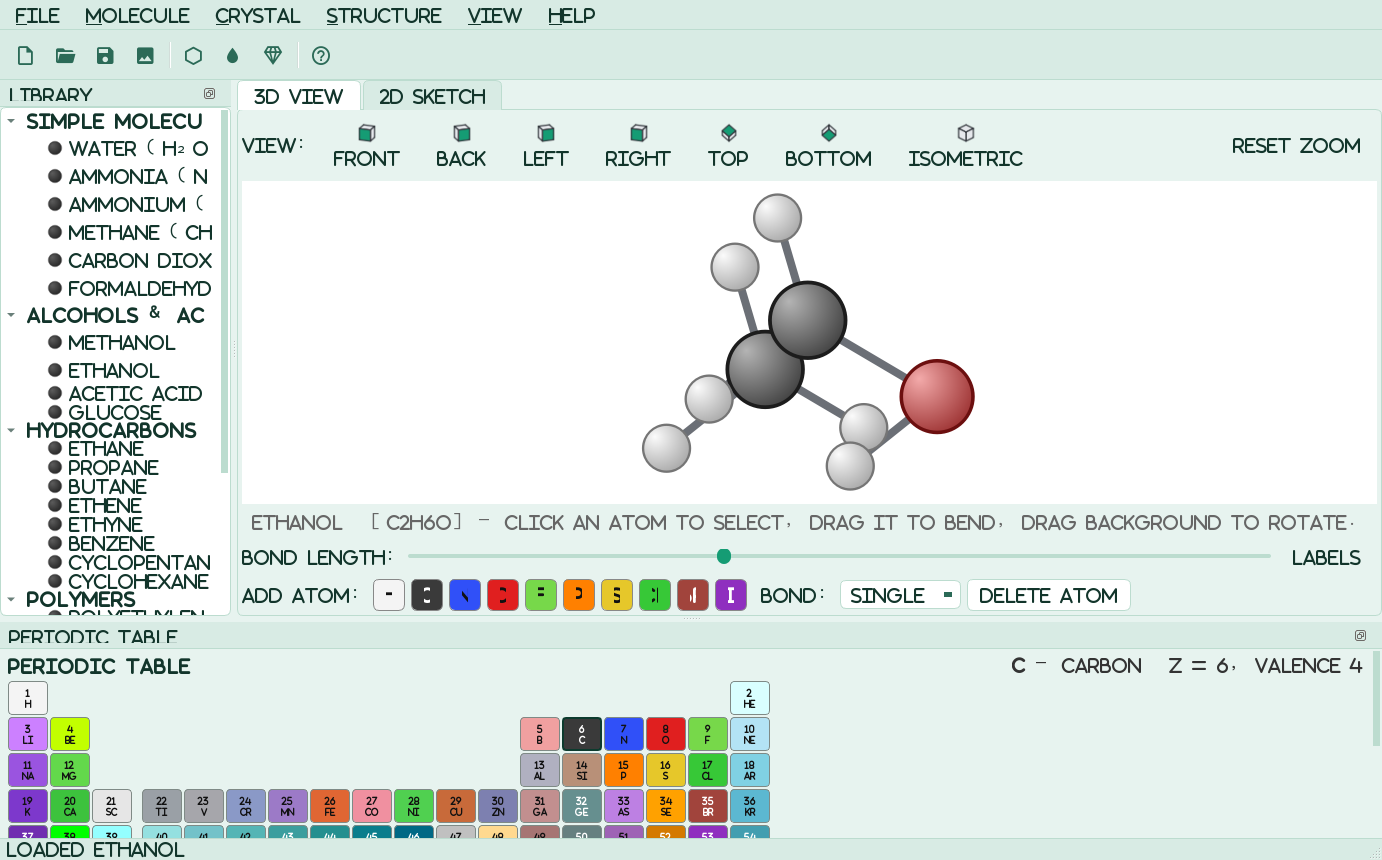
A native molecular builder and viewer: a fast OpenGL 3D ball-and-stick model alongside a flat 2D skeletal sketcher, over one shared structure. Build molecules by hand, respecting each element's valence, or pick from about 700 molecules, 122 crystals, 60 surfaces, graphene and nanotubes, 40 polymers and 36 balanced, animated reactions. Export 3D-print and mesh files, chemistry files and editable SVG for KhervePaint, or let Claude drive it over MCP. RDKit is included, so SMILES and .mol / .sdf / .pdb import work out of the box.
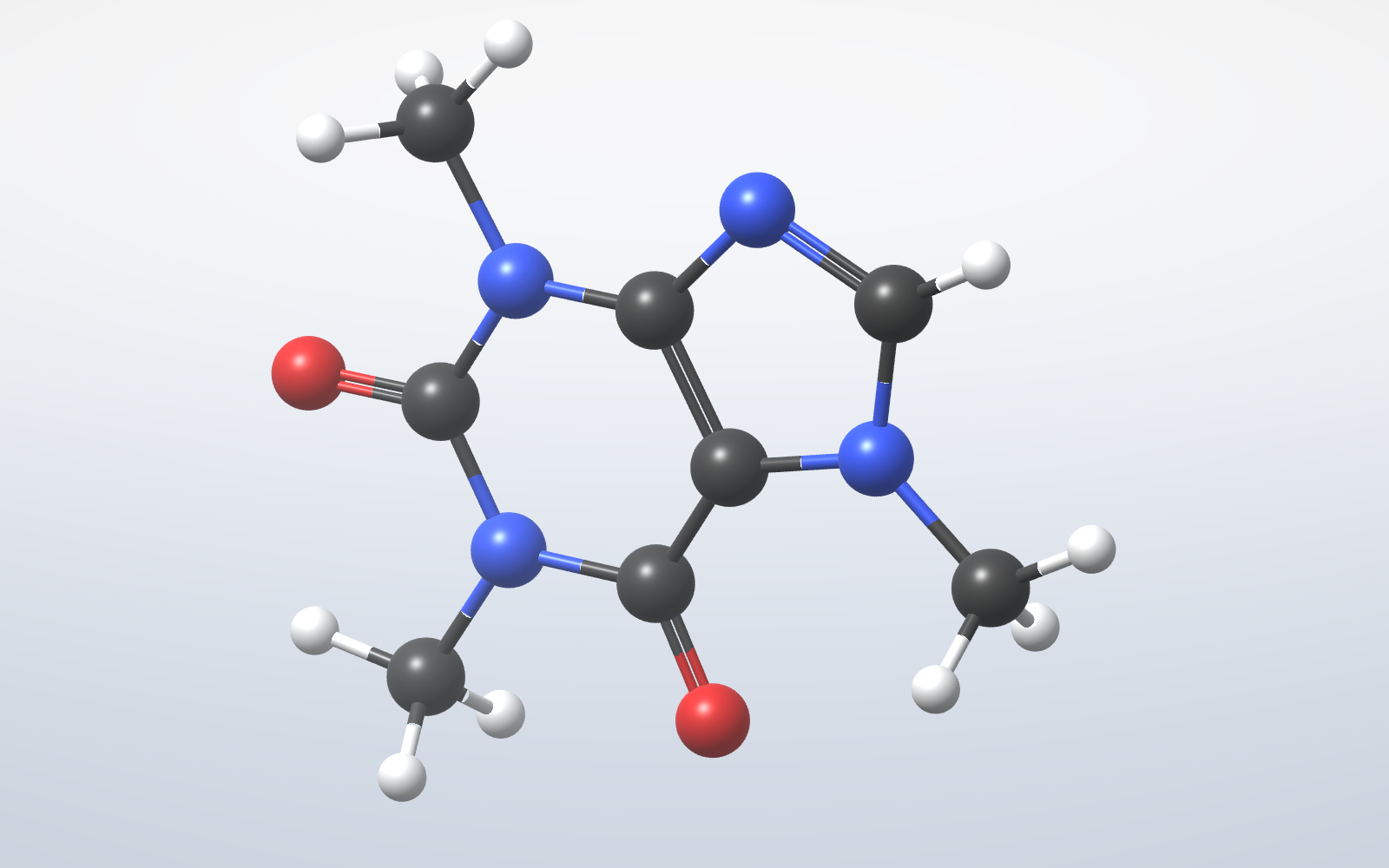
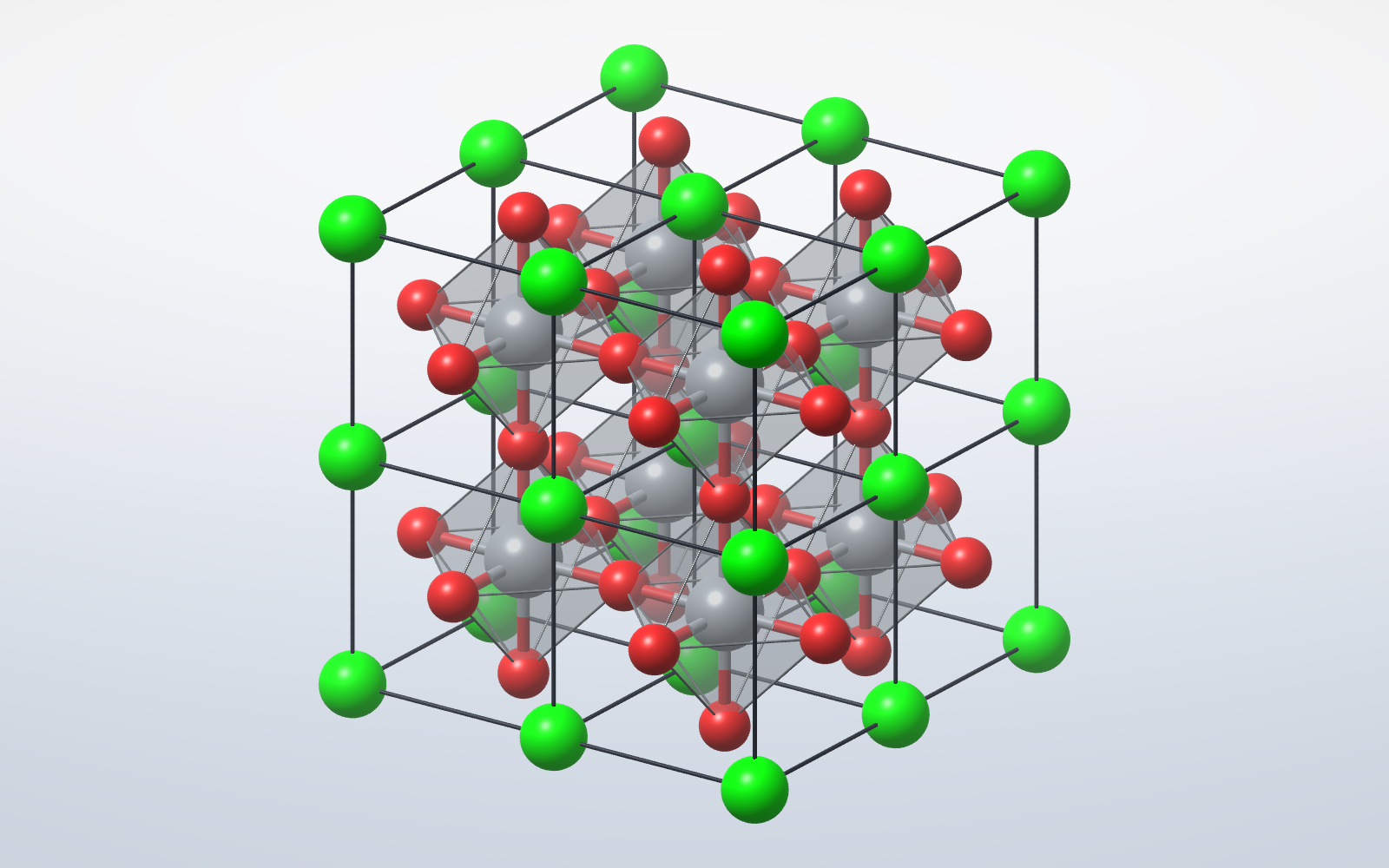
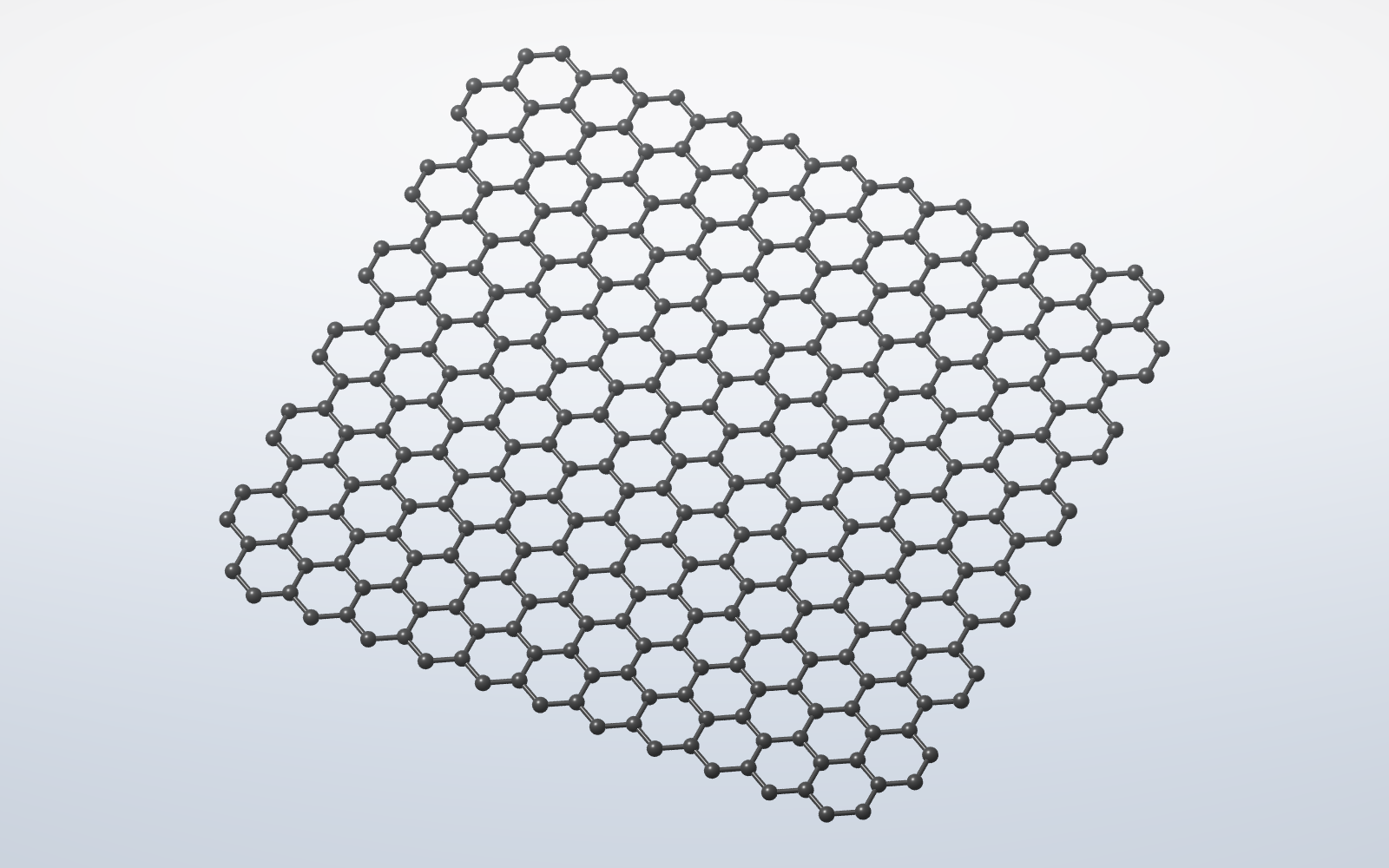
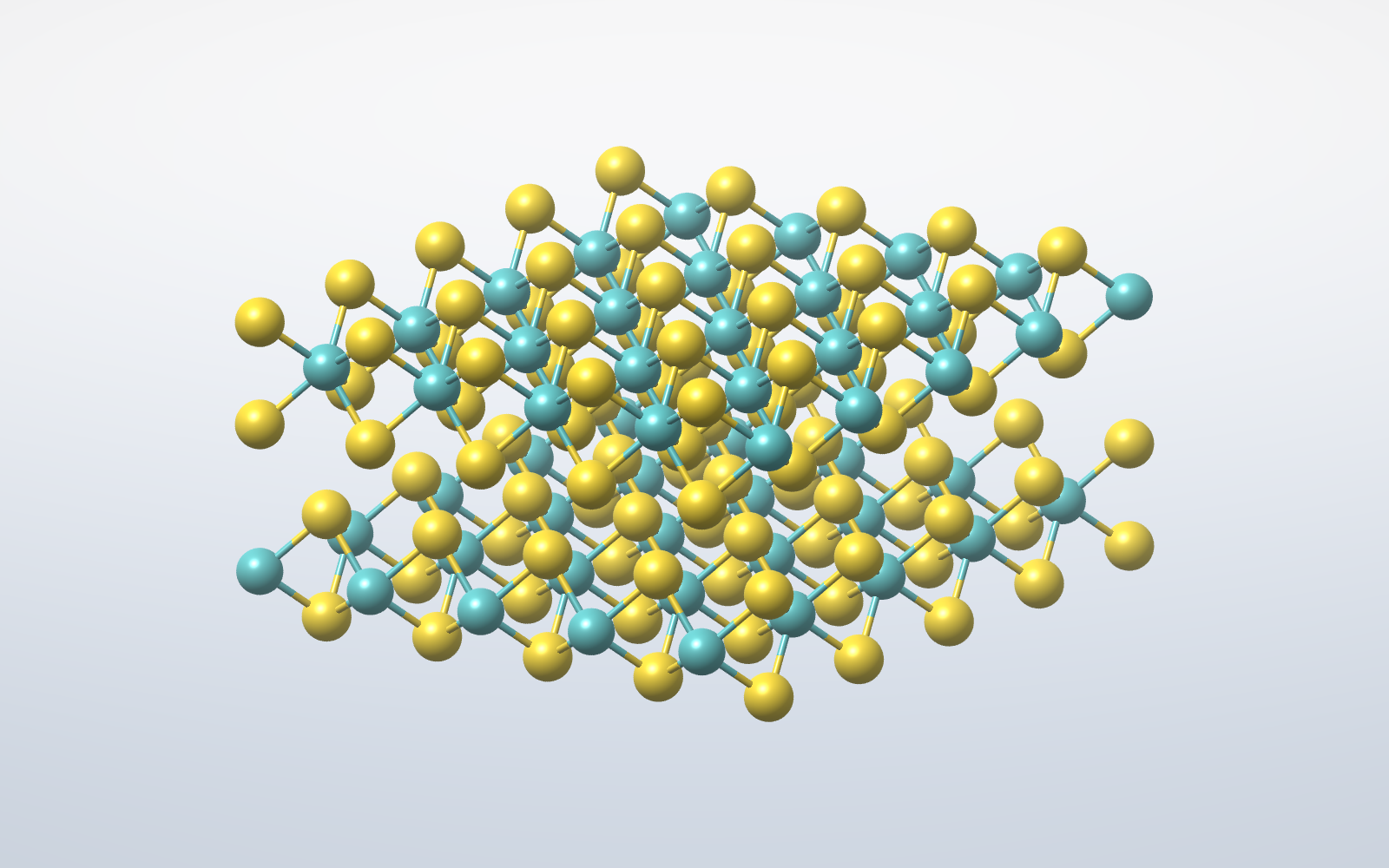
Attributes
- OpenGL 3D viewer — per-pixel lit spheres and cylinders with specular highlights, depth fog and anti-aliasing; ball & stick, space-filling or sticks. Drag to orbit, wheel to zoom, view cube to snap to any face. Falls back to a pure-Python renderer where OpenGL is unavailable
- Build molecules by hand — the builder respects each element's valence and refuses to over-bond; drag an atom to bend a bond
- 2D skeletal sketcher kept in sync with the 3D model; Build 3D from 2D sketch (Ctrl+B) and back again
- About 700 molecules — gases, acids, salts, oxides, hydrocarbons, aromatics, biomolecules and common medicines — plus a built-in SMILES parser and 3D embedder, in a searchable Explorer with a live 3D preview
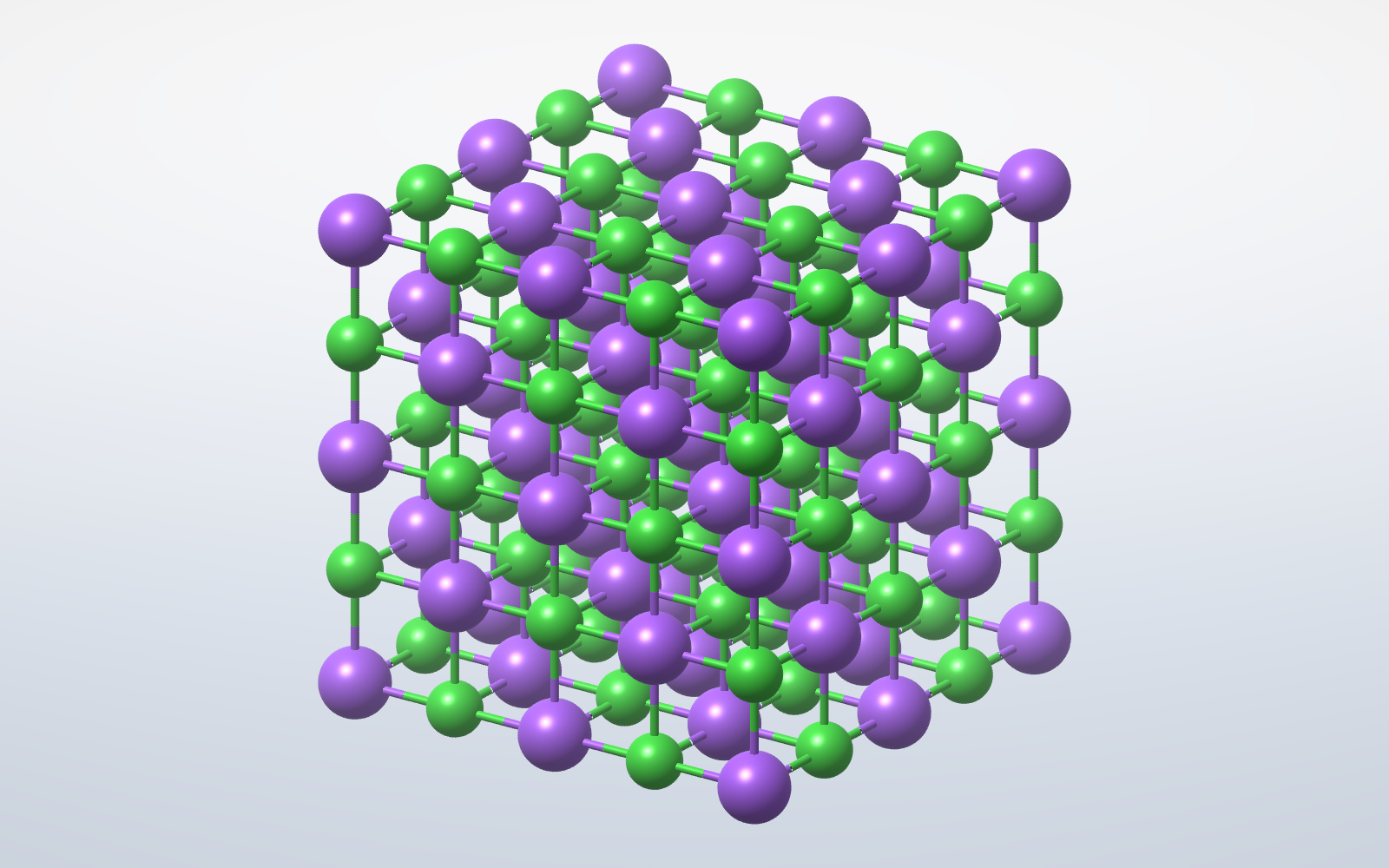
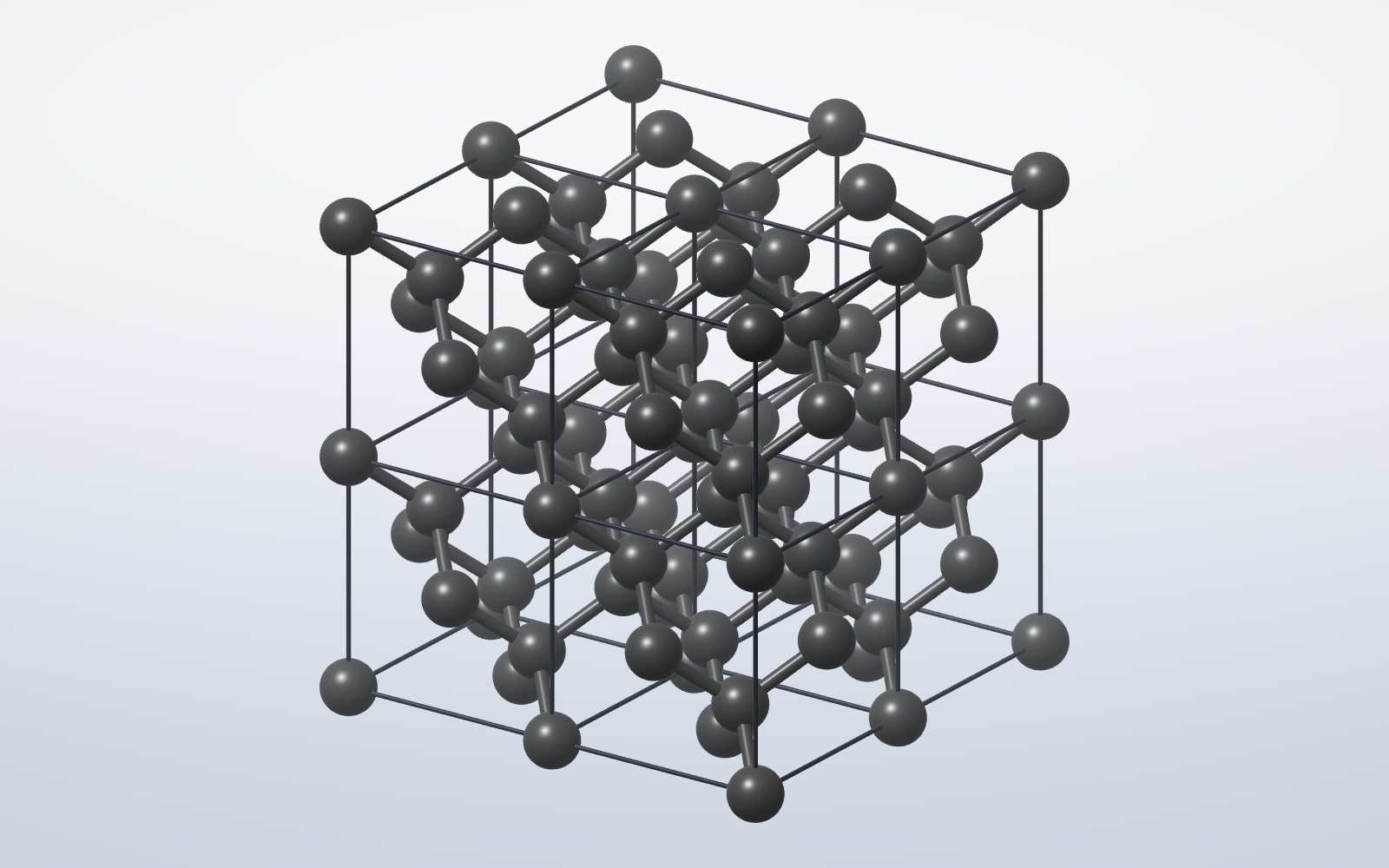
- 122 crystals — metals, semiconductors, salts, oxides and layered materials (fcc, bcc, hcp, diamond, zinc blende, wurtzite, rock salt, perovskite, quartz, corundum, MoS₂…), in any block of cells with the cell outline and bonds
- 60 surfaces — a slab of any crystal cut along any (hkl) plane, such as Si(111), rutile(110) or Cu(100), with molecules placed on it flat or upright
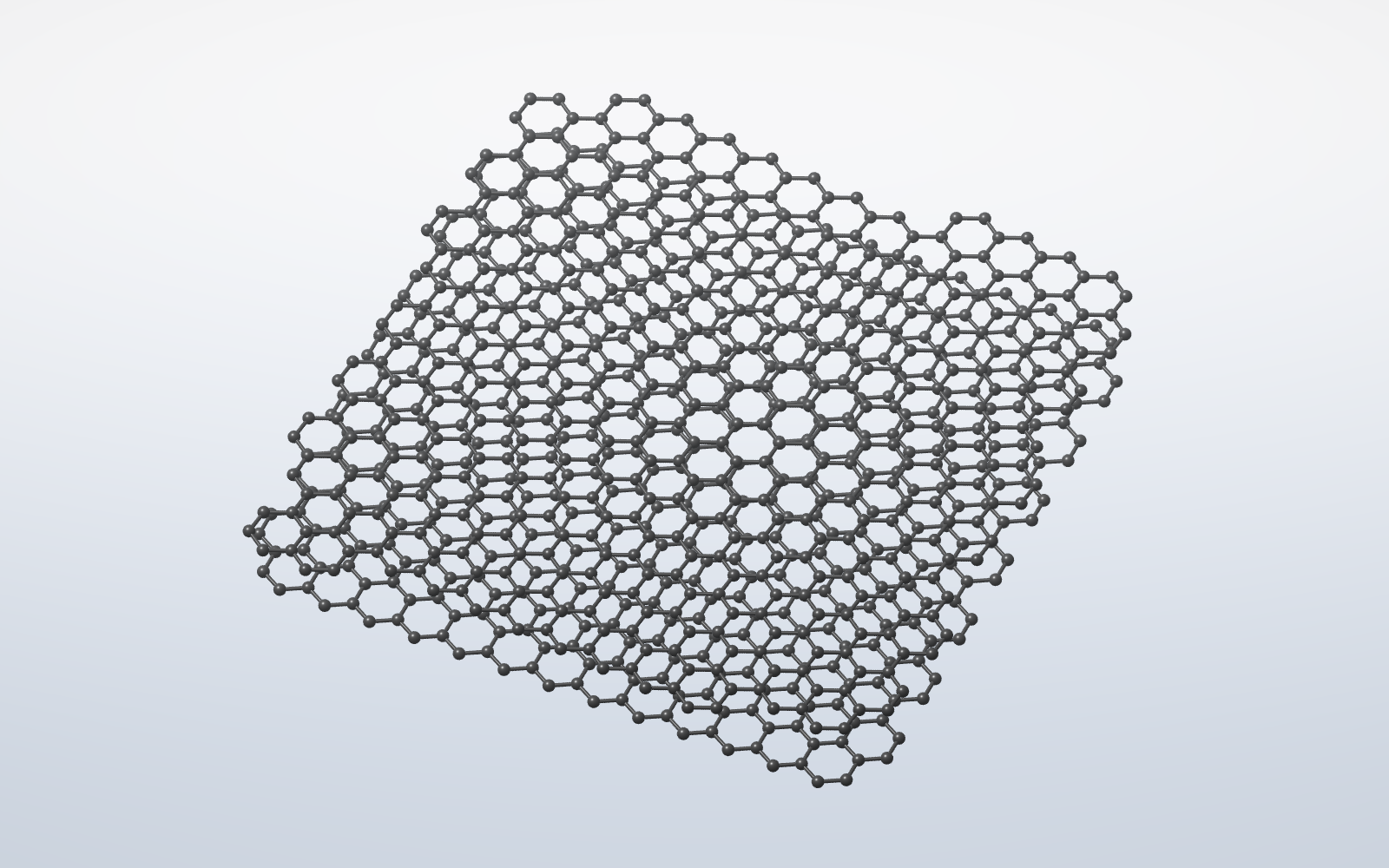
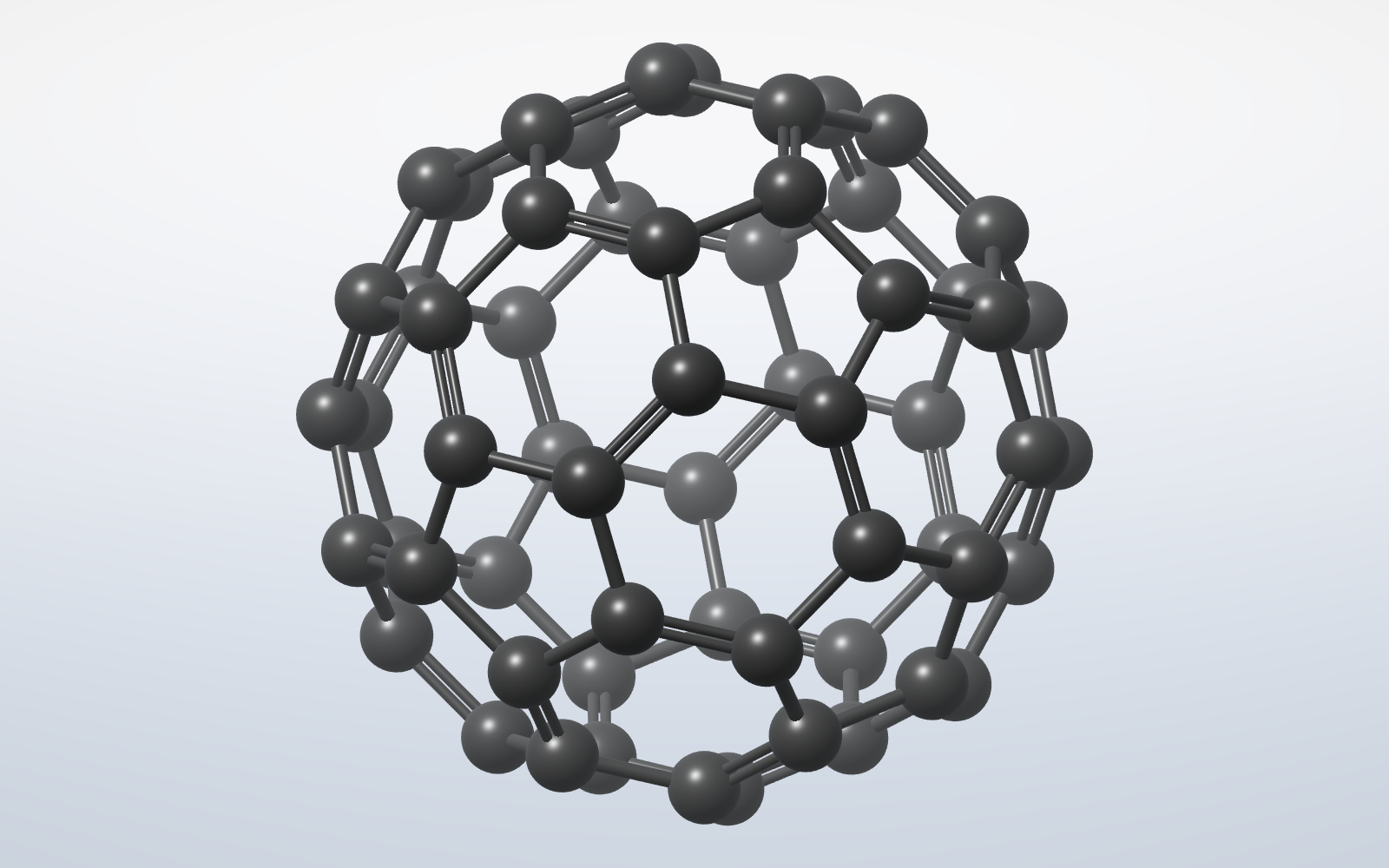
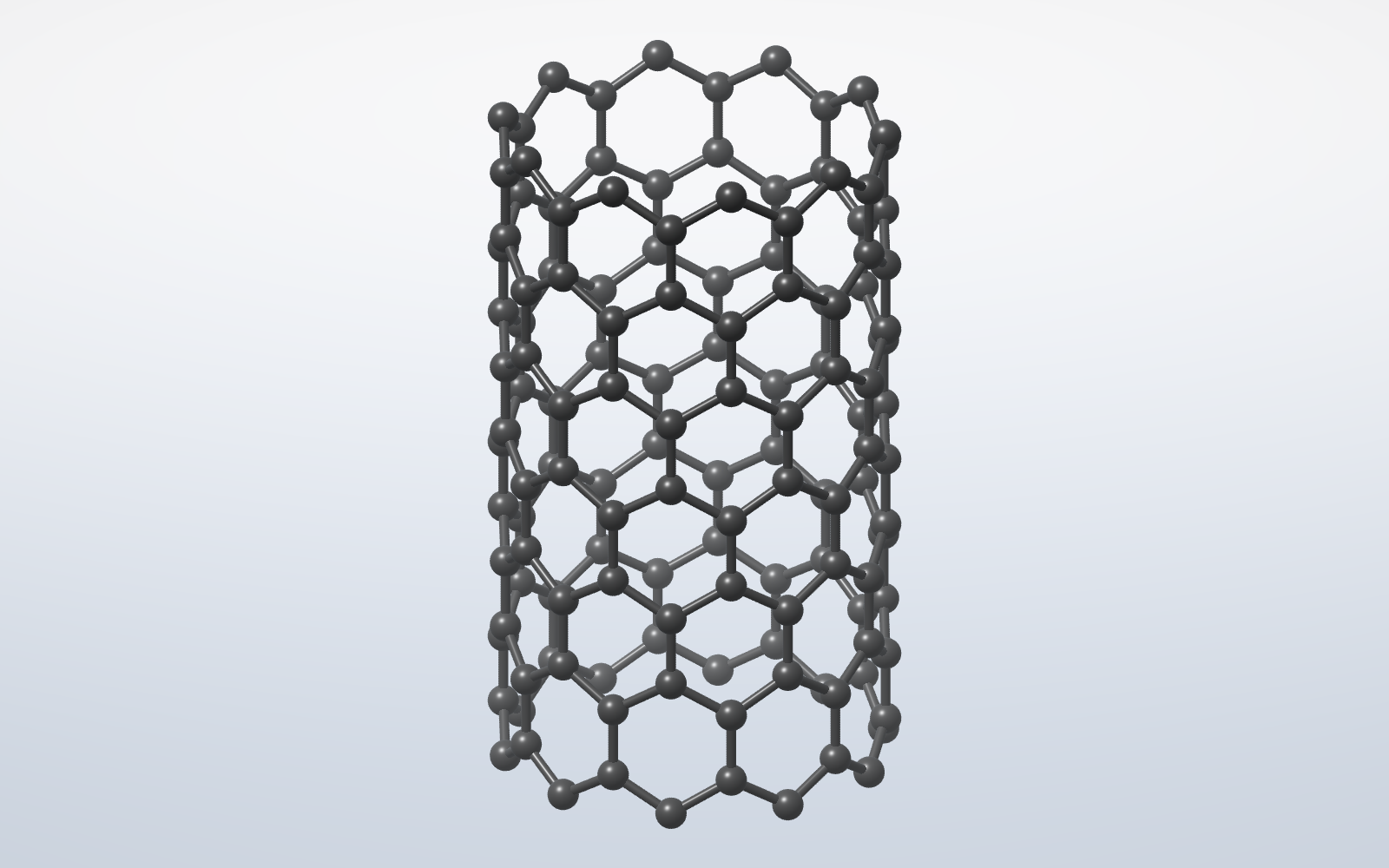
- Graphene, nanotubes and fullerenes — sheets (AA / AB / ABC, twisted bilayers, vacancies, doping), nanoribbons, quantum dots, (n,m) nanotubes and C20 / C60 / C70 cages
- 40 polymer presets (PE, PVC, PTFE, PMMA, nylon, PET, Kevlar, silicone…) or your own SMILES repeat unit, repeated n times
- Reactions — type CH4 + O2 -> CO2 + H2O and KherveMol balances atoms and charge, lays the reaction out in 3D and animates the atoms rearranging; 36 classic reactions included, and your own molecules can be used
- Full 118-element periodic table as a dockable, CPK-coloured picker
- Export — STL, 3MF with colours, OBJ, PLY and GLB for 3D printing and meshes, at a size in mm per ångström; XYZ, MOL, SDF, PDB and CIF for chemistry; PNG; and SVG that opens in KhervePaint as editable, gradient-filled vectors
- Properties — formula and molecular weight; with RDKit, exact mass, LogP, TPSA, H-bond donors/acceptors, rings, and InChI / InChIKey
- Connect to Claude (MCP) — let Claude Desktop, Claude Code or Cursor drive the live window: search the library, build molecules, crystals, surfaces, nanostructures, polymers and reactions, edit atoms and bonds, and look at the result. Local-only, and off until you enable it
- .kmol save/open, and a theme shared with the rest of the Kherve family
AI built in
A built-in AI Chat answers chemistry questions and draws on request — say “draw caffeine” and the assistant renders the molecule. Works with Claude, ChatGPT, Mistral, Ollama, or a local server, all off the UI thread. Or skip the chat window and connect Claude Desktop, Claude Code or Cursor over MCP (AI ▸ Connect to Claude).
Built with
A modern stack of well-known scientific Python libraries.
Examples
- Molecules — about 700, from water, ammonia and methane to caffeine, glucose and the amino acids
- Crystals — 122 structures: fcc, bcc, hcp, diamond, NaCl, perovskite, quartz, MoS₂
- Surfaces — Si(111), rutile(110), Cu(100), GaN(10-10) and dozens more, with molecules on top
- Graphene, nanotubes and fullerenes — twisted bilayers, (n,m) tubes, C60
- Polymers and reactions — 40 presets and 36 balanced, animated reactions
Documentation
Getting started
Download the installer for Windows or the disk image for macOS from this page and start KherveMol; the portable zip runs without installing. To run from source instead, install the requirements and run python KherveMol.py (or python -m khervemol). Pick a structure from the library tree on the left, the Crystal or Reaction menus, or the Explorer (Ctrl+L), and it opens in the 3D view.
Building molecules
In 3D View, drag to rotate, use the wheel to zoom, and the view cube to snap to standard orientations. To build, click an atom (a green ring appears), choose a bond order, then click an element in the Add atom palette; press Delete to remove an atom.
2D and 3D together
The 2D sketcher draws proper skeletal formulae — line bonds, lettered heteroatoms, implicit hydrogens — and stays mirrored with the 3D model. Build 3D from 2D sketch (Ctrl+B) goes one way; Structure ▸ Flatten 3D → 2D sketch goes the other.
Crystals, surfaces and nanostructures
The Crystal menu builds any of 122 crystals as a block of cells, with the cell outline and bonds. Surfaces cuts a slab along any (hkl) plane, and you can place the molecule you drew, or a SMILES, on it at a chosen height. Graphene, nanotubes and fullerenes have their own builders.
Reactions
In the Reaction builder, type an equation such as CH4 + O2 -> CO2 + H2O. KherveMol balances atoms and charge, lays the reaction out in 3D with coefficients and an arrow, and Animate plays the atoms rearranging, bonds breaking and forming.
Import, export, and files
Type a SMILES string to embed a real 3D conformer, or open .mol, .sdf and .pdb files — RDKit is included in the installers. Native documents save as .kmol; export a PNG of the current tab, STL, 3MF, OBJ, PLY or GLB for 3D printing, chemistry files (XYZ, MOL, SDF, PDB, CIF), or SVG that opens editable in KhervePaint.
Connect to Claude
AI ▸ Connect to Claude sets up Claude Desktop, Claude Code or Cursor to drive the live window over MCP — local only, and off until you turn it on.
Updates
An installed copy checks GitHub for a newer release (Help ▸ Check for Updates) and offers the release page. A copy run from a git checkout pulls new commits itself, when it is safe to.
Versions
Disk image for Apple Silicon and Intel.
First public release. An interactive OpenGL 3D ball-and-stick viewer with a 2D skeletal sketcher over one shared structure; build molecules by hand with valence checking. About 700 molecules, 122 crystals, 60 surfaces, graphene, nanotubes and fullerenes, 40 polymers and 36 balanced, animated reactions. Export STL, 3MF, OBJ, PLY, GLB, XYZ, MOL, SDF, PDB, CIF, PNG and SVG for KhervePaint; SMILES and .mol / .sdf / .pdb import are included because RDKit is bundled. Connect Claude Desktop, Claude Code or Cursor over MCP. Windows installer and portable zip, and macOS disk images for Apple Silicon and Intel.
Part of the Kherve Tools family
Applications made by a scientist, for scientists.