KherveTeX
AvailableWYSIWYG document editing that produces beautiful LaTeX PDFs.
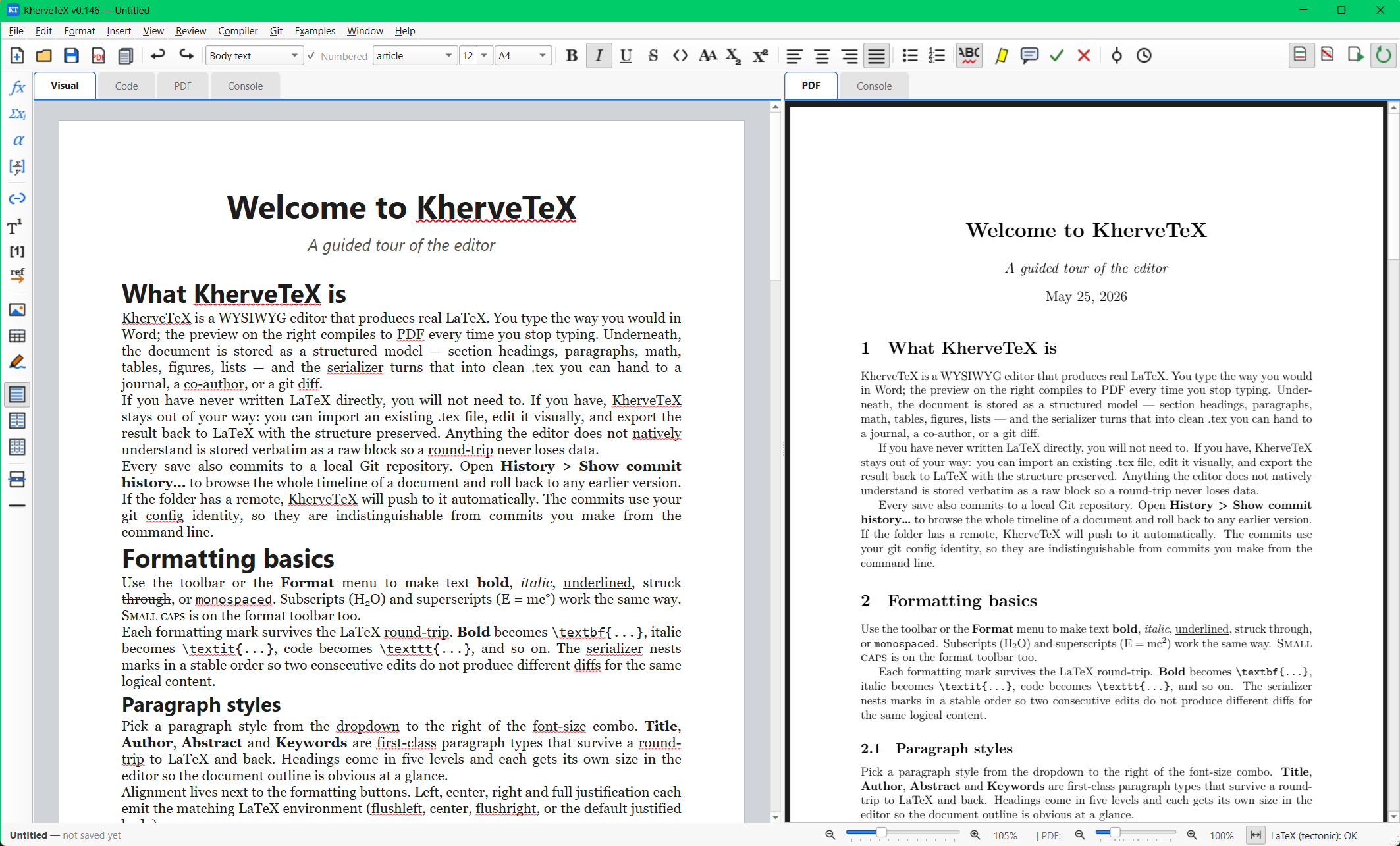
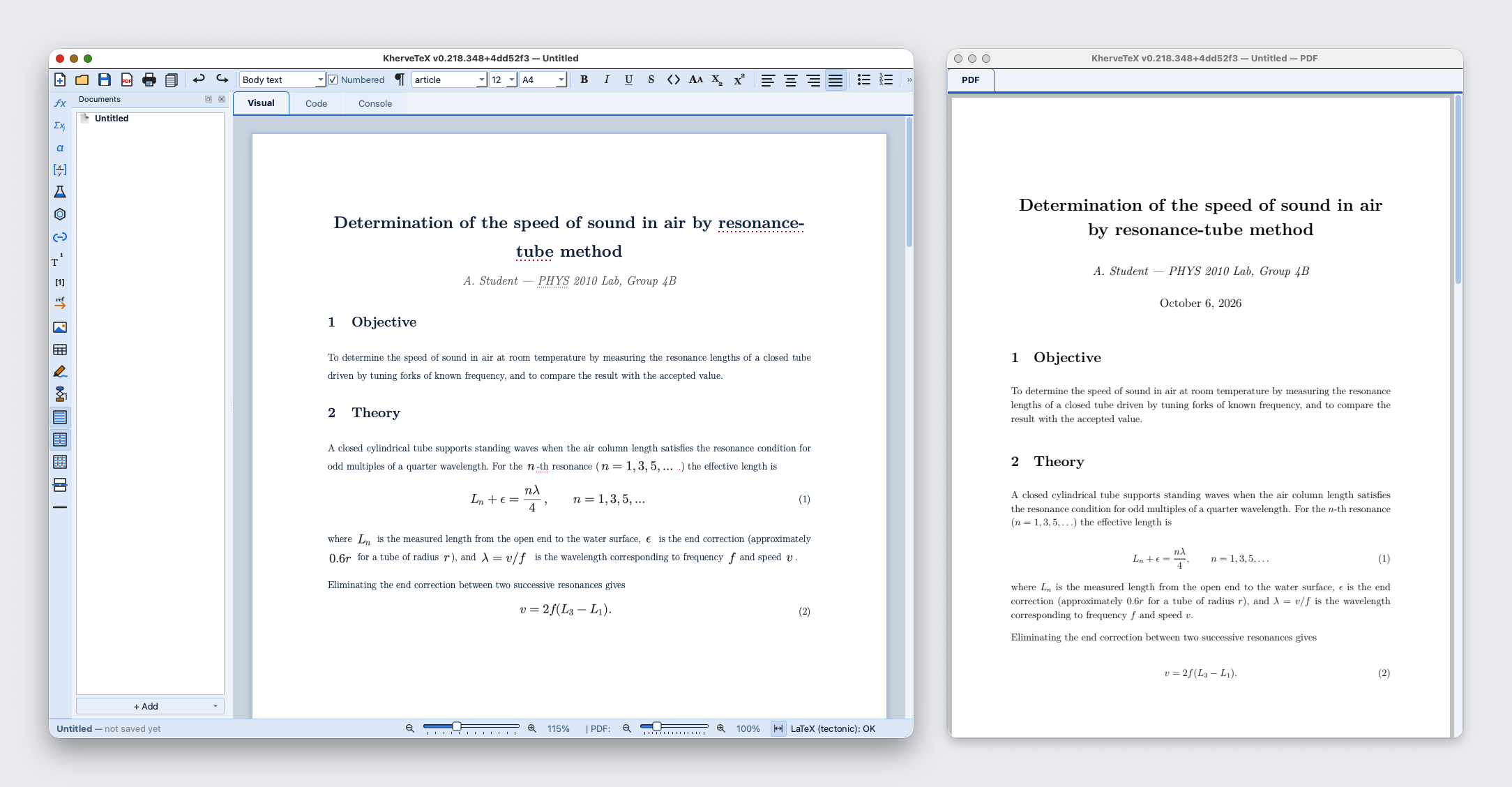
Write in the Visual tab — a page that already looks like the typeset paper — while KherveTeX generates clean LaTeX underneath, with the live PDF alongside it on the side. Math, figures, tables, citations, cross-references and footnotes are first-class, .tex and .docx import are built in, and every save is versioned in Git.
Attributes
- Controllable by AI over MCP — Claude can write and edit the open document, insert equations, chemistry and drawings, compile it and check the pages
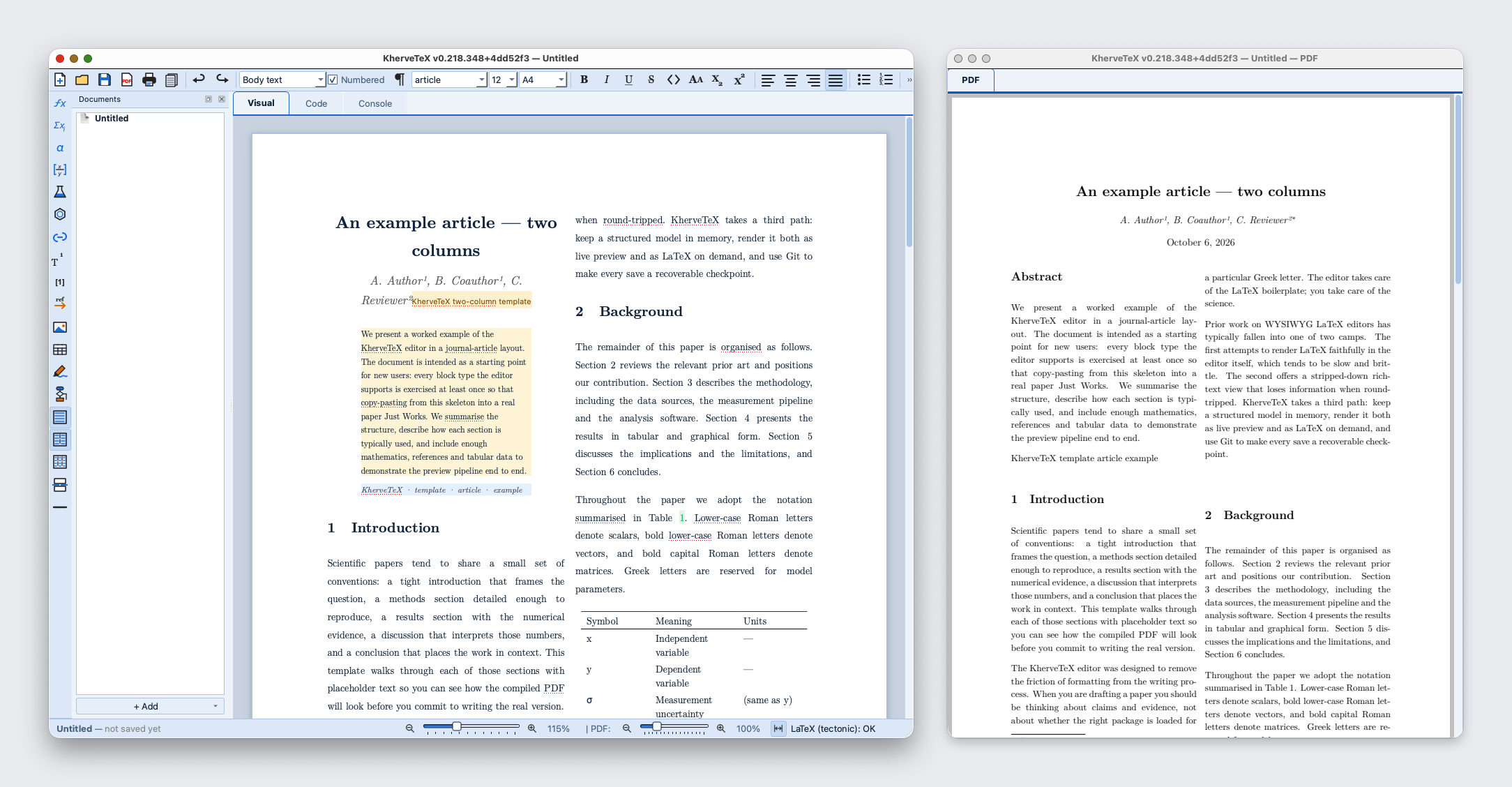
- Word-style page card at real A4 / Letter / Legal size, with visible page-break lines
- Paragraph styles (Title, Heading 1–5, Body) and full inline marks — bold, italic, code, small caps, sub/superscript
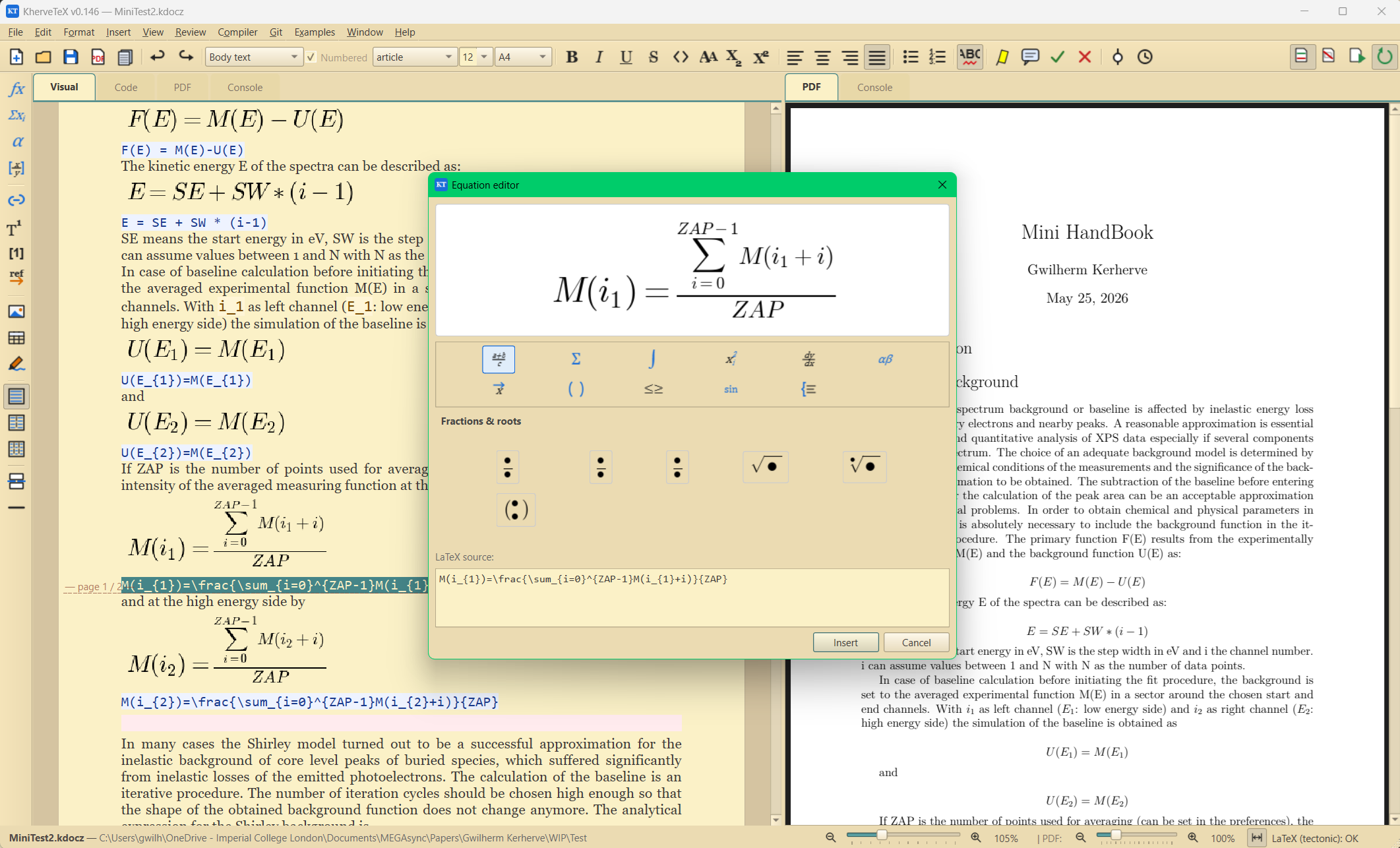
- Inline and block math, typed as LaTeX and rendered live
- Figures with captions and labels, tables, footnotes, citations, cross-references, hyperlinks
- Visual tab that looks like the final paper — real fonts, numbered equations, scaled abstract — with the compiled PDF on the side
- Import .tex and .docx (embedded images extracted automatically); export .tex and .pdf
- Raw LaTeX escape hatch when you need full control
- Git-based version history — every save is a commit
AI built in
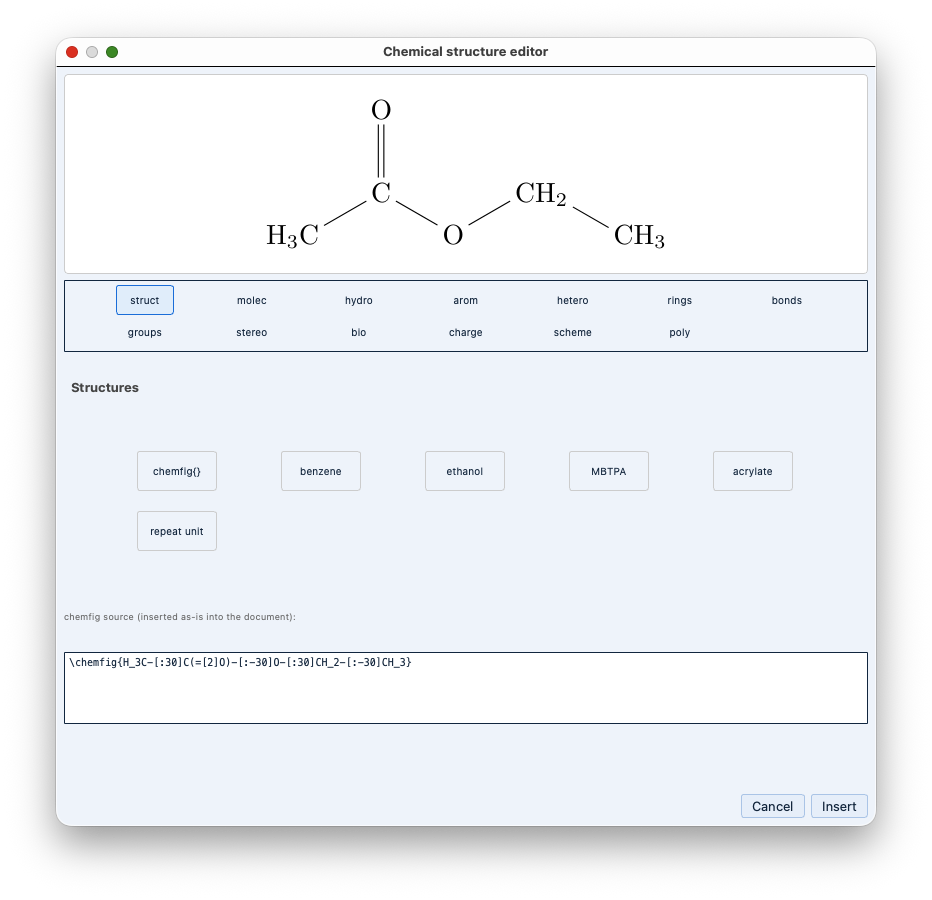
Control KherveTeX from Claude Desktop, Claude Code or Cursor over MCP (AI ▸ Connect to Claude): the assistant works in the open document — reads its outline, blocks and LaTeX, inserts and rewrites text, equations, chemistry and drawings, sets the title and metadata, compiles and looks at the rendered pages to check its work, then saves or exports the PDF. Local-only, off until you enable it, with read-only or full access.
Built with
A modern stack of well-known scientific Python libraries.
Documentation
Getting started
Install the requirements and run kherveDOC.py, or use the Windows installer or macOS DMG. You write on a page card that matches real paper sizes; the Visual tab looks like the final paper, the compiled PDF sits beside it, and the Code tab shows the LaTeX — all live as you type.
Math and science writing
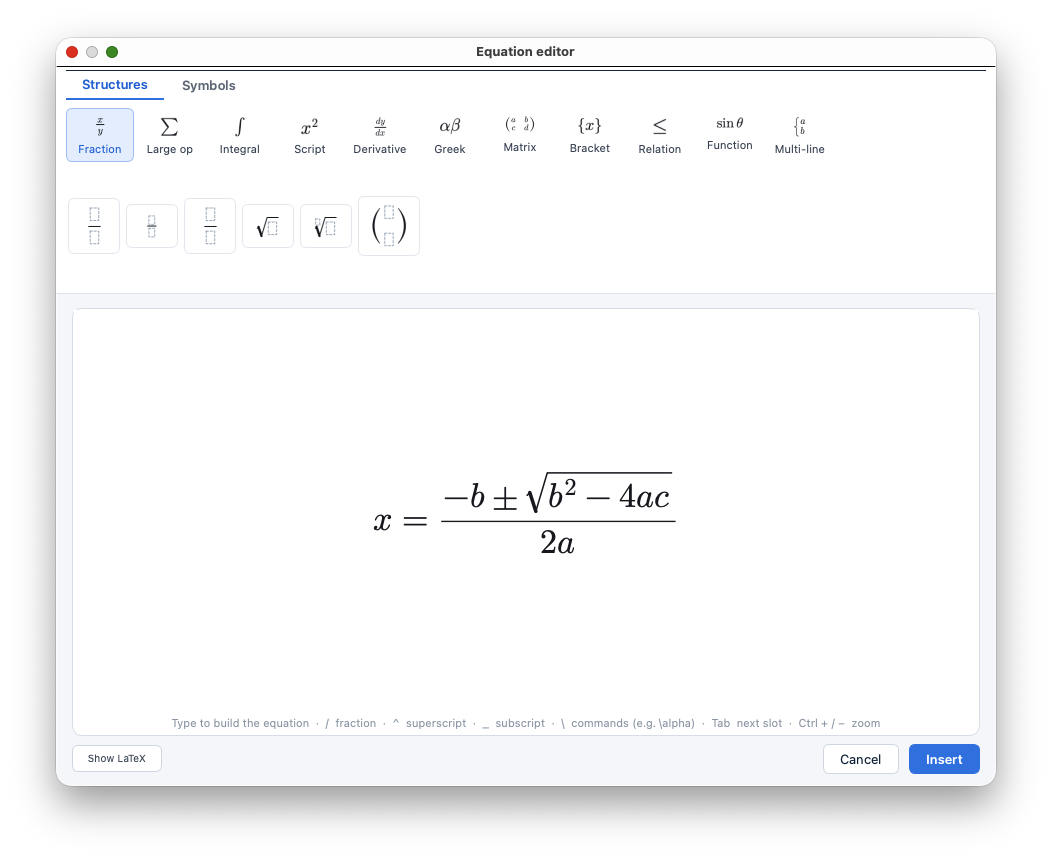
Insert inline math or display equations and type LaTeX directly — they render in place. Citations (cite / citep / citet), cross-references (ref / eqref / pageref) and footnotes work the way LaTeX users expect, without leaving the WYSIWYG view.
File formats
The native format is .ktex.json — a JSON serialisation of the document model — with a sibling .tex file always kept alongside. .ktexz bundles the document with its images in one ZIP. Import from .tex or .docx; export to .tex or compiled .pdf.
Version history
Each document gets its own Git repository via pygit2. Saving auto-commits (and pushes to origin when a remote is configured), and the History viewer lets you inspect and restore any earlier version.
Versions
Disk image for Apple Silicon and Intel.
Documents now compile on a new Windows PC: the installer bundles every font and package its templates use (0.214 missed common fonts, so ordinary documents had to download them and failed on slow networks), a missing font is fetched instead of printing blank text, and a compile never hangs waiting for input. The PDF opens in its own window beside the editor. Compiler menu: compiler status and the package cache folder. Claude can control KherveTeX over MCP.
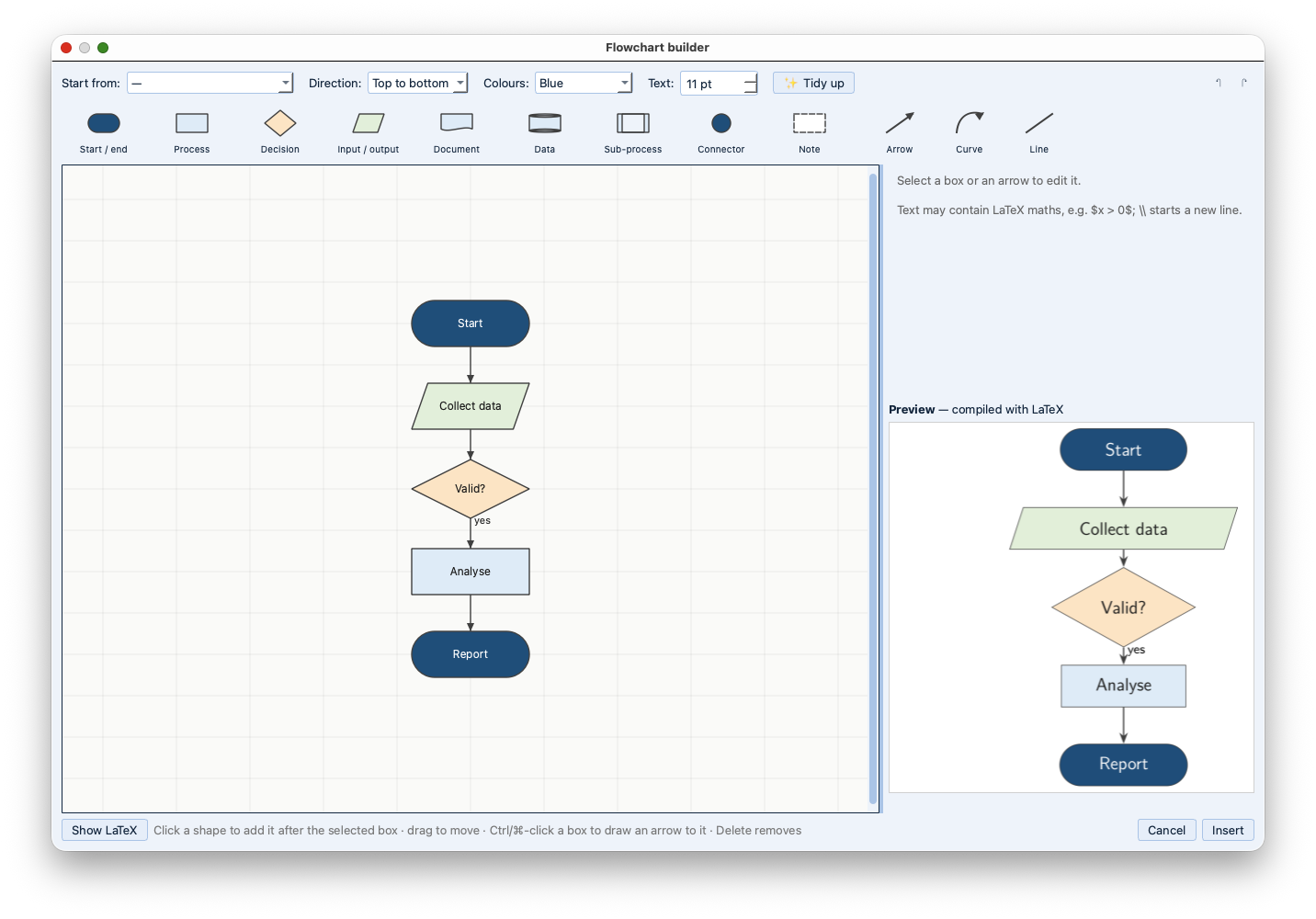
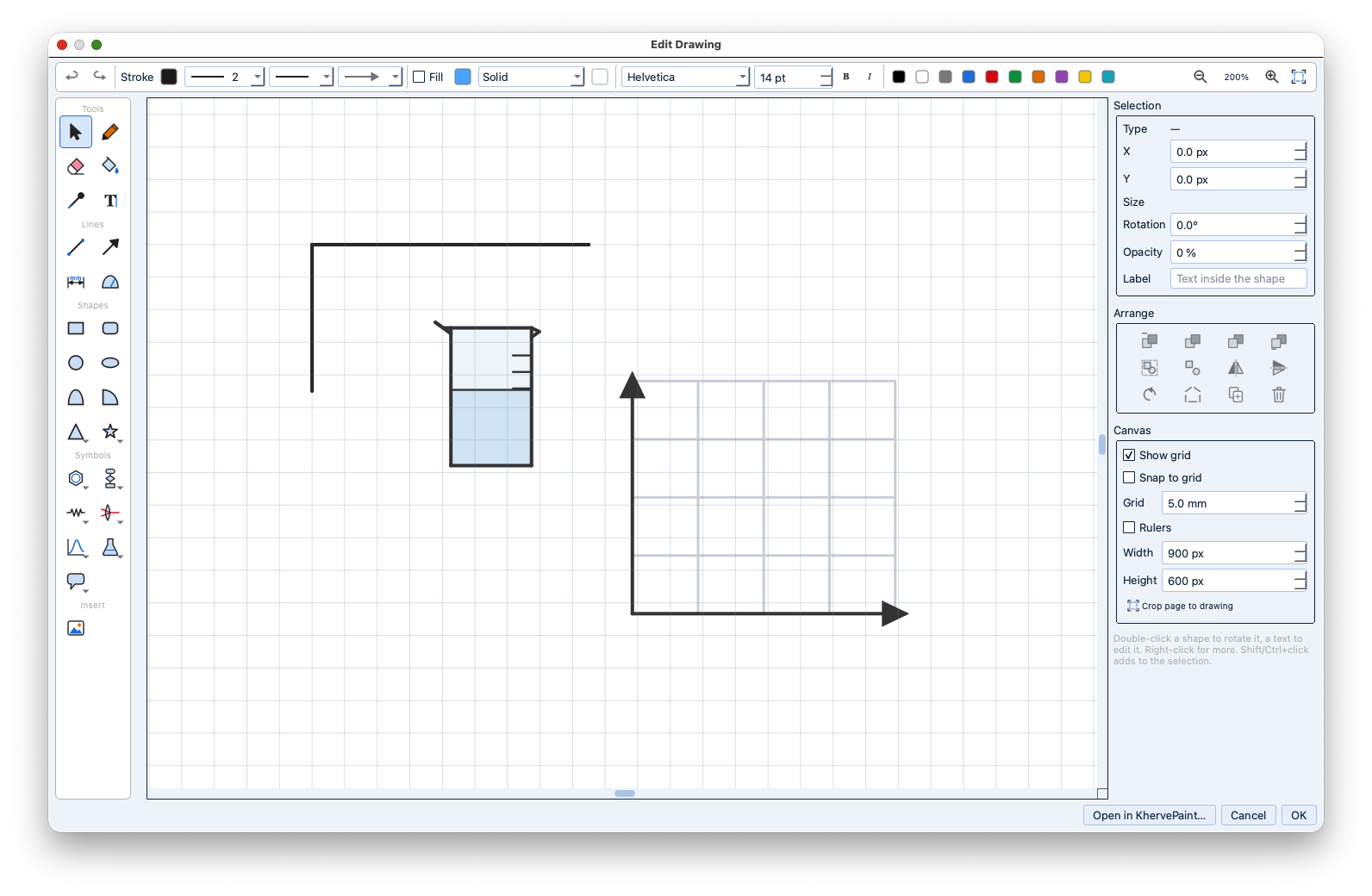
The Visual tab now looks like the final paper — real pages, typeset numbered equations, columns — so the PDF moves to the side. First macOS release. Also: new equation editor, KhervePaint-based drawings and flowcharts, project Documents panel, .ktex format, Claude over MCP, offline compiles, printing.
AI panel on by default with a toolbar toggle; equation-editor slot UX.
Part of the Kherve Tools family
Applications made by a scientist, for scientists.