KhervePaint
AvailableDraw anything scientific — by hand, from the library, or by AI.
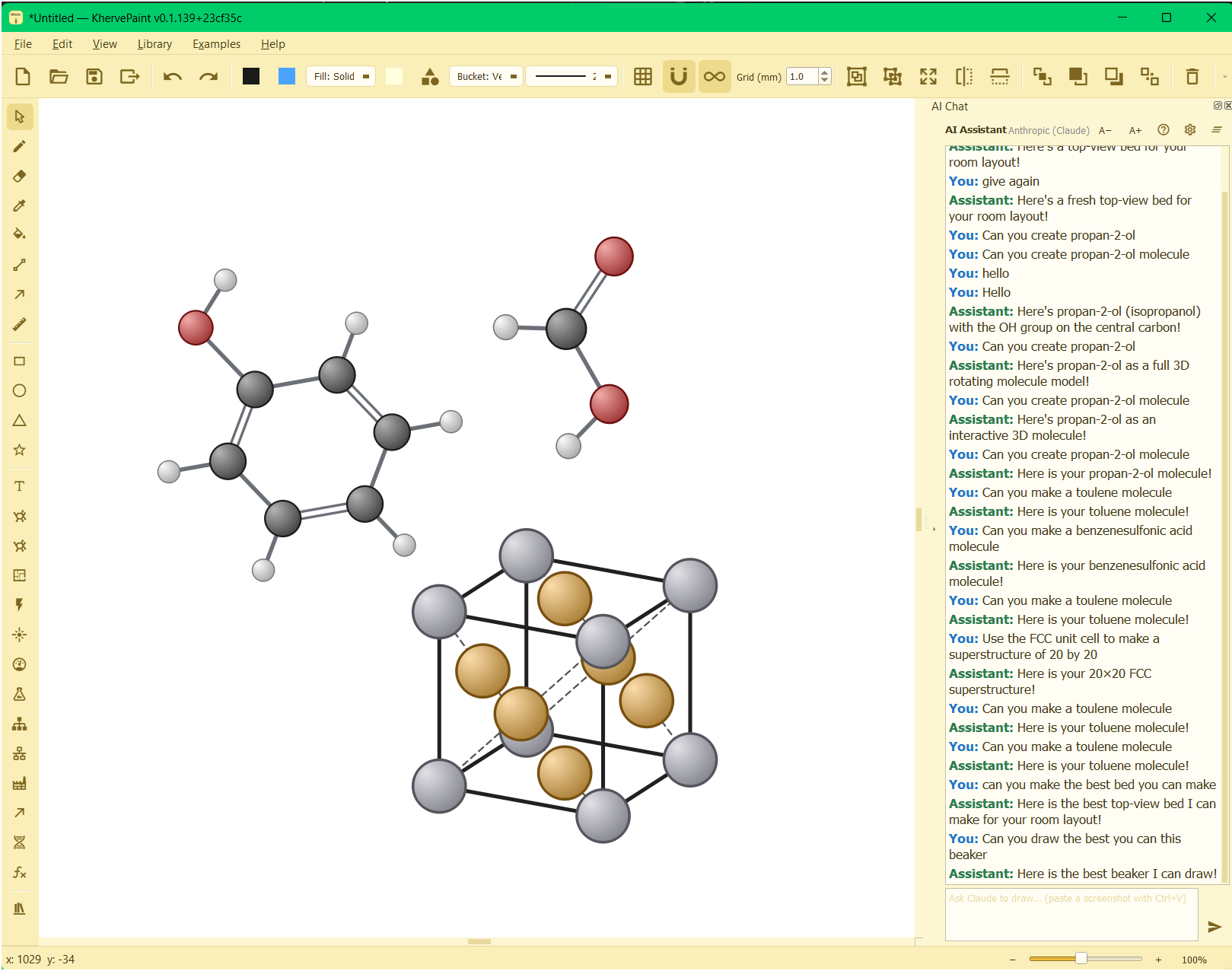
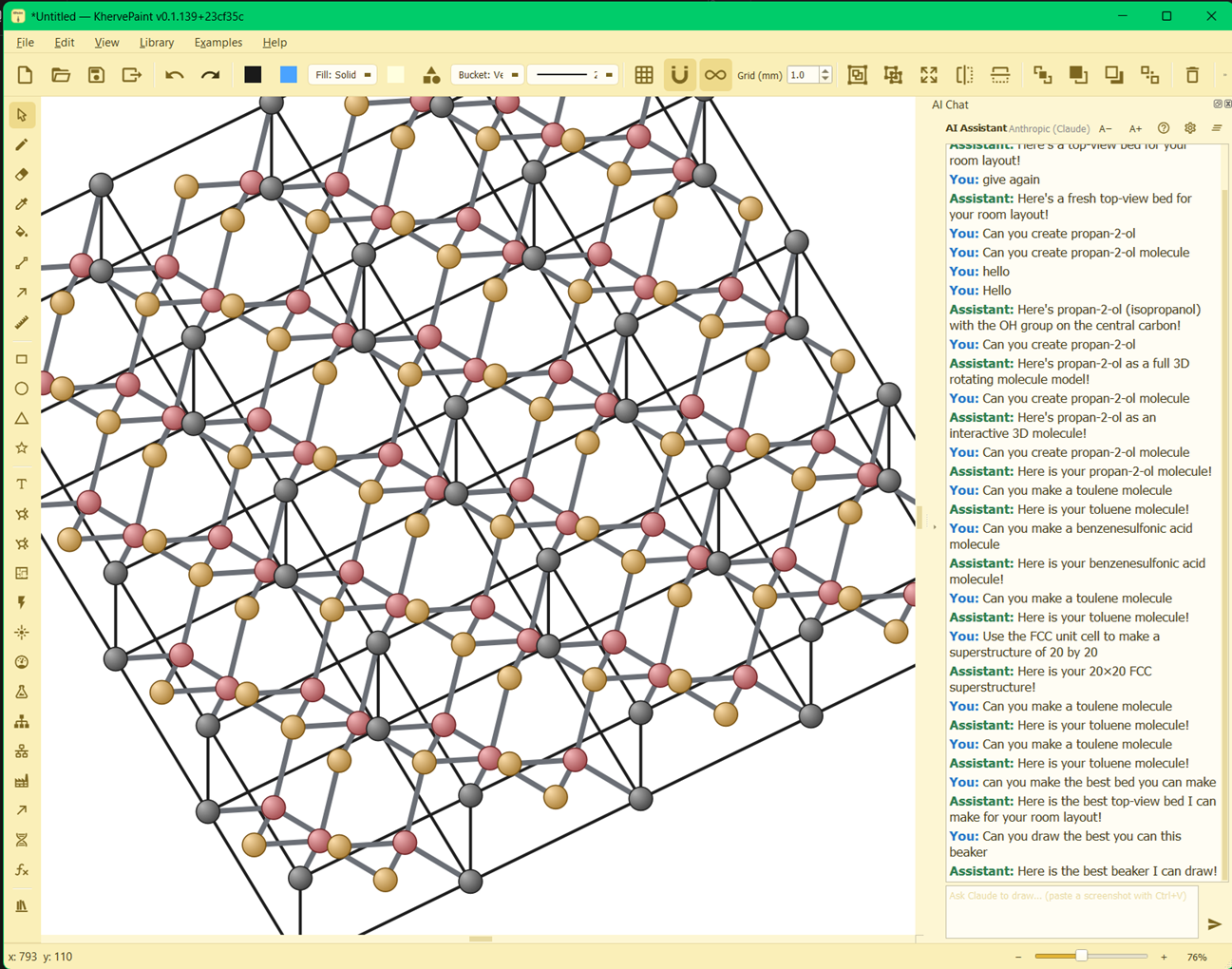
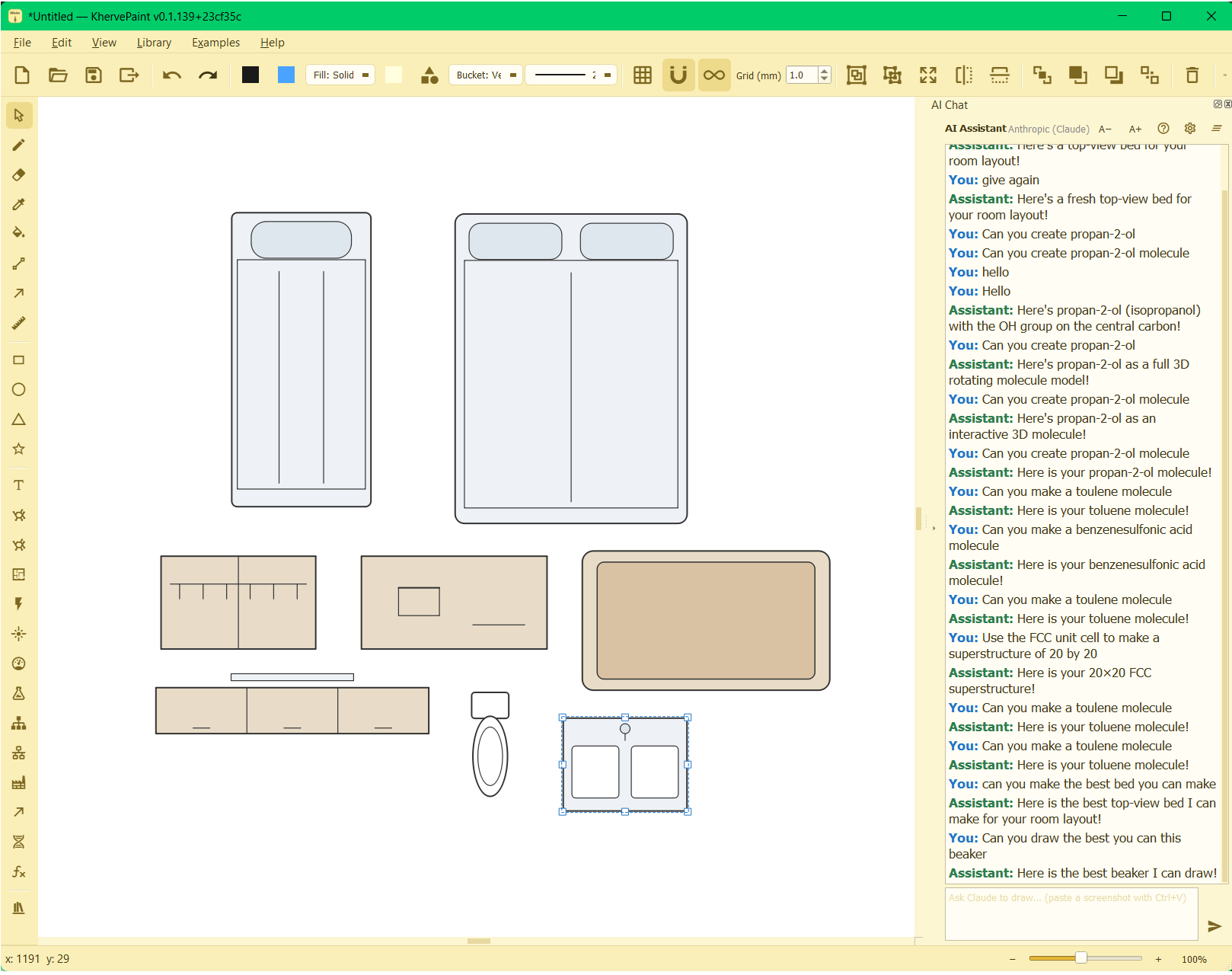
Everything you expect from a graphics program — every drawing tool, raster and vector layers, grid and snapping, precise dimension lines, and editable-SVG files — and a great deal more. KhervePaint ships a vast library of ready-made objects covering most fields of science, and it draws molecules and crystal unit cells, even stacking unit cells into full superstructures. And its built-in AI assistant will draw for you from a plain-language prompt — ask for a bed, a piece of apparatus, or almost any molecule, and it appears as real, editable shapes on the canvas.
Attributes
- A full drawing toolkit — pencil, lines, arrows, rectangles, circles, ellipses, polygons, text; select, move, resize, rotate, group and ungroup
- Raster + vector on one canvas — open a PNG, bucket-fill regions, and draw fully editable shapes on top
- Grid overlay with snap-to-grid, and dimension lines with a live measured length in mm
- A vast object library spanning most scientific fields — chemistry, biology, electronics, lab and vacuum apparatus, and more
- Molecules and crystal unit cells — place ball-and-stick models and stack unit cells into full superstructures
- Saves as editable SVG by default; .kpaint lossless JSON; export to PNG or PDF
AI built in
A dockable AI assistant draws for you: ask in plain language for almost anything — a bed, a piece of lab apparatus, or most molecules — and it arrives as real, editable, undoable shapes on the canvas. Choose Claude, ChatGPT, Mistral, Ollama, or a local endpoint.
Built with
A modern stack of well-known scientific Python libraries.
Documentation
Getting started
Install the requirements and run python KhervePaint.py. You draw on one canvas that mixes a raster layer and a vector layer; pick a tool from the toolbar and start drawing, or drop a PNG in to fill and edit its pixels.
Raster and vector together
Open a PNG and bucket-fill regions into the raster layer, then draw fully editable vector shapes — pencil strokes, lines, arrows, dimension lines (with a live length label in mm), rectangles, circles, ellipses, polygons and text — on top. Select, move, resize, rotate, and group items; the grid overlay snaps as you draw.
Scientific stencils & molecules
Drop in ready-made chemistry, biology, and electrical symbols, or place molecule and crystal ball-and-stick models (like a benzene ring or a diamond unit cell) straight onto the canvas as editable items.
File formats
Documents save as editable SVG by default — reopening one breaks it back into editable items. A lossless .kpaint (JSON) format is also available, and Export writes a flattened PNG or a single-page PDF.
Versions
New Measure menu — scale bar, mm edge rulers, protractor, and a live shape-size readout in mm. Right-click the canvas for tools and the symbol library. The eraser and pencil now edit the pixels of imported images.
Hybrid raster + vector drawing for scientific figures.
Part of the Kherve Tools family
Applications made by a scientist, for scientists.