KhervePDF
AvailableA PDF viewer and annotation editor with built-in Git history.
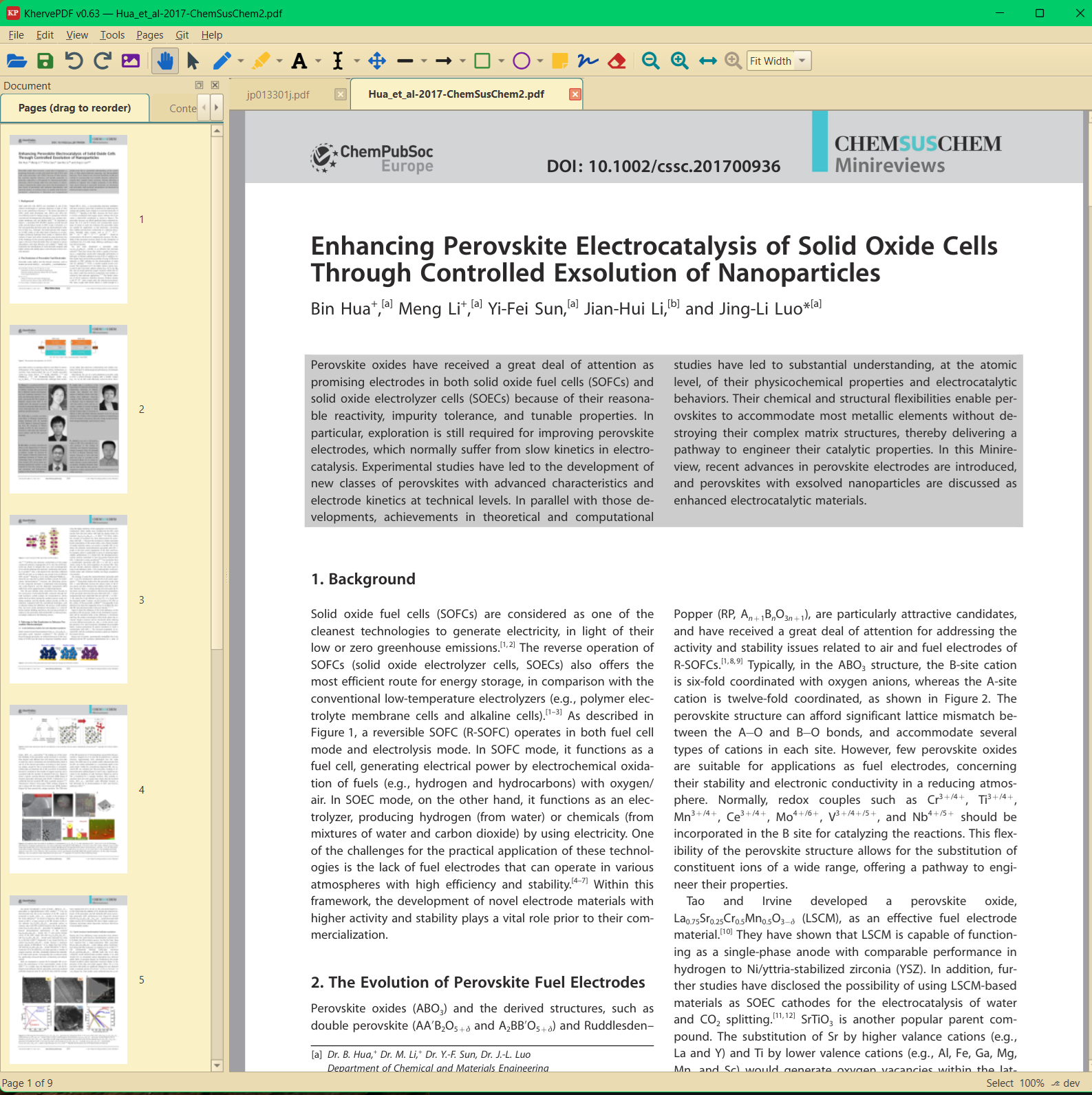
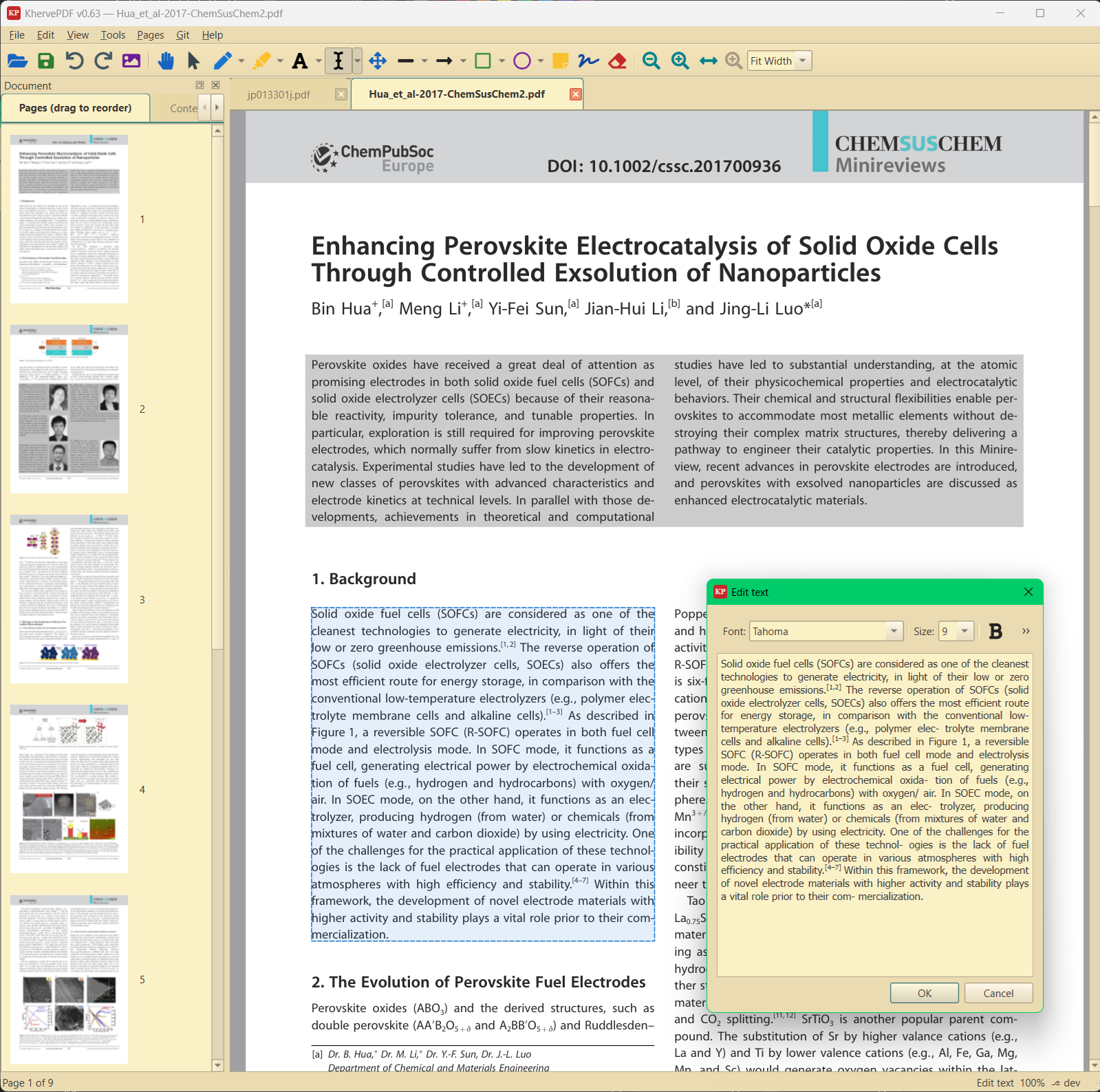
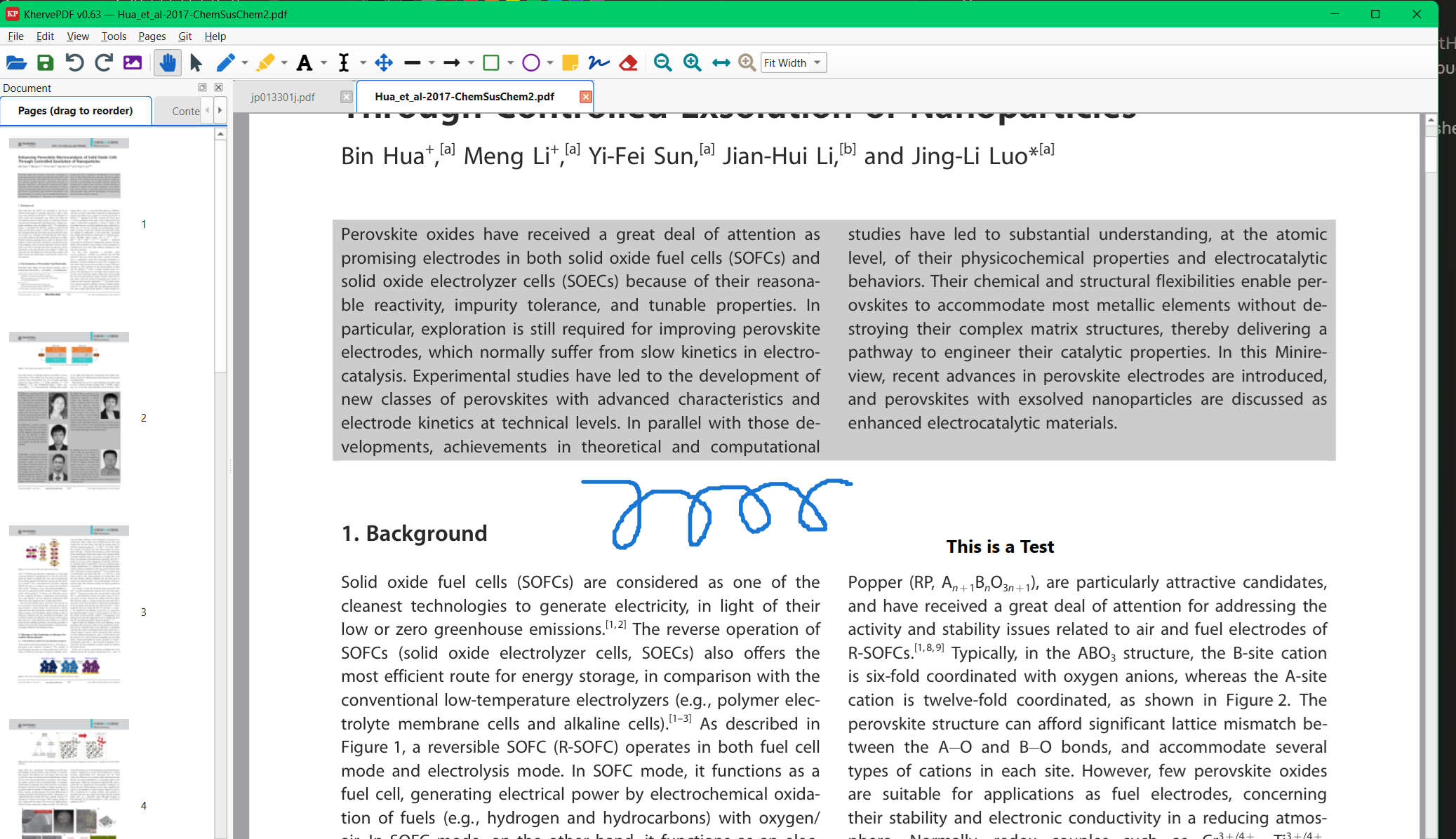
Tabbed PDF viewing with a full annotation toolbox — pen, highlight, text, arrows, shapes, sticky notes, signatures, redaction — plus page operations (merge, split, rotate, reorder), form filling, and text search. Every document gets its own Git repository with auto-commit and a history browser.
Attributes
- Tabbed PDF view — one document per tab
- Annotation tools: pen (multi-colour), highlight, text, line, arrow, rectangle, ellipse, sticky note, signature, redact
- Page operations: insert, delete, rotate, reorder, merge, split
- AcroForm form filling and text search across pages
- Digital signing (pyHanko)
- 13 themes shared with KherveTeX — Light, Dark, Nord, Dracula, Gruvbox, Monokai, One Dark, GitHub, Catppuccin, …
- Per-document Git repo: auto-commit on save, history browser, GitHub remote
Built with
A modern stack of well-known scientific Python libraries.
Documentation
Getting started
Install with pip install -r requirements.txt and run python KhervePDF.py, or use the Windows installer. Open a PDF and it appears in its own tab; all tools live in the toolbar above the page view.
Annotating
Pick a tool — pen, highlighter, text, arrow, shape, sticky note, signature or redaction — and draw directly on the page. Annotations are saved into the PDF itself, so they travel with the file to any other reader.
Page operations
Insert, delete, rotate and reorder pages from the page panel, and merge or split whole documents. Fillable forms (AcroForm) can be completed and saved in place.
Version history
Every document gets its own Git repository: each save is auto-committed, the history browser shows every prior version, and a GitHub remote can be attached for off-machine backup.
Versions
Hideable AI assistant sidebar grounded in the active document.
Part of the Kherve Tools family
Applications made by a scientist, for scientists.