KherveSheet
AvailableAn Excel-inspired spreadsheet workbench for scientific data.
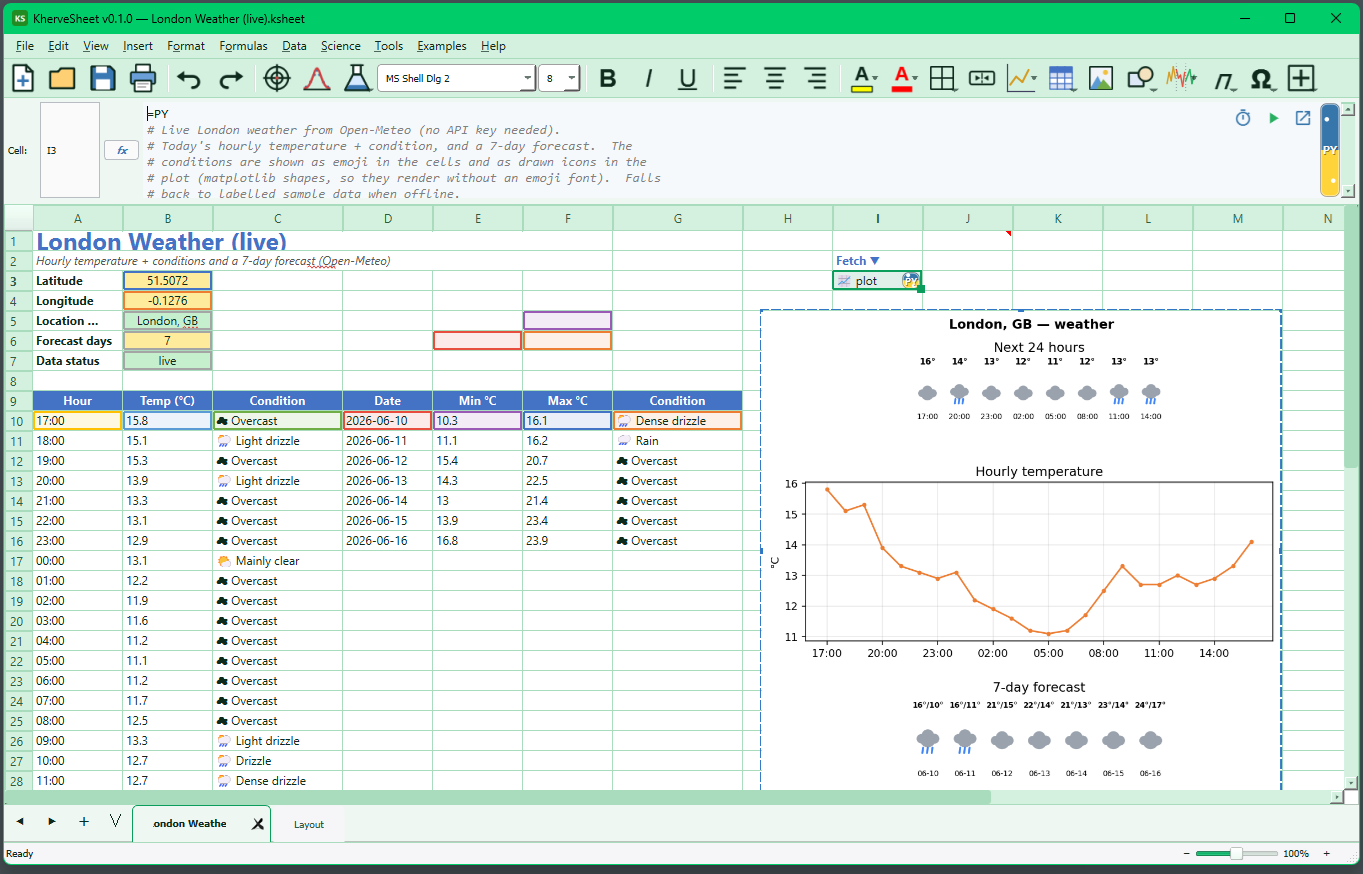
A spreadsheet that speaks science: familiar Excel-style formulas and layout combined with an embedded scientific plotting engine and curve fitting. Import and export .xlsx, fit your data, and produce publication-quality charts without leaving the sheet.
Attributes
- Excel-style grid, formulas, and workflow — familiar from day one
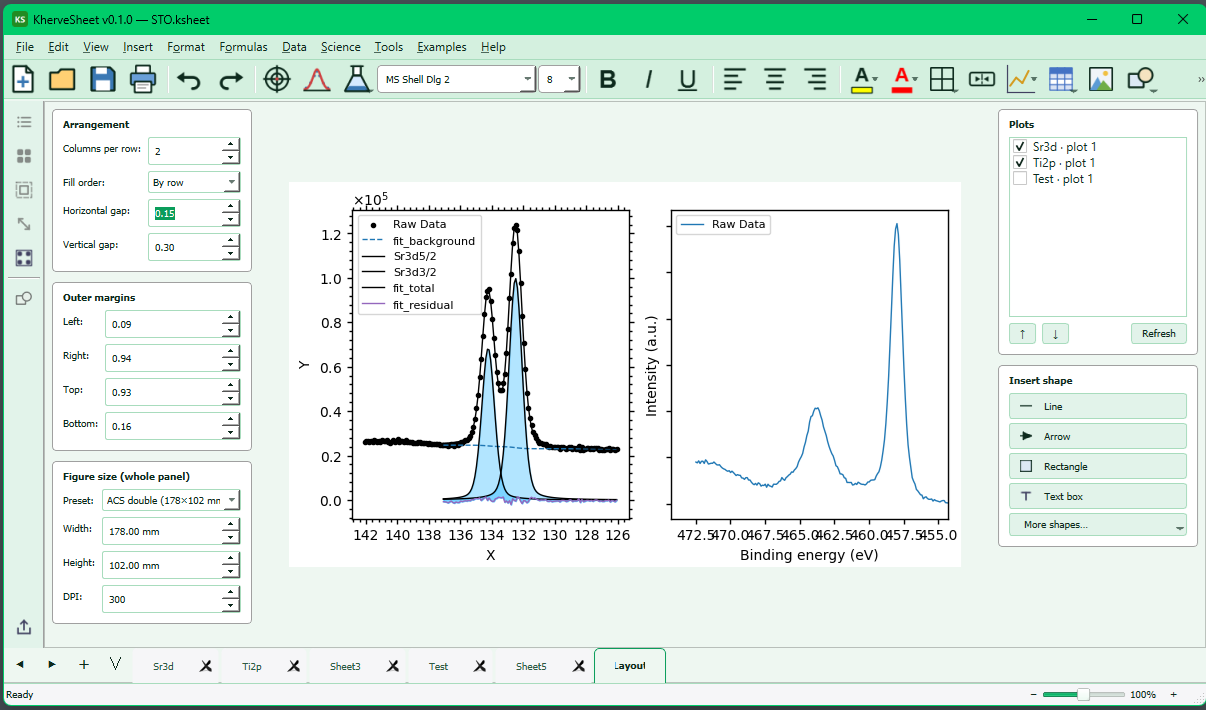
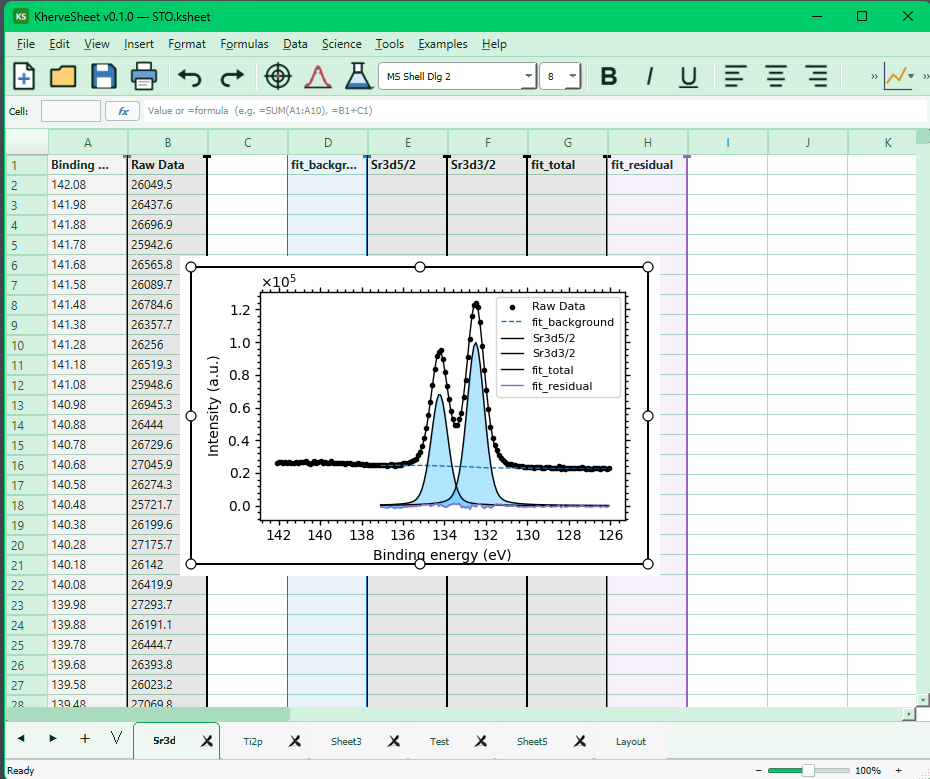
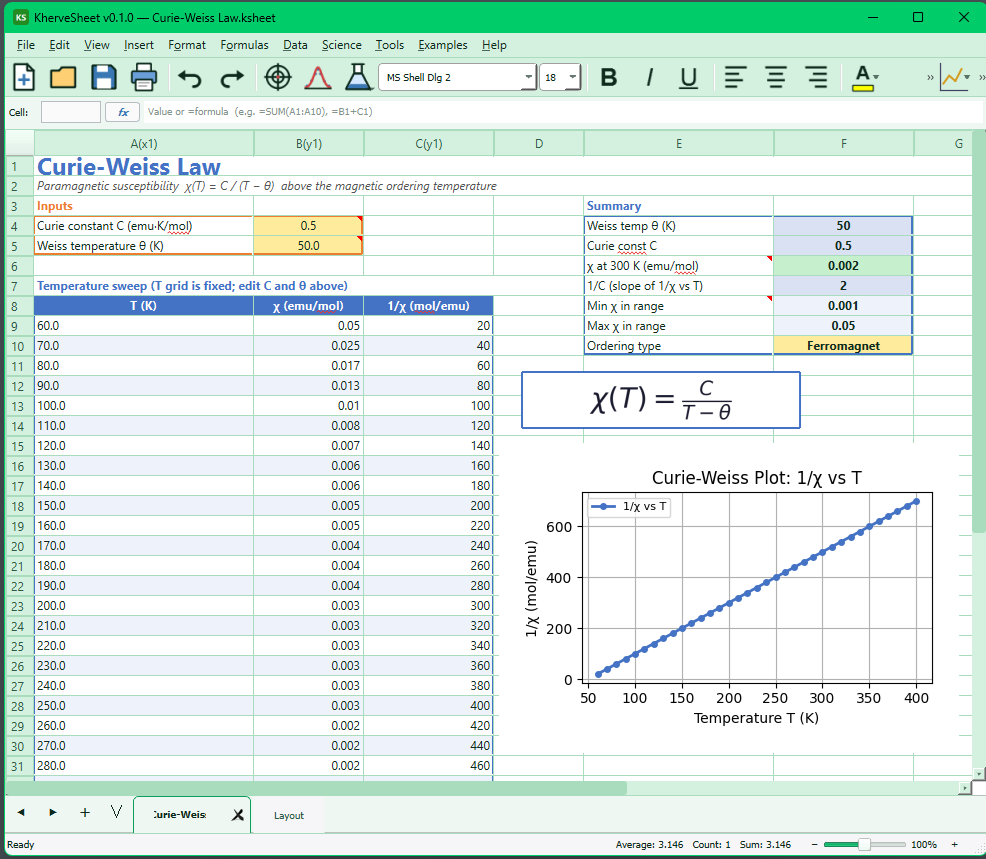
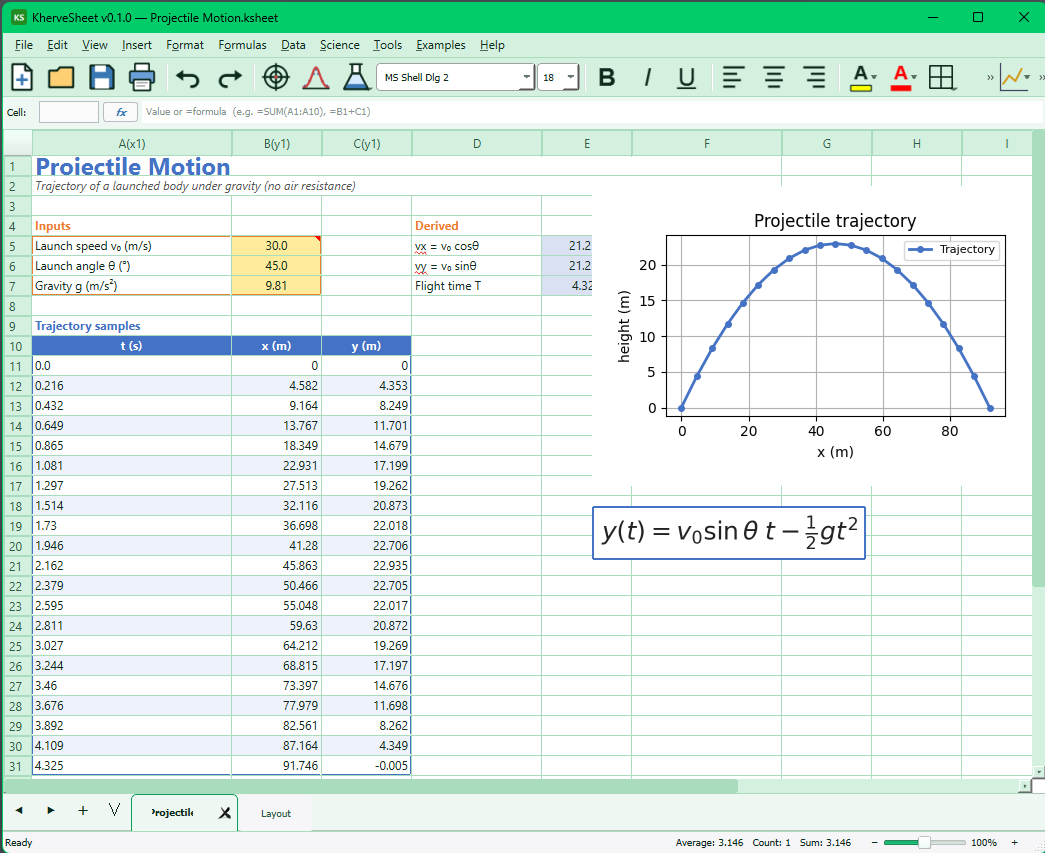
- Embedded scientific charts powered by the KhervePlot plotting engine
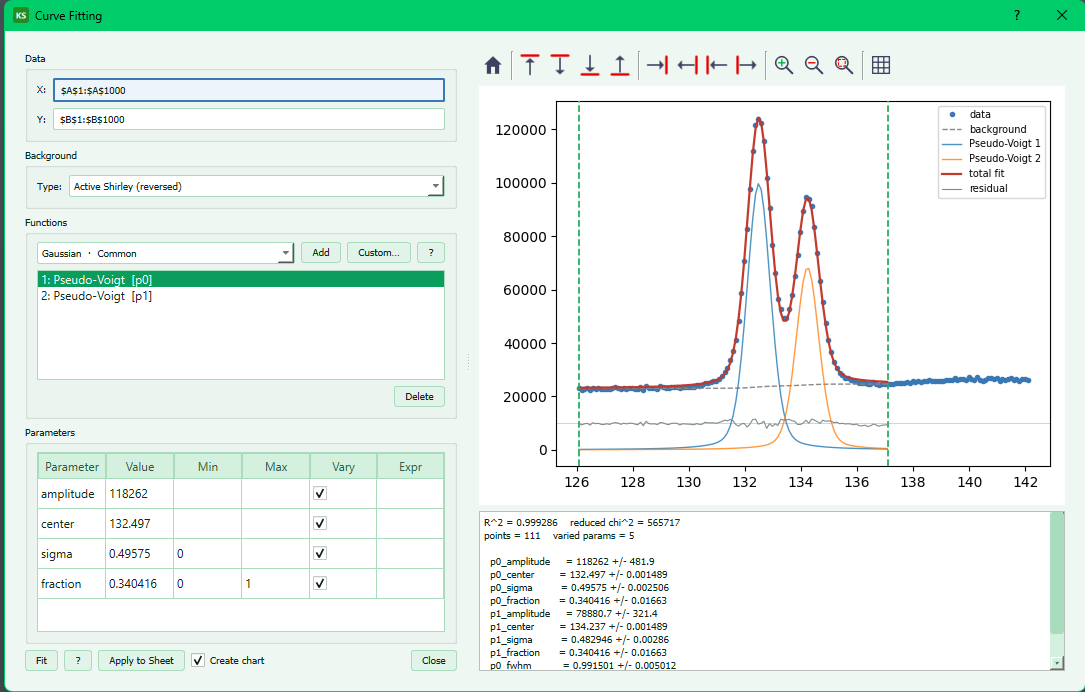
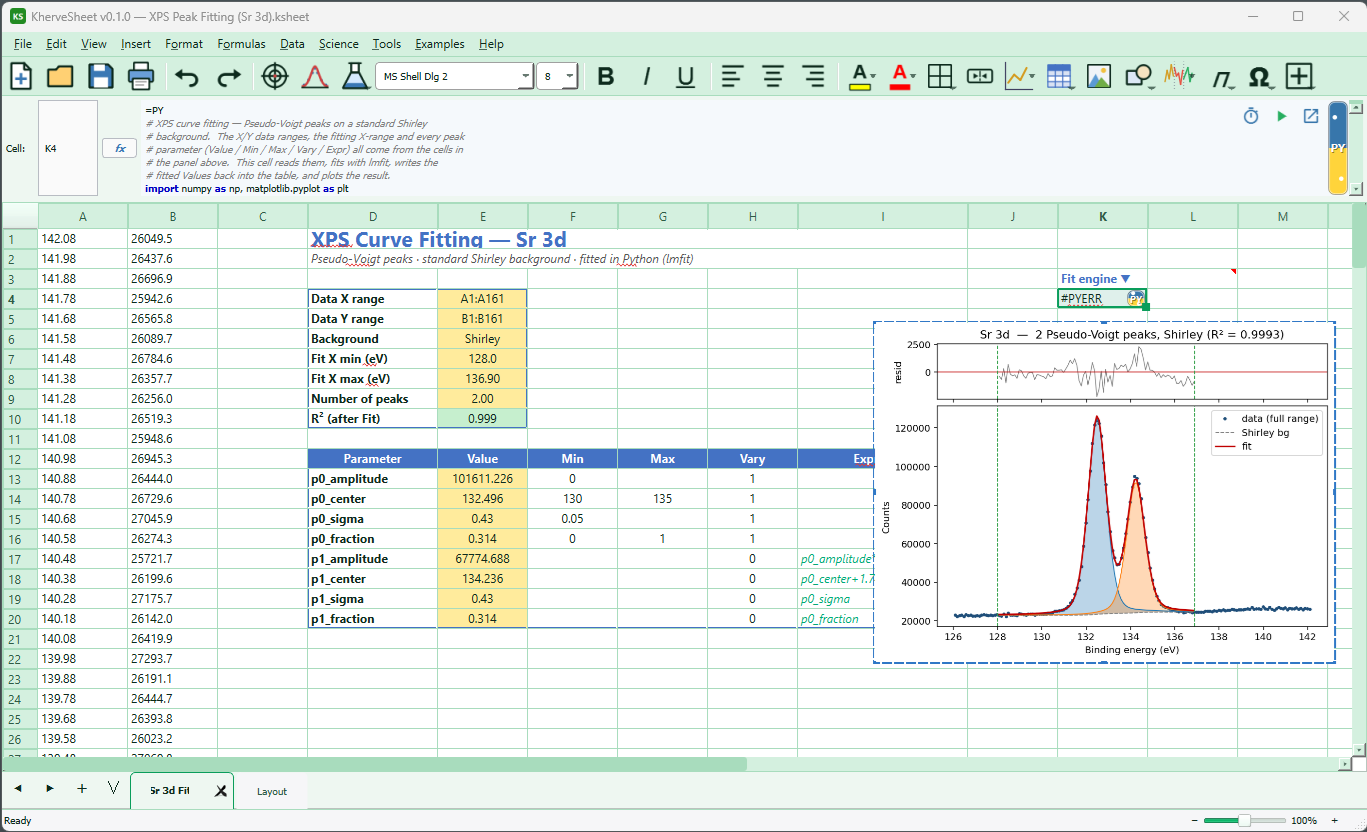
- Curve fitting on sheet data (SciPy / lmfit) with live fit results
- Excel .xlsx import and export (openpyxl); native .ksheet format (HDF5)
- Spell checking and Git-backed document history
AI built in
A built-in AI chat assistant (Claude and OpenAI providers) with spreadsheet tools — it can read your sheet, write formulas, and help analyse your data in place.
Built with
A modern stack of well-known scientific Python libraries.
Examples
Documentation
Getting started
Run python KherveSheet.py (or python -m khervesheet). The window opens on an empty workbook: type values and formulas exactly as you would in Excel, and drop an .xlsx file onto the grid to import it.
Plotting
Select data and insert a chart — the embedded KhervePlot engine renders publication-quality matplotlib figures inside the sheet, and every chart stays linked to its source cells.
Curve fitting
The fitting tools run SciPy / lmfit models against columns of sheet data and write the fitted parameters and curves back, so the analysis lives next to the numbers.
File formats
Native documents are .ksheet (HDF5); Excel .xlsx import and export are built in with openpyxl. Crash recovery logs to the system temp folder.
Versions
Disk image for Apple Silicon (arm64).
An Excel-inspired spreadsheet workbench for scientific data.
Part of the Kherve Tools family
Applications made by a scientist, for scientists.