kCAD
Free · SolidWorks-style CAD
CAD that works
the way SolidWorks does.
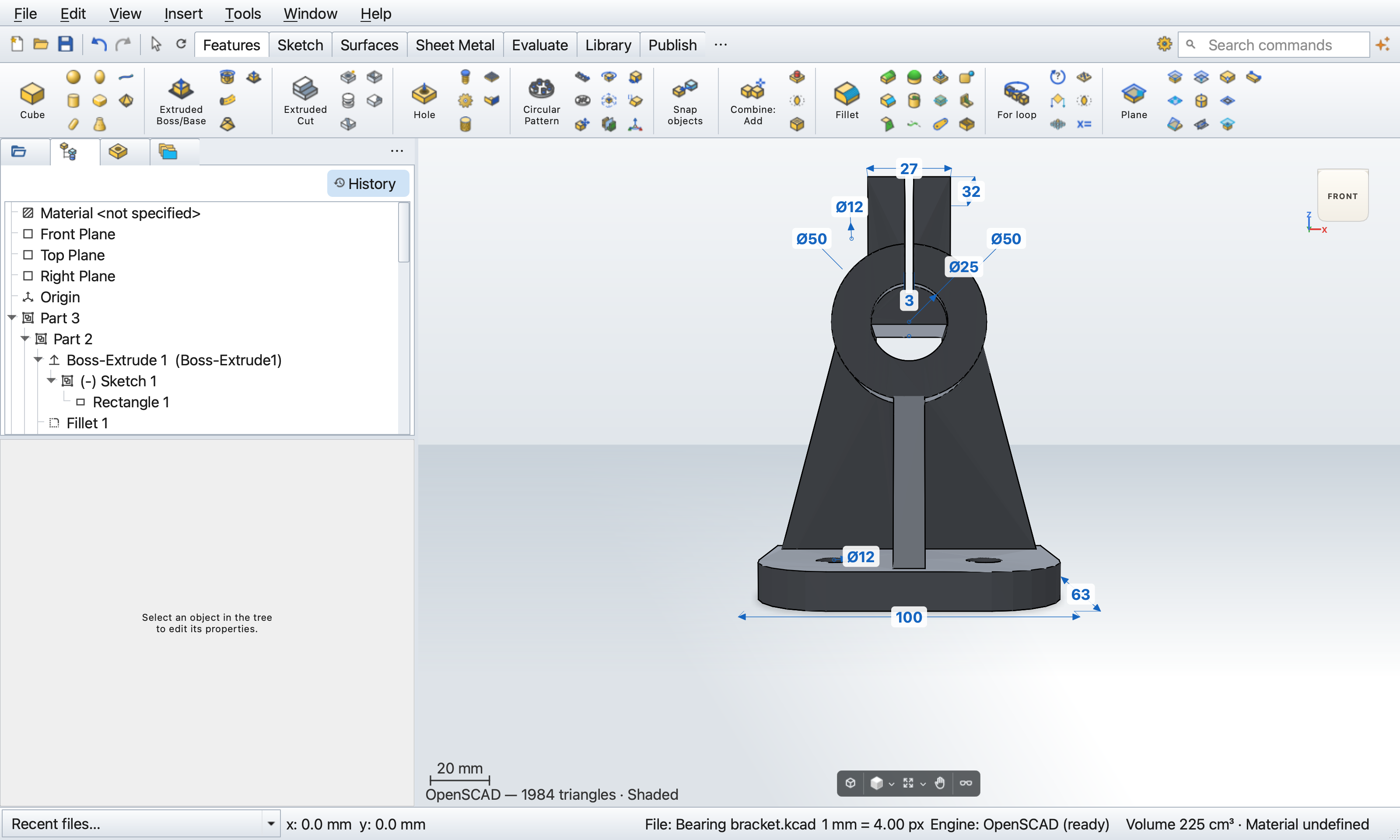
kCAD is a free parametric CAD app. If you know SolidWorks you already know it: the Features and Sketch ribbon, a FeatureManager-style history tree, Smart Dimension, Extruded Boss/Base and Cut, reference planes, fillets, ribs, patterns and drawings. Learn it with free step-by-step exercises, each with a video, a PDF and a drawing.
chmod +x) and run it. A portable .tar.gz is also available.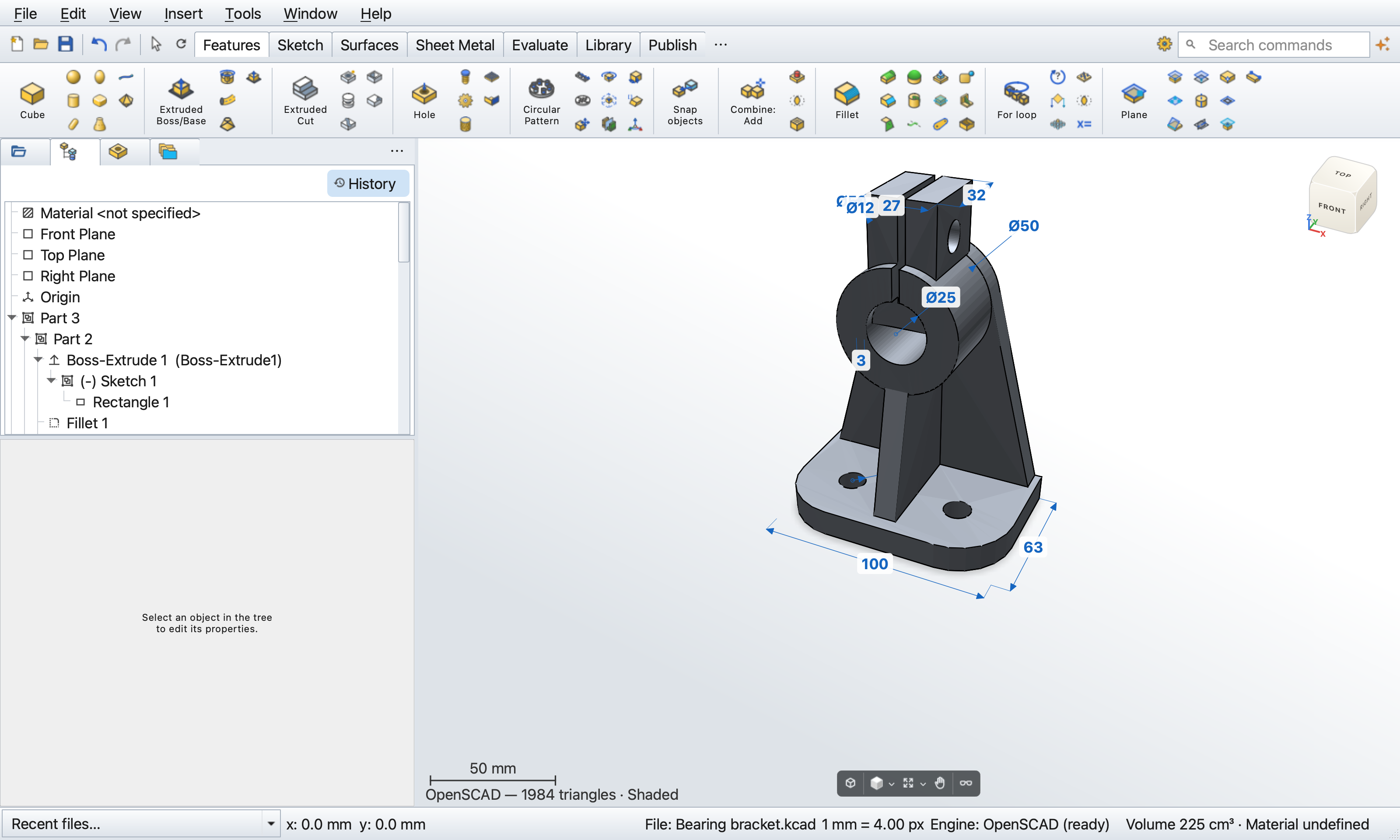
If you know SolidWorks, you know kCAD
The same commands, in the same places.
Features and Sketch ribbon
Extruded Boss/Base, Extruded Cut, Revolve, Fillet, Chamfer, Rib, Shell, Hole, Linear and Circular Pattern, Mirror — on a CommandManager-style ribbon with Surfaces, Sheet Metal and Evaluate tabs.
FeatureManager history
Sketch1, Boss-Extrude1, Fillet1… in a history tree with the Origin and the Front, Top and Right planes. Roll back, edit a feature, suppress it.
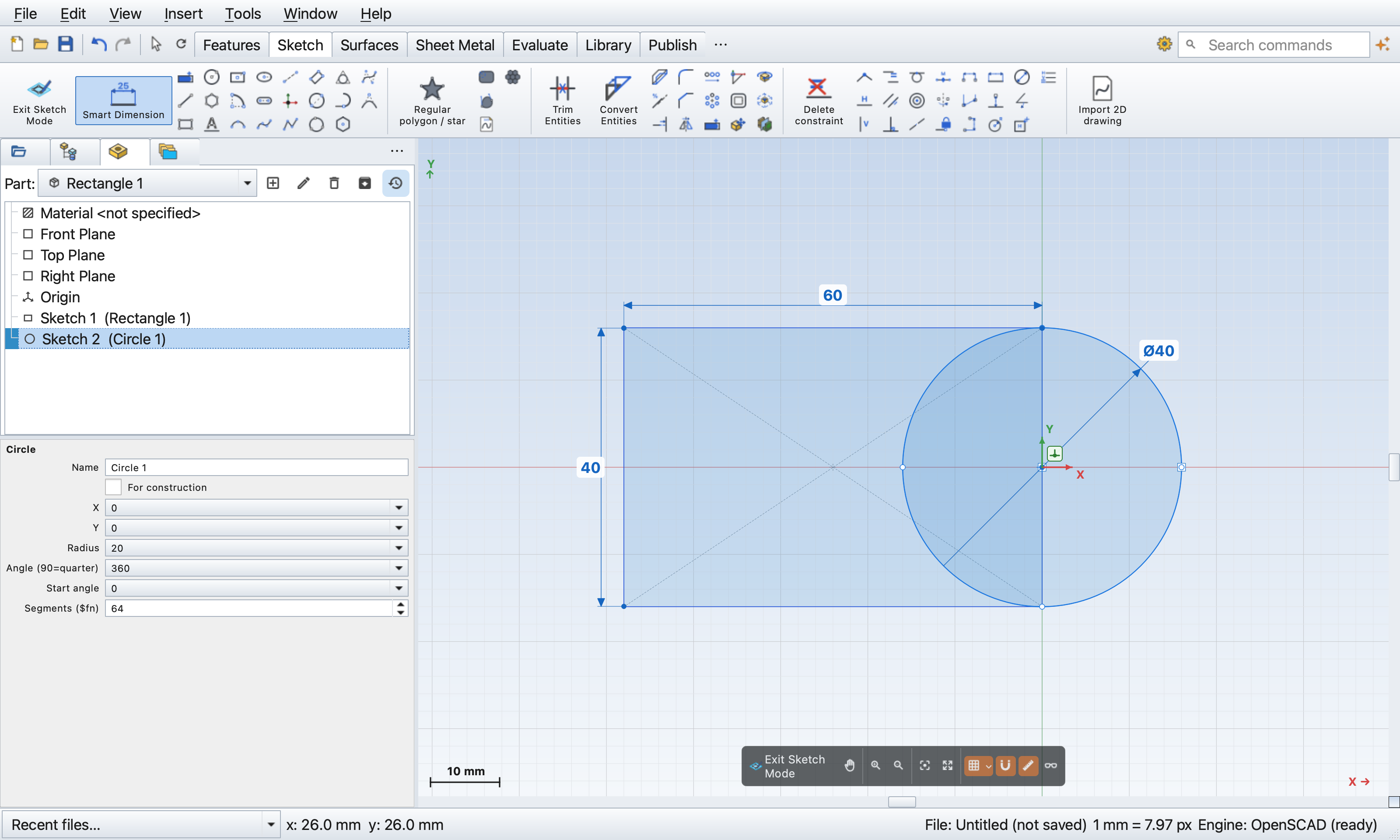
Sketch and Smart Dimension
Lines, centre rectangles, circles, arcs and slots with relations and Smart Dimension. Sketch on a plane or any face; convert and offset entities.
Property windows
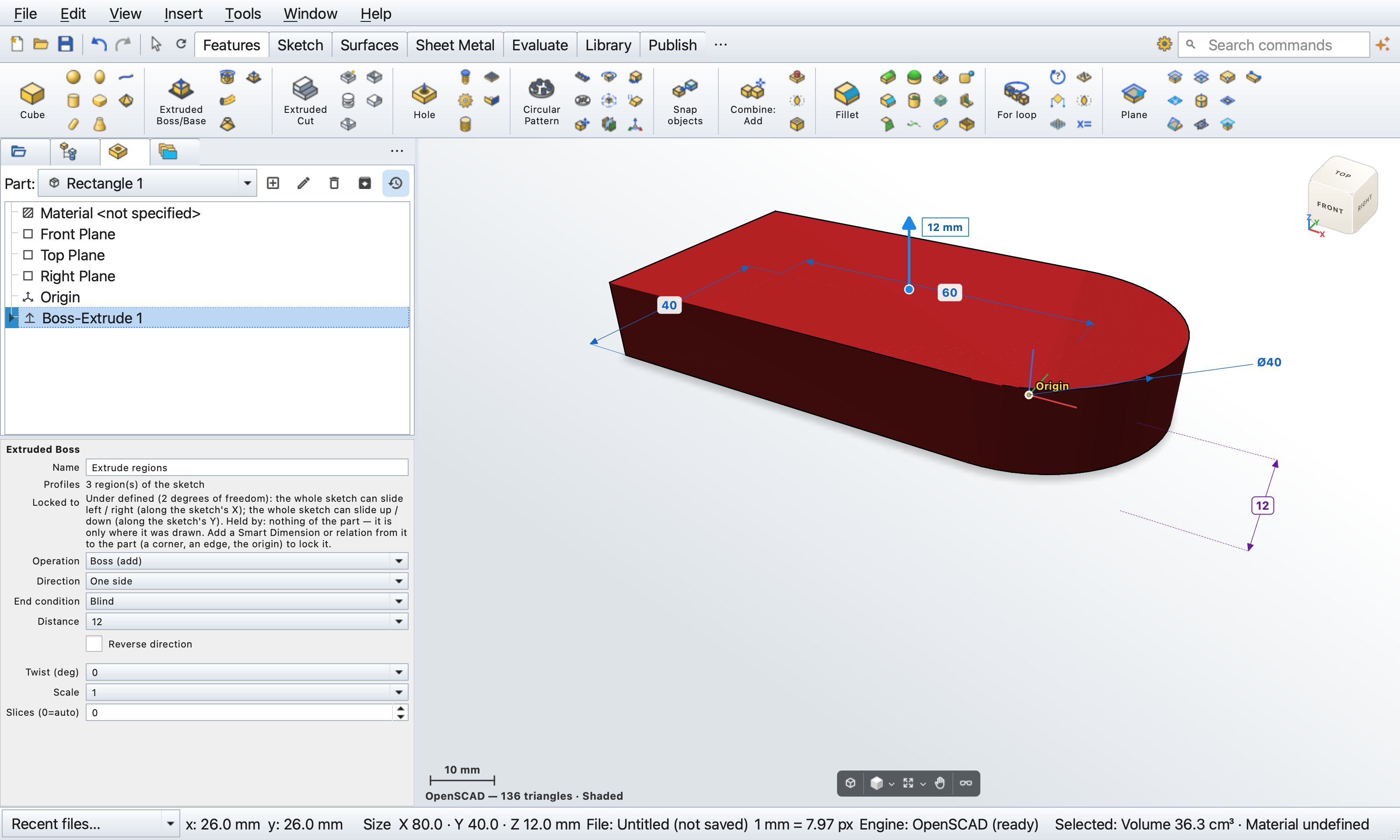
Each feature opens a panel like the PropertyManager: Blind, Through All, Up To Next, Mid Plane, Reverse, region picking.
Reference geometry
Planes by offset, three points or angle, axes and points; sketch on them and cut or extrude to them.
Drawings
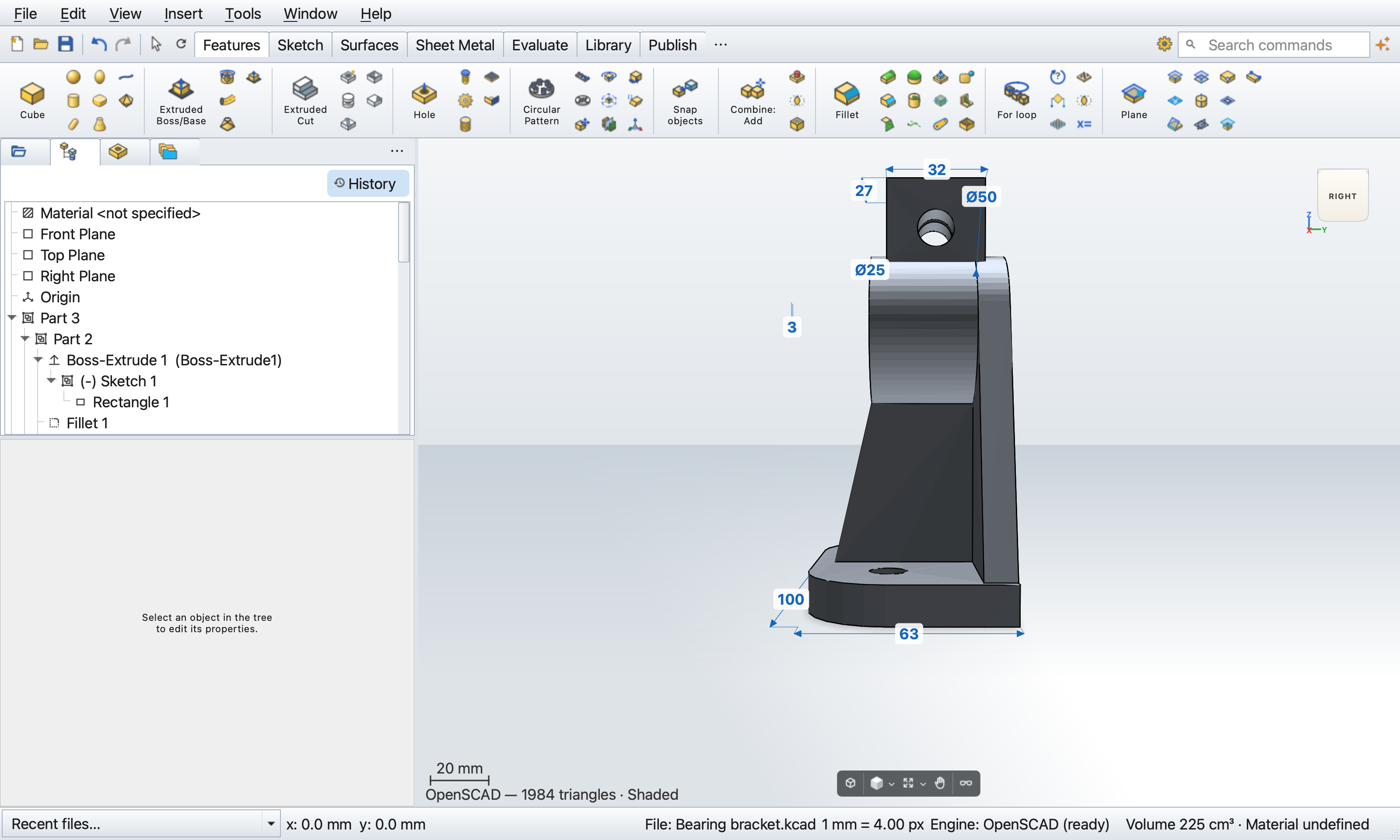
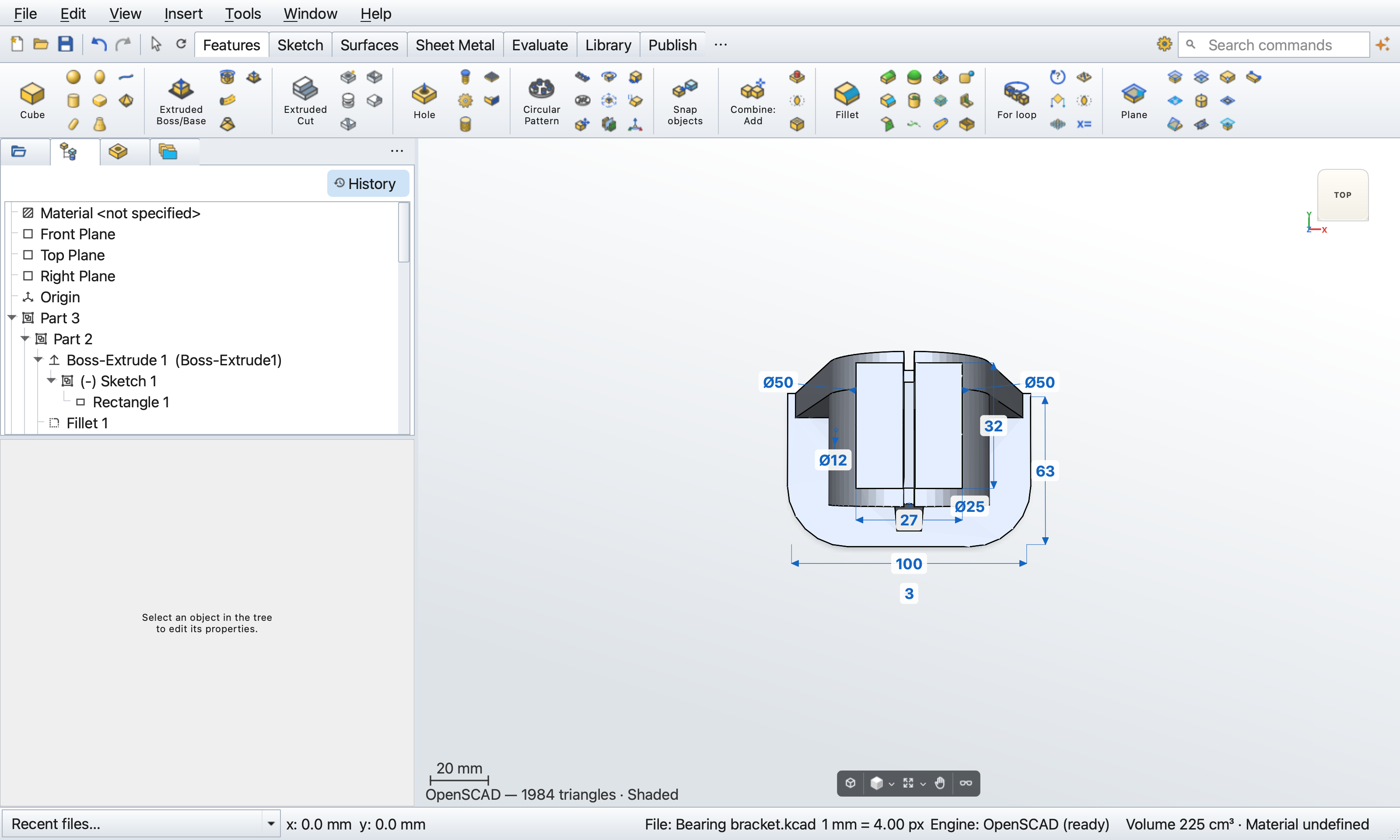
Third-angle Front, Top, Right and Isometric views with dimensions and a title block, to PDF, SVG, DXF or PNG.
SolidWorks is a trademark of Dassault Systèmes. kCAD is independent and not affiliated with or endorsed by Dassault Systèmes.
Tutorials
Model a part from a drawing, one exercise at a time. Watch the video, keep the drawing open beside KherveCAD, and follow the PDF step by step.
Exercise 1
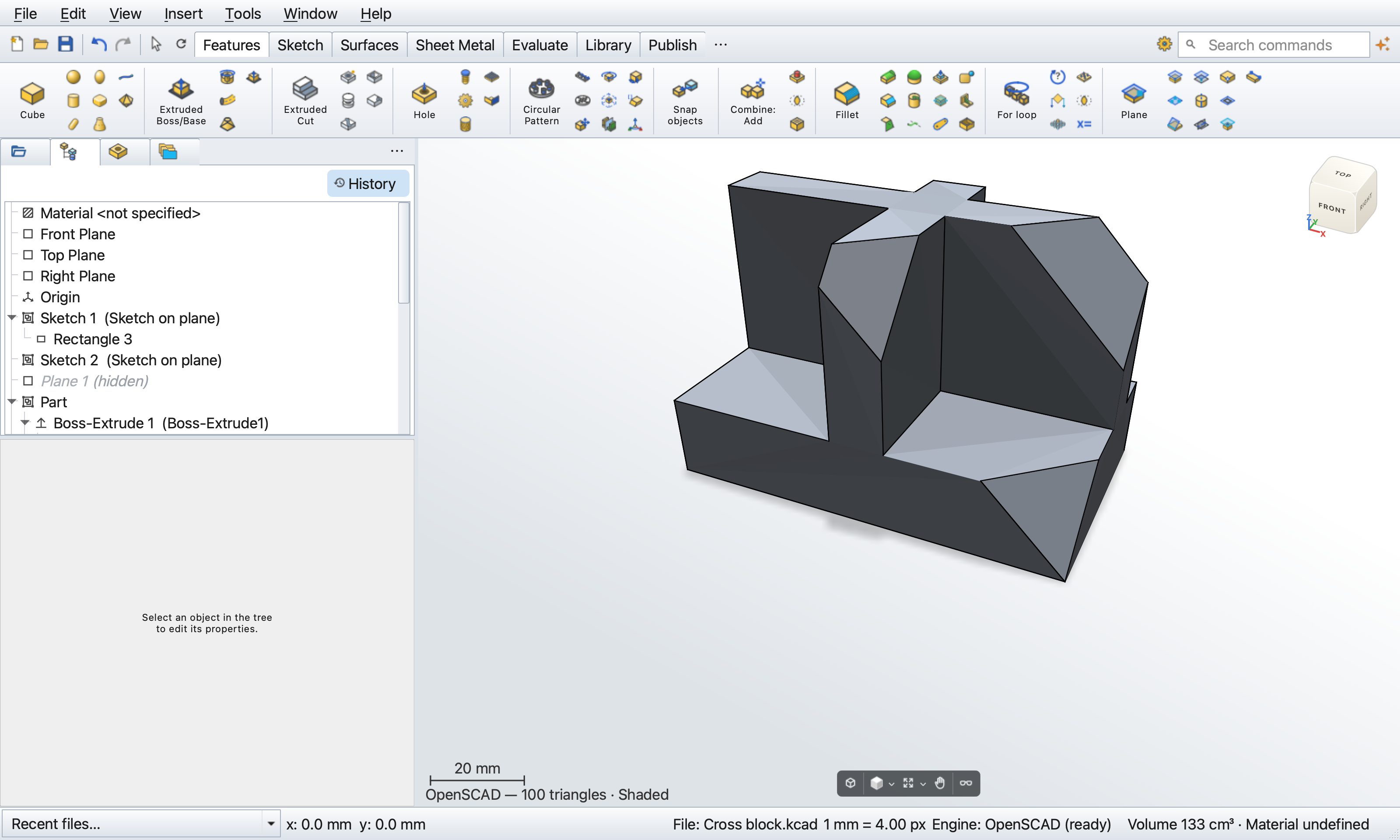
Cross block with a corner cut
An 88 × 50 × 56 mm block: a base, a cross standing on it, and one corner cut by a sloping plane through three points.
- Centre rectangle and Smart Dimension
- Picking sketch regions to extrude
- A reference plane through three points
- Extruded cut
Exercise 2
Bearing bracket
A 100 × 63 × 138 mm bearing bracket: a base plate with two holes, an upright, a bored boss, a split clamping block on top and a rib.
- Fillet and Extruded Cut through all
- Sketching on faces of the part
- An offset reference plane and Up To Next
- Rib
Exercise 3
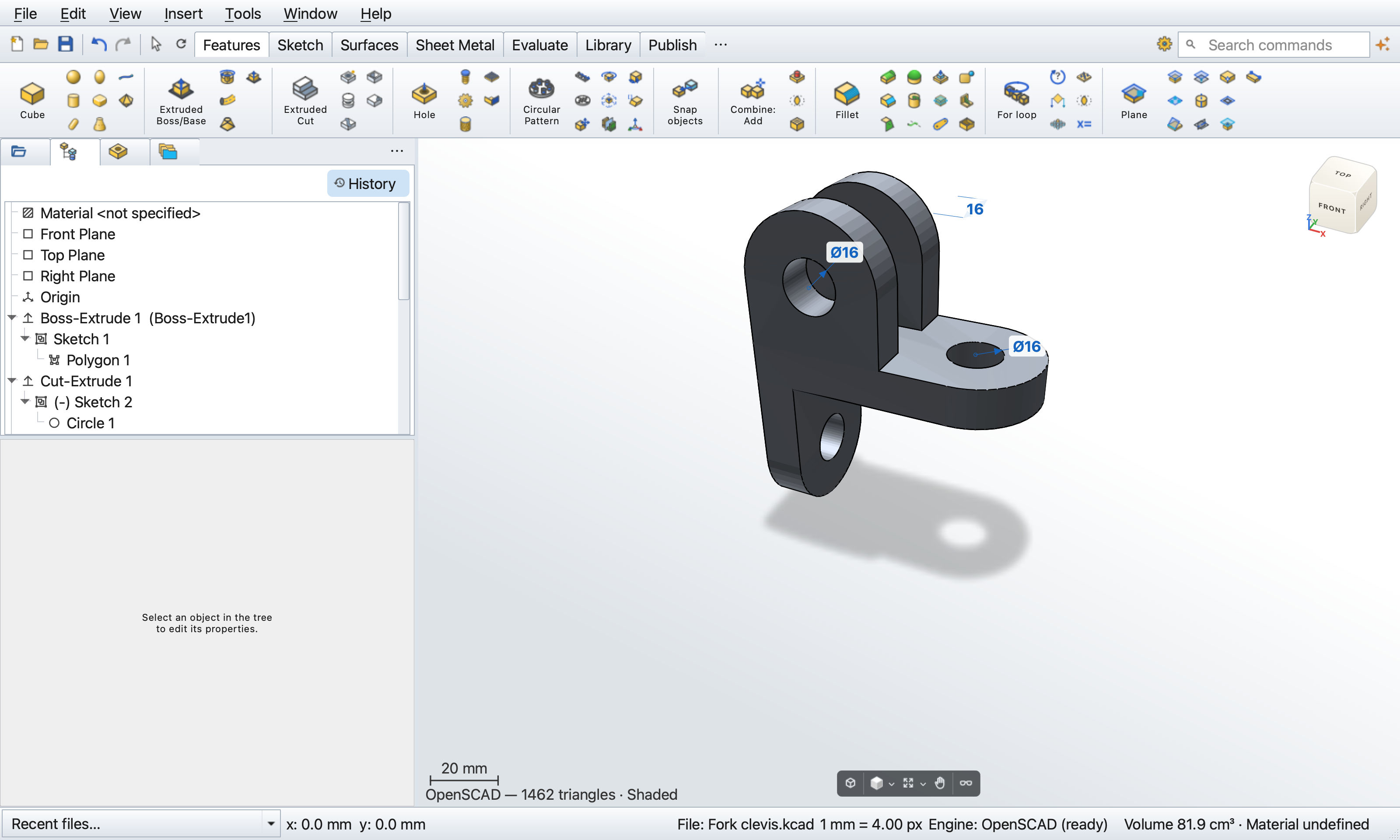
Fork clevis
An 80 × 40 × 100 mm fork clevis: a base plate with an R20 end, a hanging lug and an upright fork, each with a Ø16 hole.
- Lines and tangent arcs
- Mid Plane extrude
- Sketching on faces of the part
- Extruded Cut through all
Exercise 4
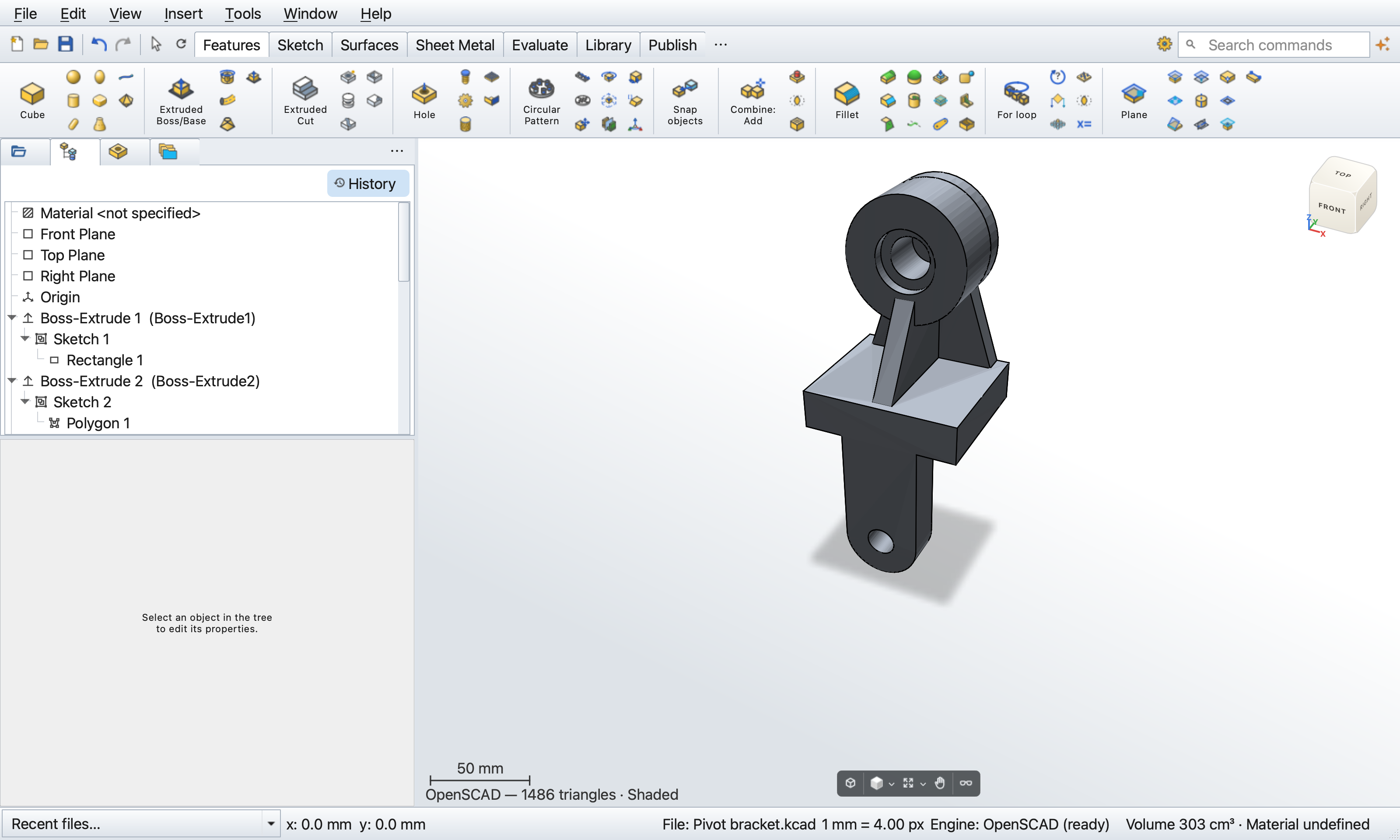
Pivot bracket
An 80 × 70 × 190 mm pivot bracket: a base block, an upright wall tangent to a Ø60 boss with counterbores, a rib and a lug with a Ø15 hole.
- Tangent lines to a circle
- Counterbored holes
- Fillet
- Rib
Exercise 5
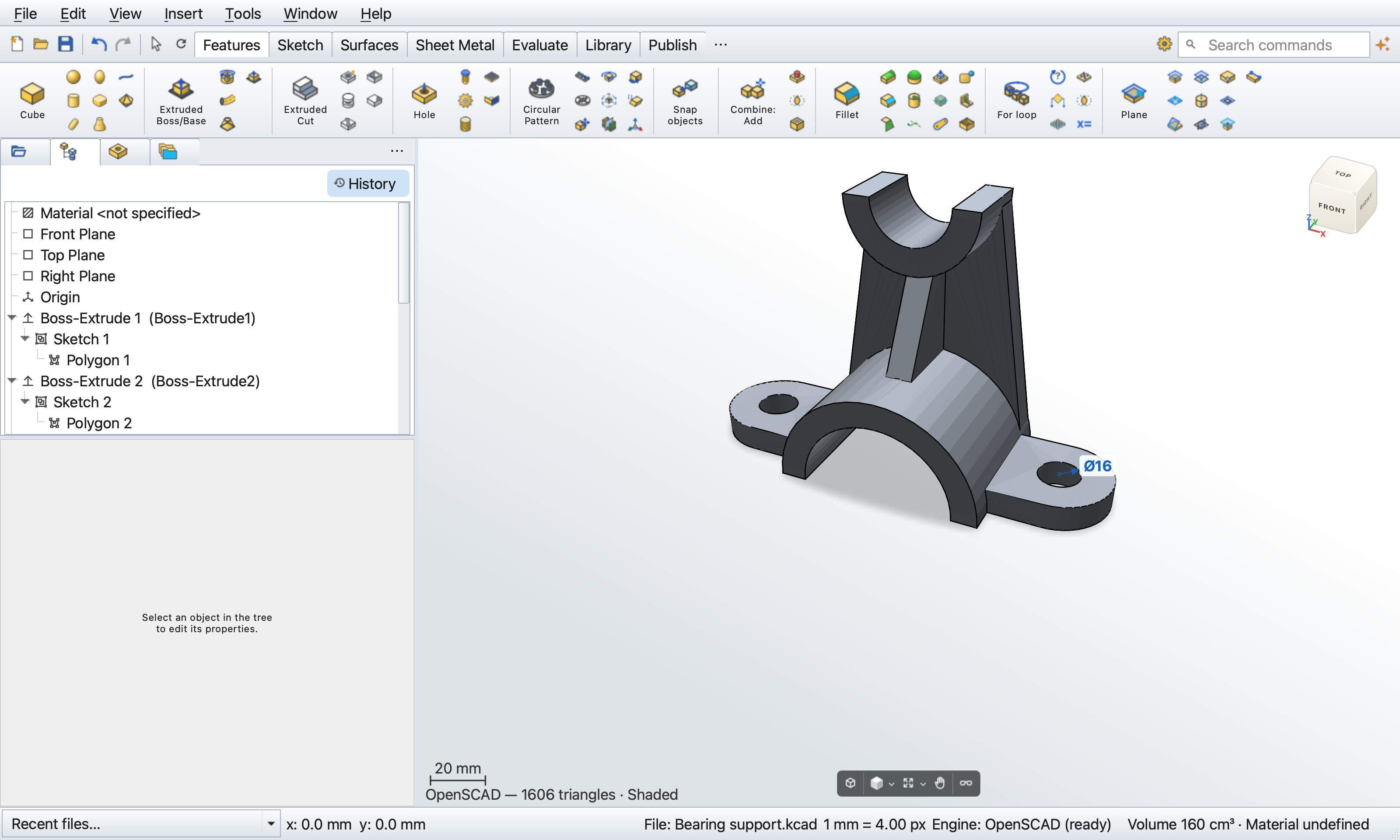
Bearing support
A 160 × 60 × 100 mm bearing support: a half-ring cradle on two lugs with Ø16 holes, an upright wall and a Ø30 bearing seat, braced by a rib.
- Picking sketch contours to extrude
- Convert Entities
- Mirror and Equal
- Rib
And underneath, a full CAD app
Everything Claude can do, you can do with the mouse.
An MCP edit and a mouse edit go through the same code, so nothing here is AI-only. KherveCAD writes OpenSCAD for you — and the OpenSCAD engine ships inside the download, so exact geometry works with nothing else to install.
- CAD exchange — open and save STEP, IGES and Rhino .3dm files (OpenCascade and rhino3dm are built in), and fillet or chamfer the true edges of an imported STEP part
- Rhino-style surfaces — draw 3D curves with snaps and typed points, then loft, sweep, two-rail sweep, patch, revolve or extrude them; SubD smooth surfaces from an editable cage; Make2D line drawings; Gumball handles; draft, curvature and zebra analysis
- Sculpt and creature tools — drag sculpting with clay, snake hook, pose, mask, crease and ridge brushes; Blender-style Edit Mode; armatures with automatic weights, shape keys, Skin, hair strands, displacement skins, scatter on surface and vertex paint
- Vibe designing — AI ▸ Connect to Claude lets Claude Desktop or Claude Code build and edit the open document over MCP: 45 tools, no API key, loopback-only and off until you switch it on
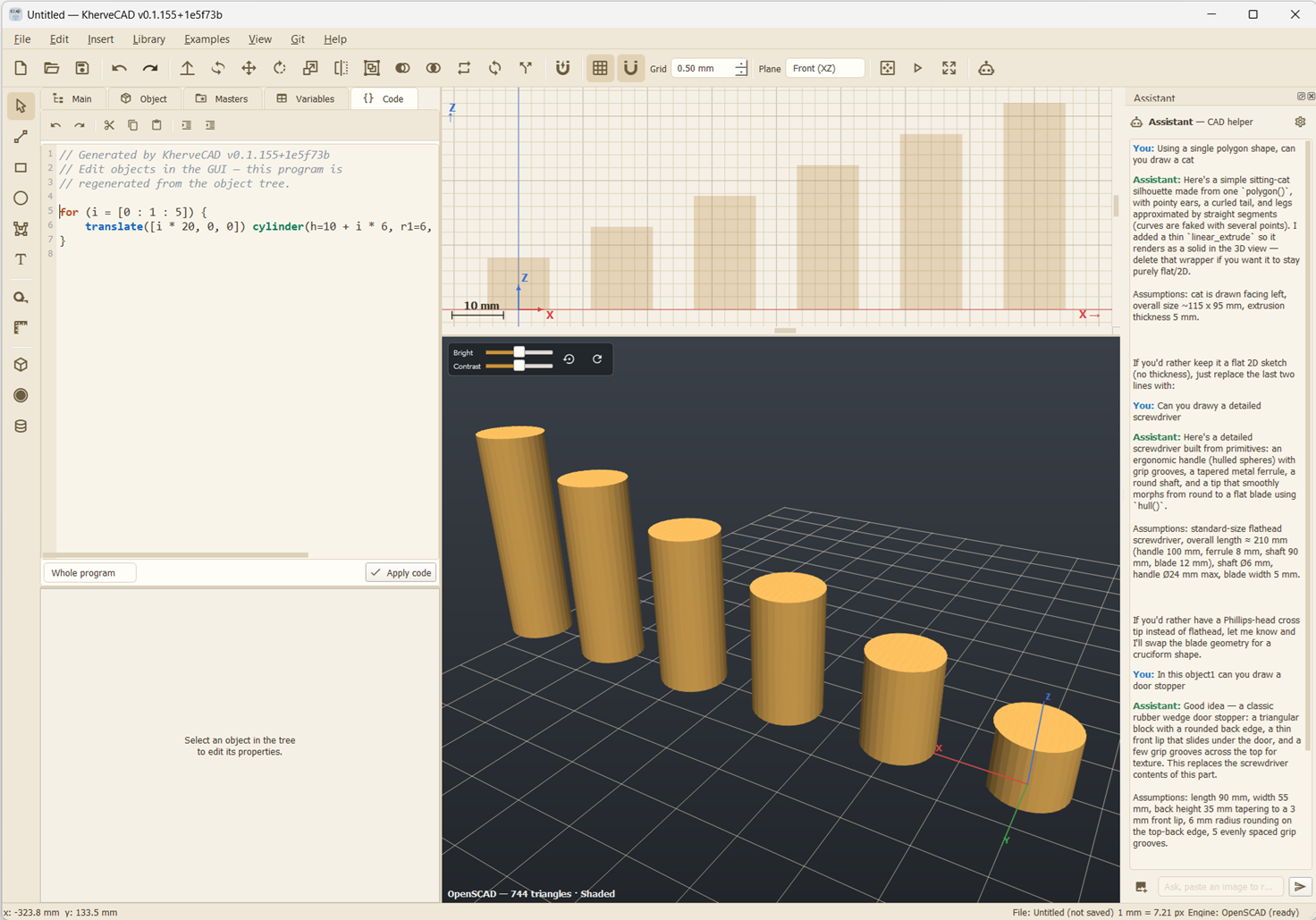
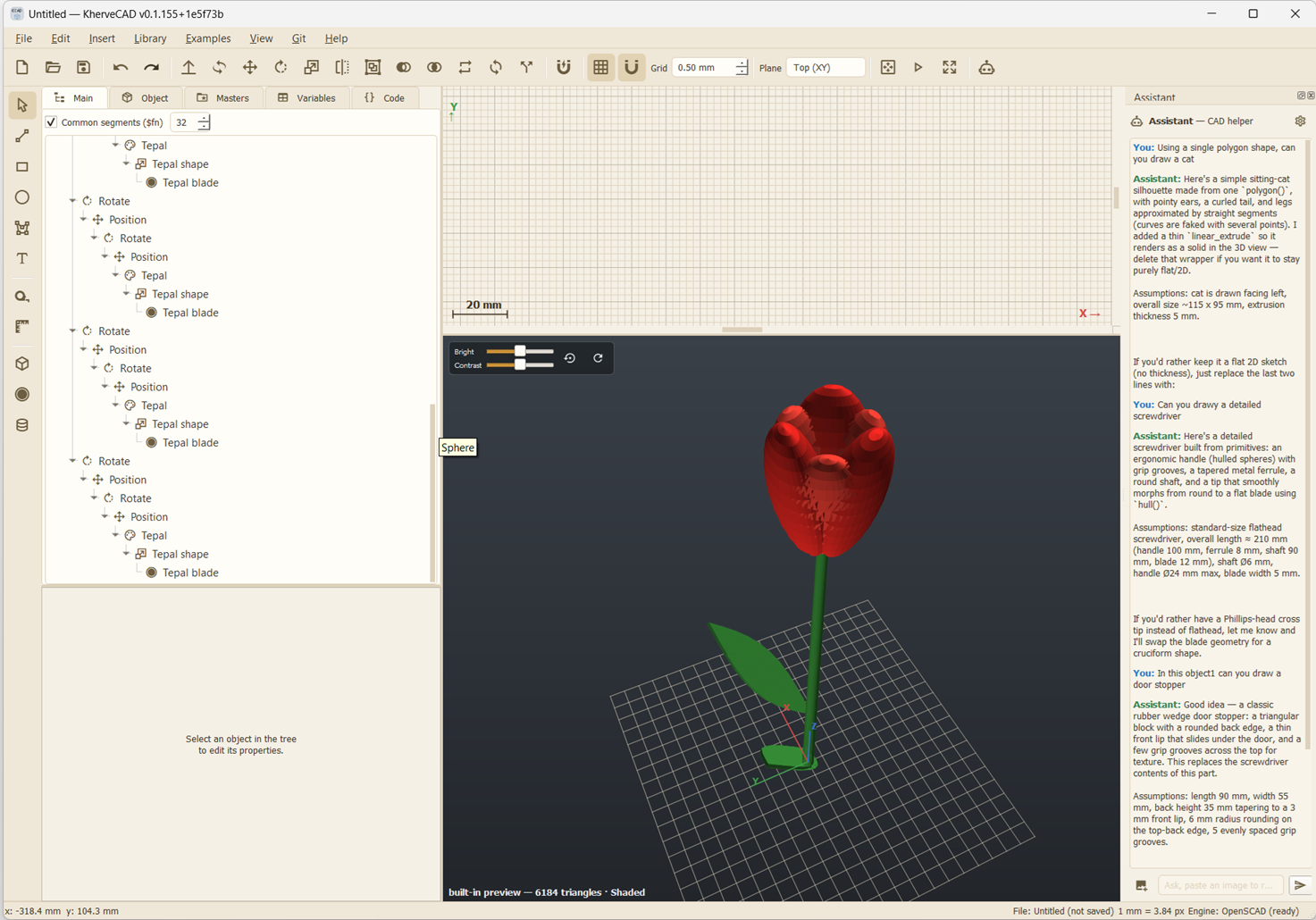
- Object tree — every shape, transform and boolean is a node you can group, reorder, rename, hide or duplicate, and the program is regenerated from it, so tree and code can never disagree
- Live OpenSCAD code tab — syntax-highlighted, line-numbered, editable: change the code and apply it back to the tree, for the whole program or just the part you are editing
- Parts and assemblies — define a part once in the Object tab, place as many instances as you like, and keep editing the definition; every copy follows
- Mates — click two faces to snap parts together, then make the joint flush, concentric, a hinge, a gear ratio or a limited slide; mates re-solve when a parent moves, and exploded views pull an assembly apart
- Fillet or chamfer the edges you click; shell a solid to an even wall; linear, polar and grid patterns
- Loft, loft through sections and sweep a profile along a 3D path — pipes, handrails, springs, hulls and car bodies
- Organic modelling — capsules, ellipsoids, smooth blends that melt shapes together, bend, twist, taper and lattice deformers, subdivision, symmetry and posable joints
- Sheet-metal parts with bent flanges, unfolded to a flat pattern and exported as DXF
- Blueprint — automatic third-angle engineering drawings with hidden lines, dimensions, hole callouts, sections, details, GD&T and a parts list, to PDF, SVG, PNG and DXF
- Check a part — volume, mass and cost, a 3D-print check (watertight, overhangs, thin walls) and interference between parts
- Publish to Printables — STL per part, 3MF, the parametric .scad and .kcad, three-quarter preview stills and a written description, ready to drag in
- OpenSCAD is included — the download ships a recent OpenSCAD (2026.09.18, with the fast Manifold backend), so the exact rendered mesh works out of the box with nothing else to install
- Per-part exact rendering — each part is rendered on its own, so booleans really cut, every part keeps its own colour, and the model fills in progressively
- OpenGL 3D view with materials (metal, glass, rubber, gold, skin…), cavity shading, edge lines, and a platform with a soft shadow; Export PNG up to 4K
- 2D sketch view — lines, rectangles, circles, polygons, text; drag handles and snap-to-grid, in millimetres, doubling as a Top/Front/Side assembly view you can drag parts around in
- Parts library (Ctrl+L) — CF/KF vacuum hardware, valves, turbo and backing pumps and an electron analyser; ISO-thread bolts and nuts; chemistry glassware with graduations and liquids; furniture; Lego bricks, a click-to-build Lego Builder, and convert-anything-to-Lego
- Examples menu — 21 numbered tutorials from primitives to recursion, plus mechanical parts, flowers, trees, Lego buildings and a finished part per chapter of a well-known OpenSCAD course
- Control flow — for/while loops, if/else, variables, and expressions in any numeric field
- Errors turn red in the tree as you type — bad expressions, empty extrusions, axis-crossing revolves, and OpenSCAD's own compiler errors mapped back to the object that caused them
- Updates itself from GitHub on Windows and macOS; a full User Guide (F1) with screenshots; per-document Git
- Import/export .scad (lossless round-trip, including user modules and functions) and .stl/.obj/.off/.3mf; documents save as .kcad
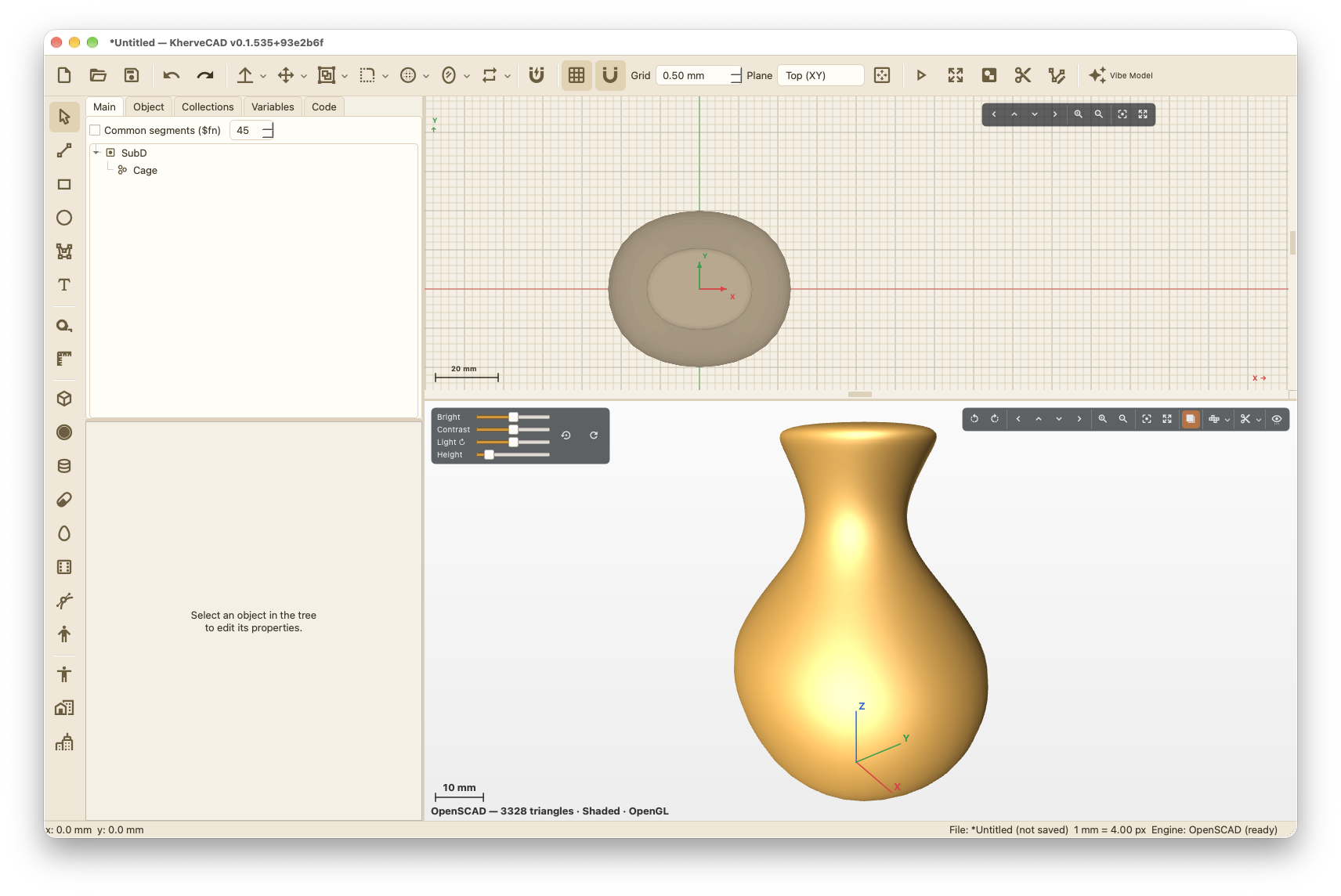
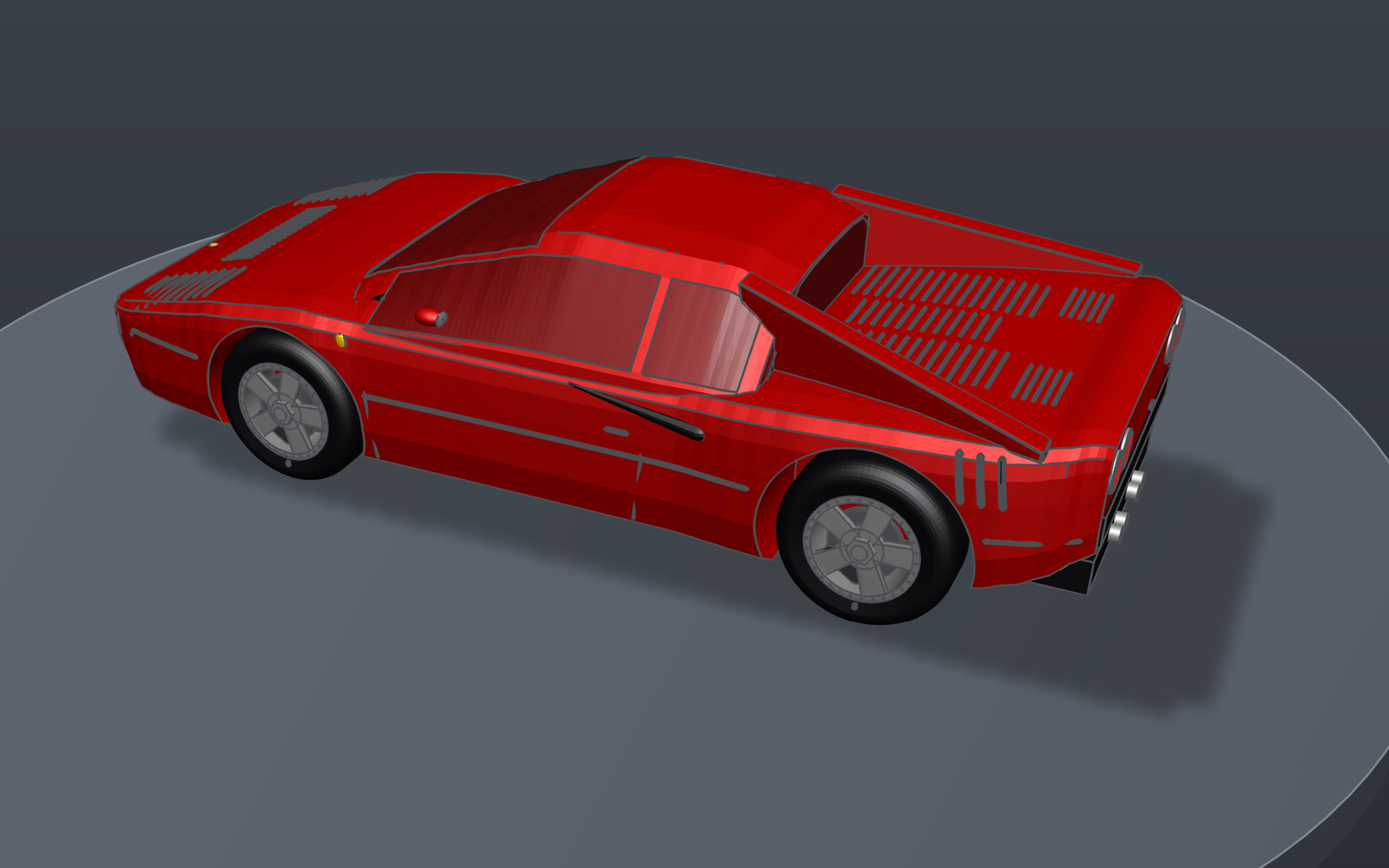
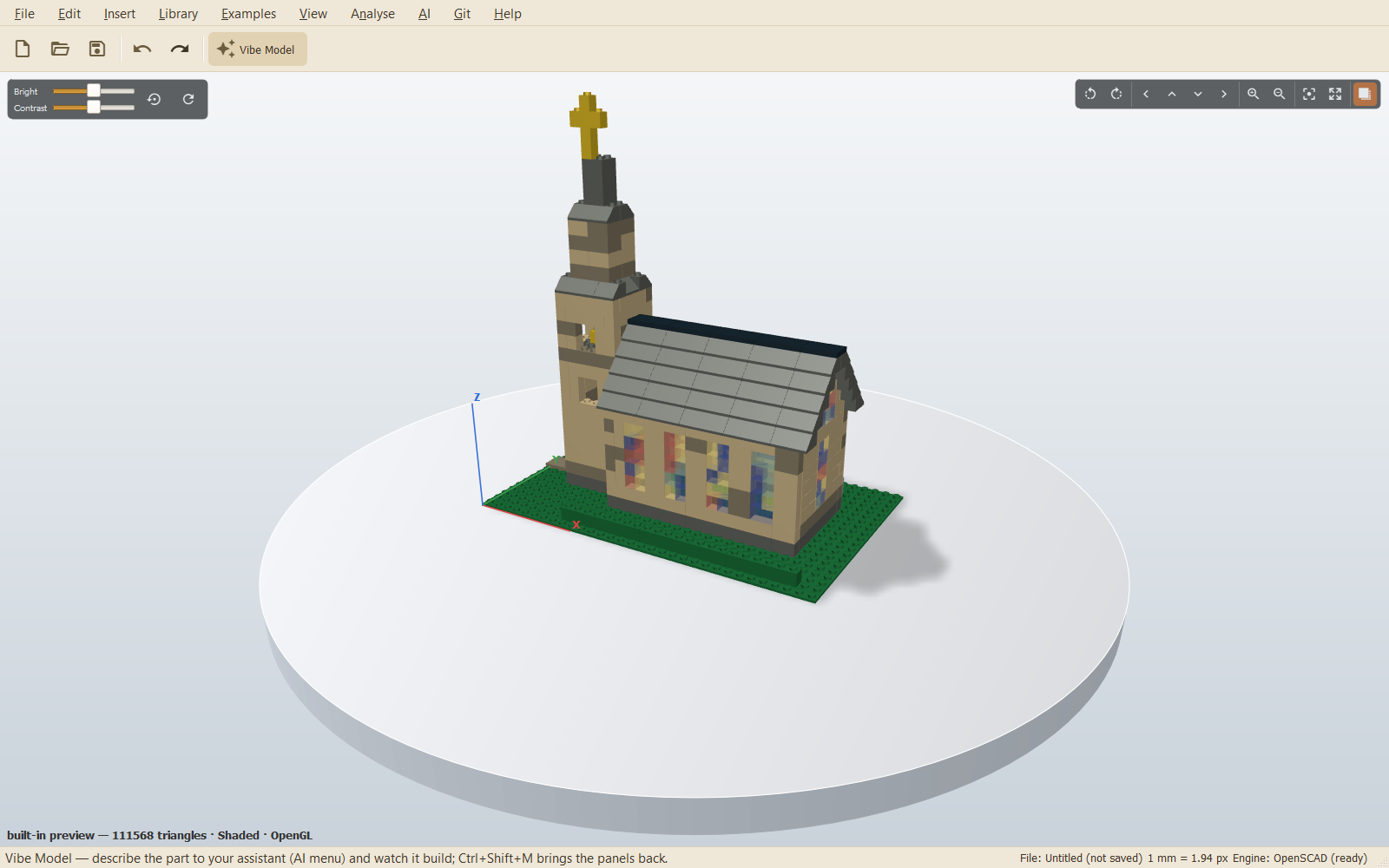
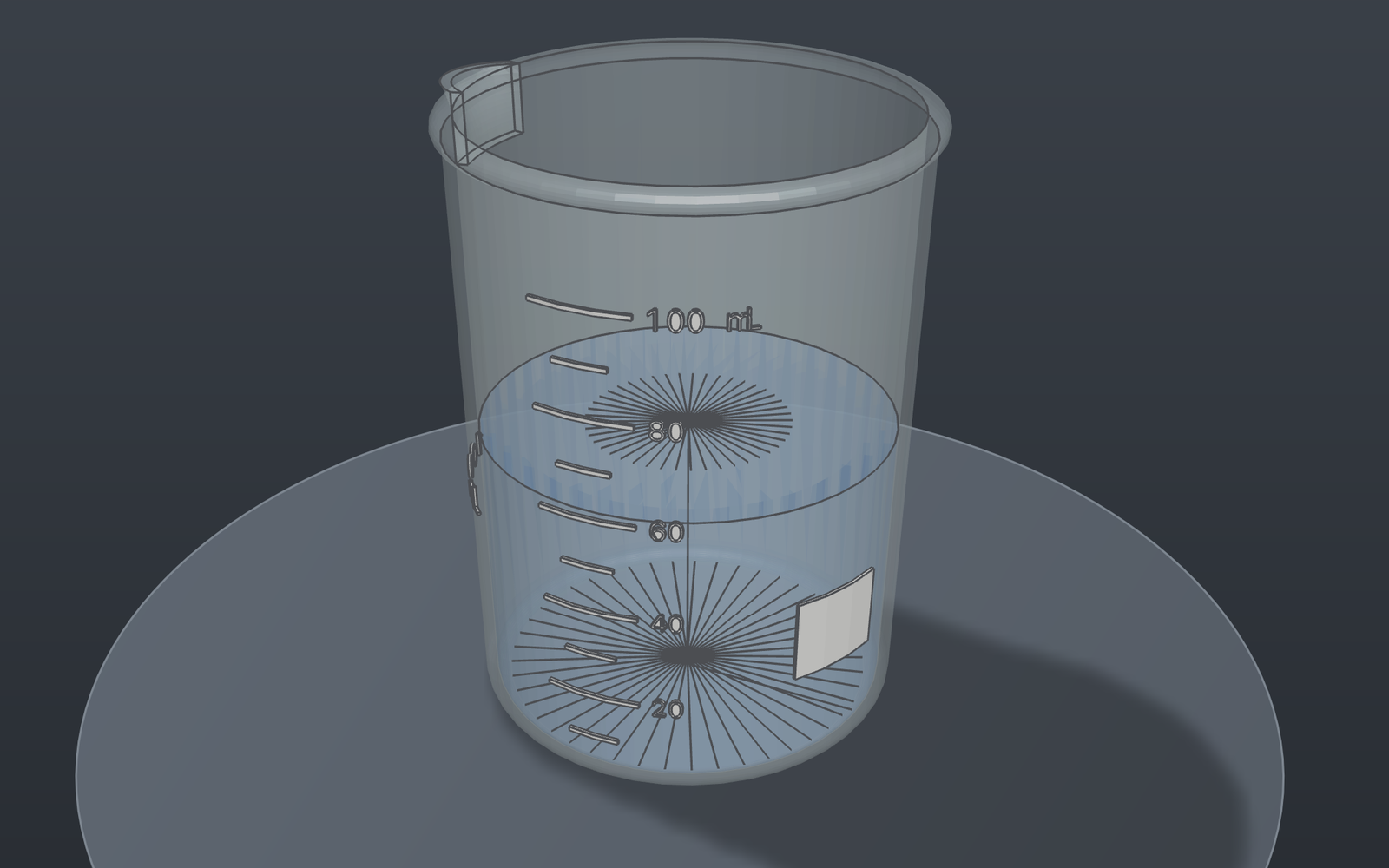
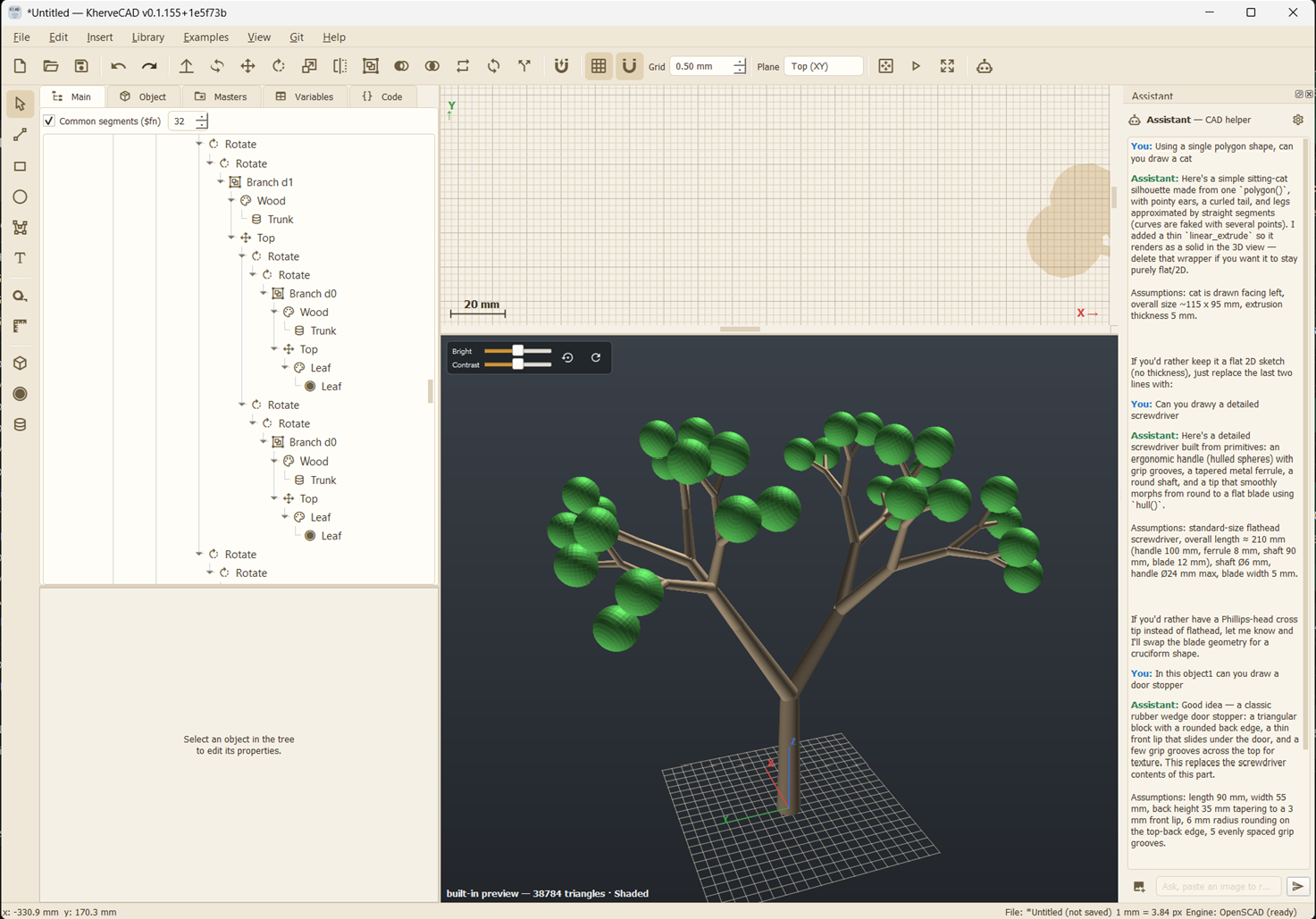
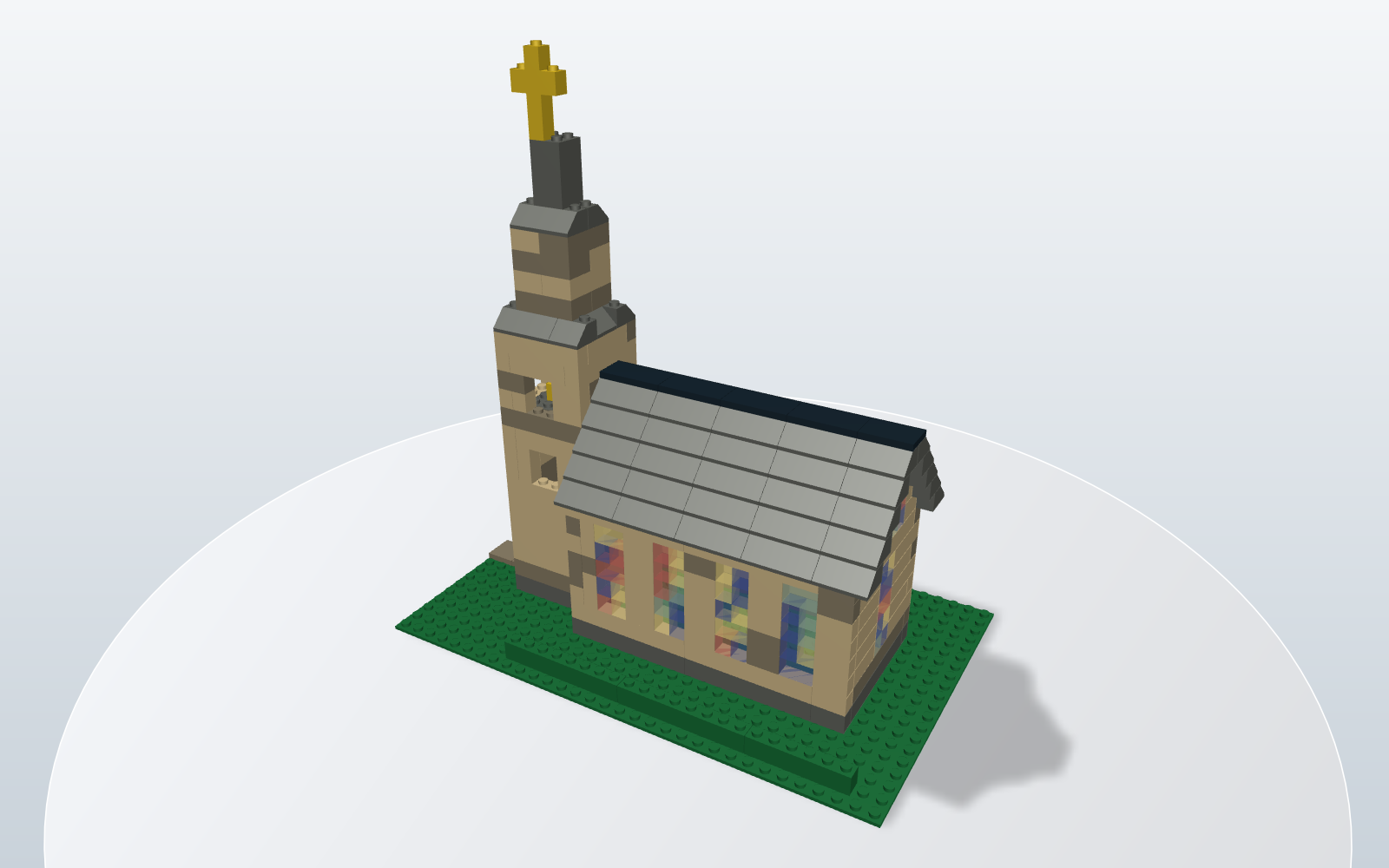
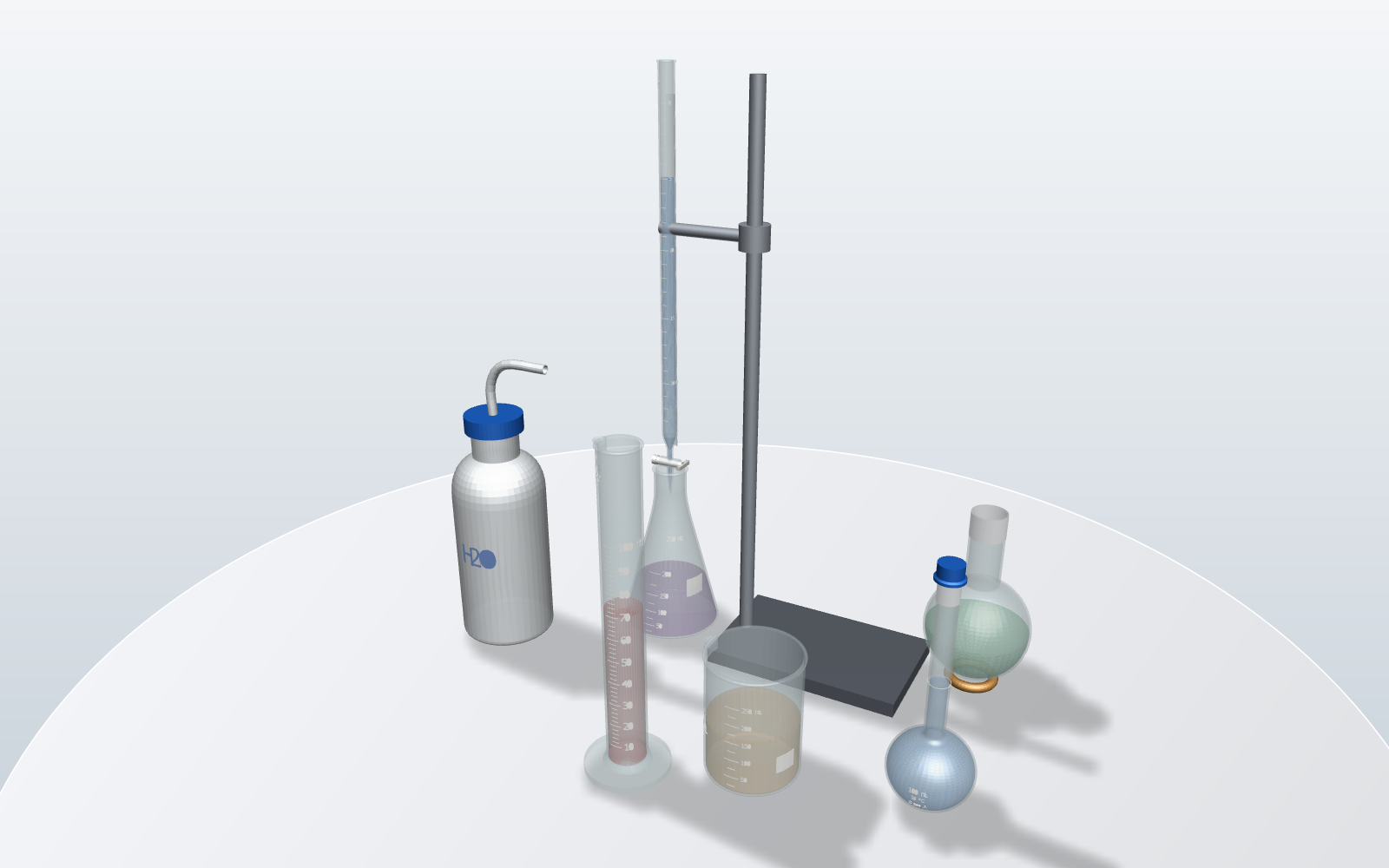
Made in KherveCAD
From lab hardware to Lego.
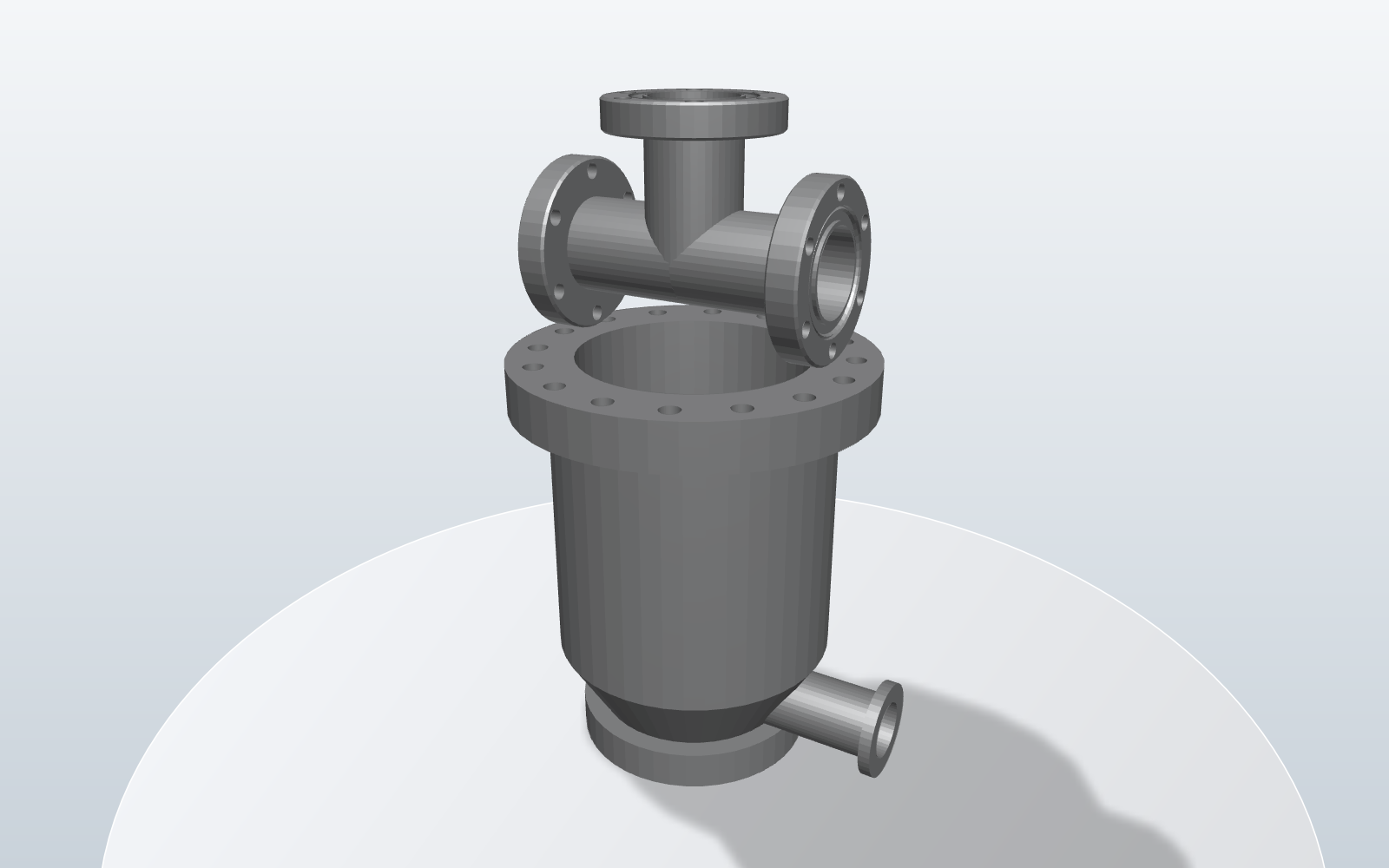
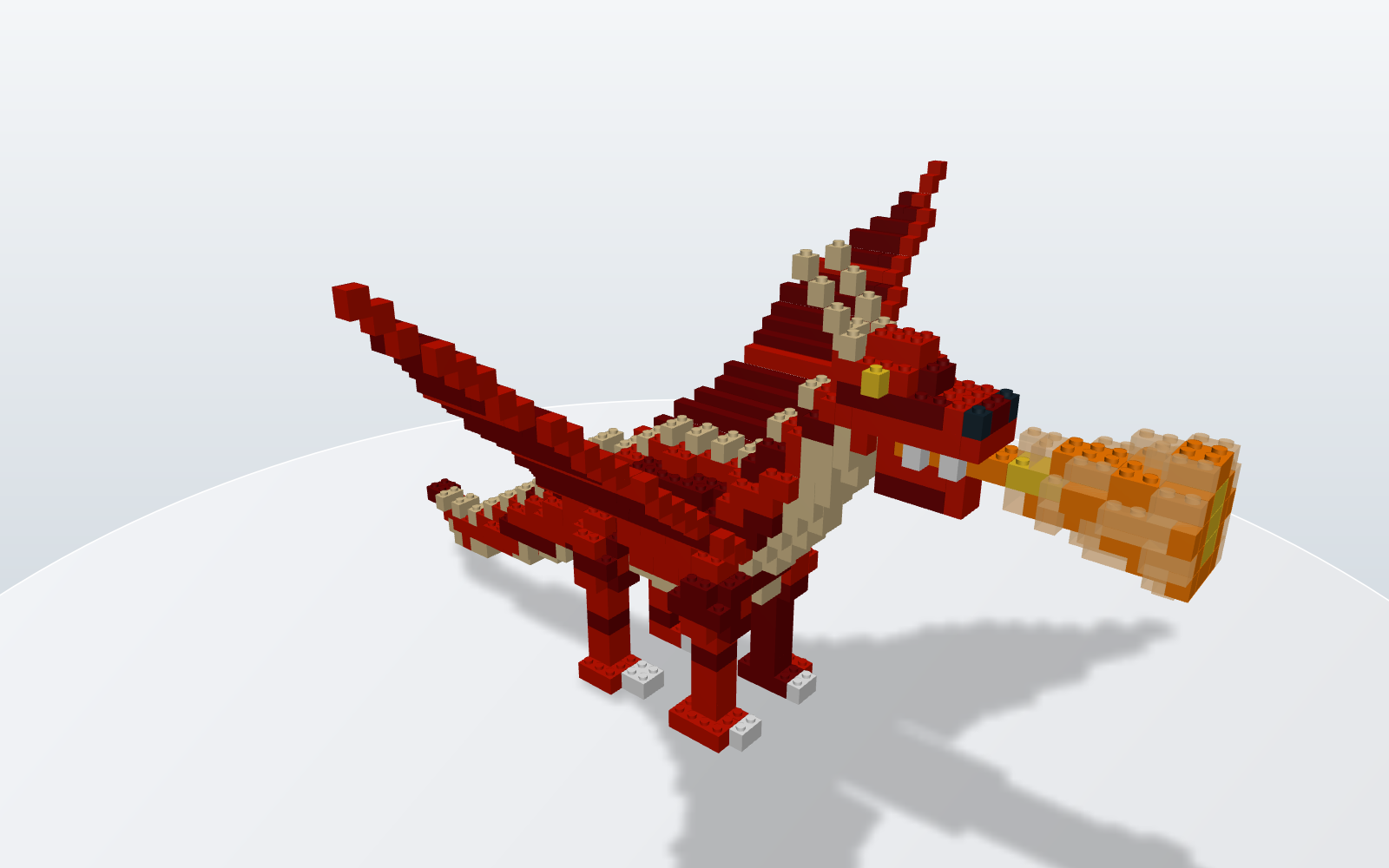
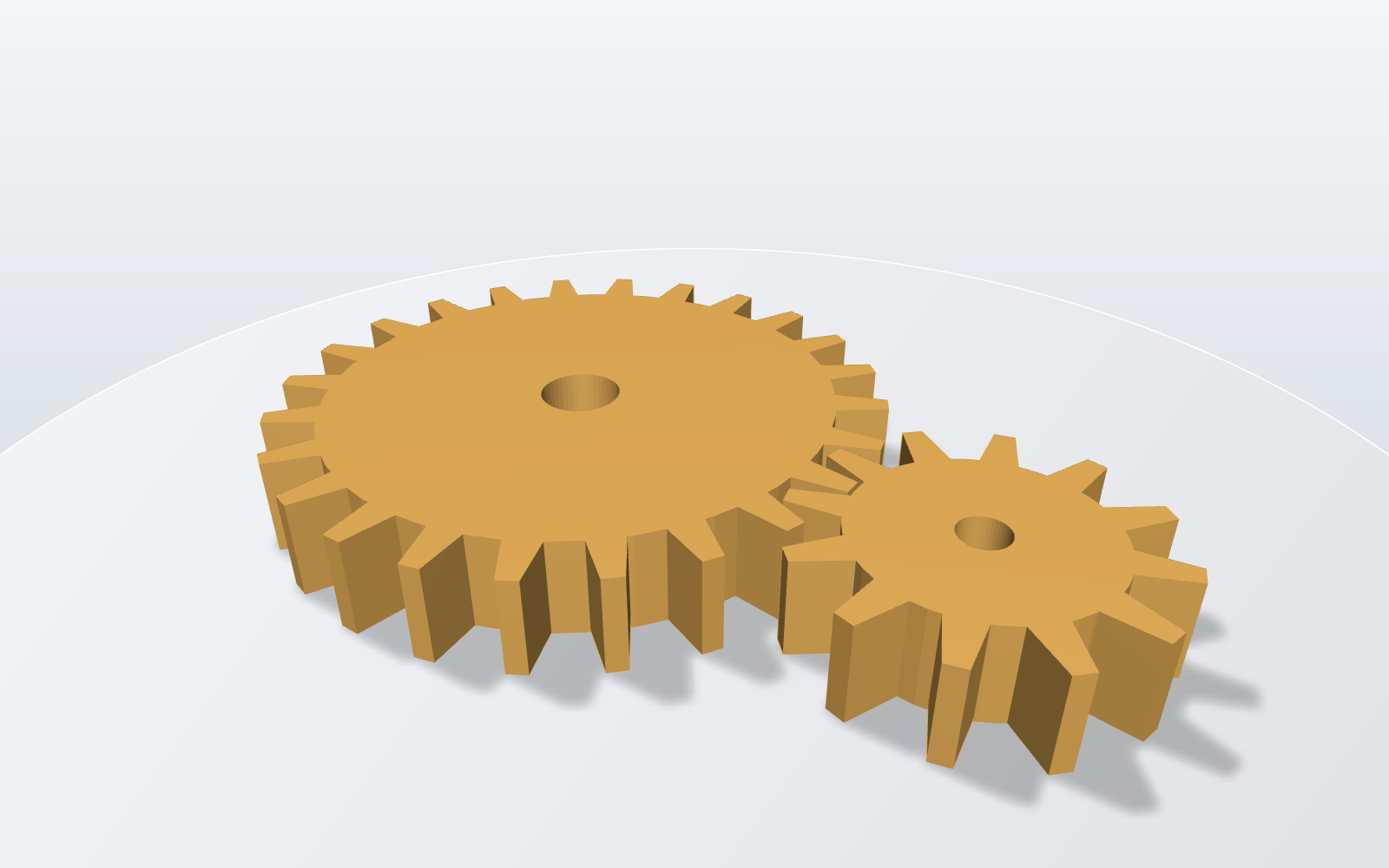
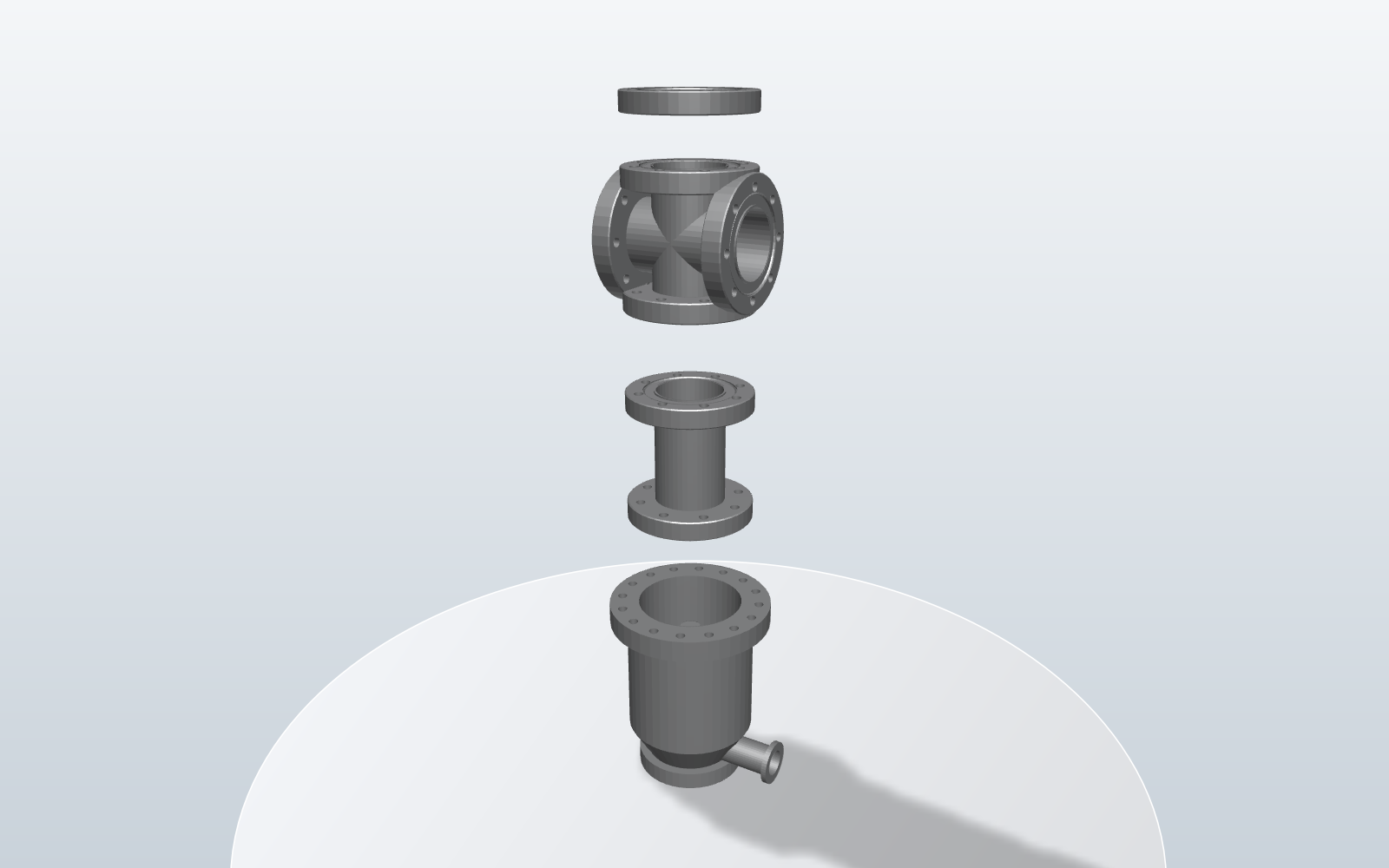
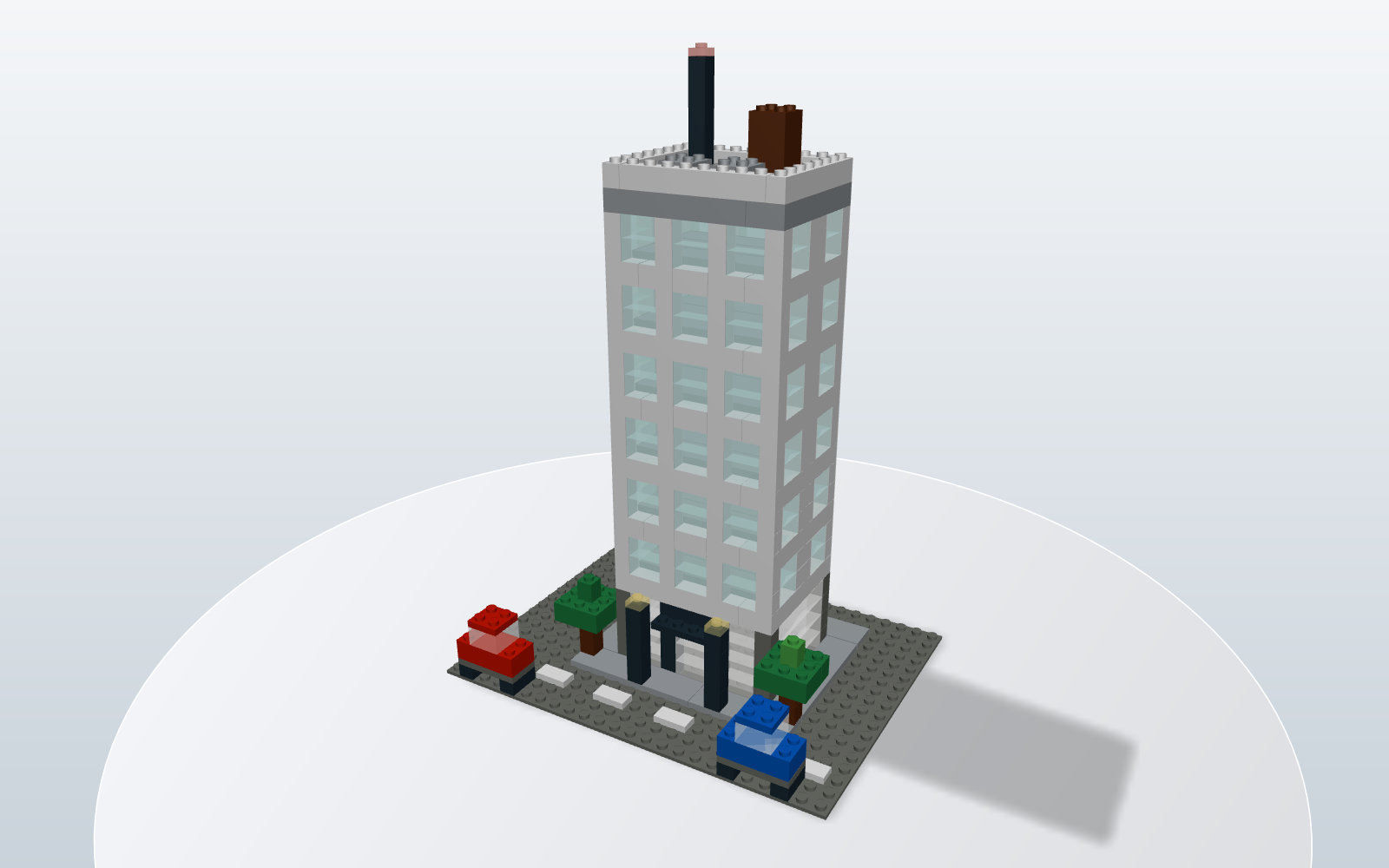
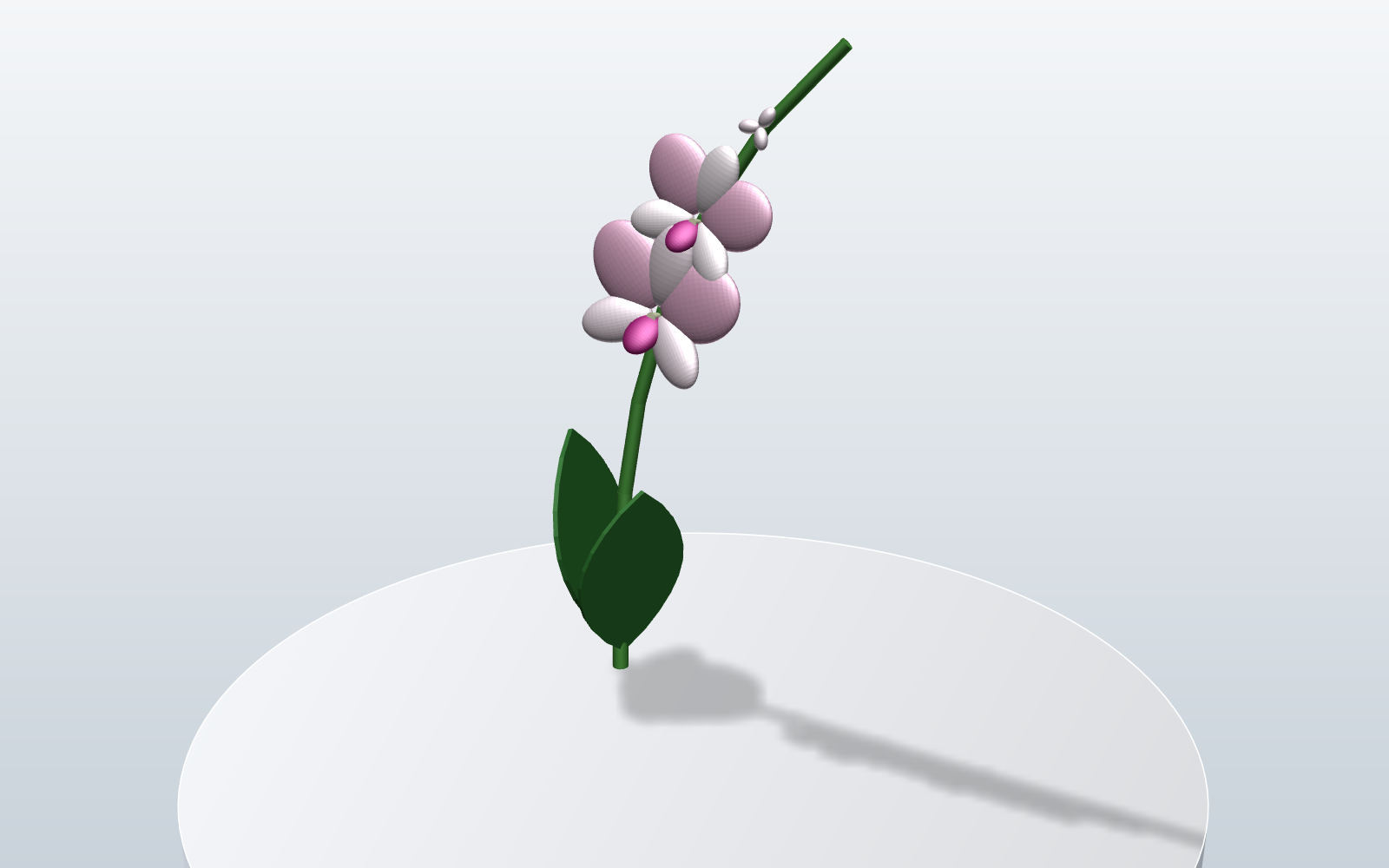
Every picture here is KherveCAD’s own 3D view. The same parts, materials and renderer are what Claude sees — and what goes onto Printables.
Then share it
From a sentence to a print, a drawing, or a Printables listing.
Publish to Printables
One call — or File ▸ Publish to Printables — assembles the whole upload:
- An STL of the model, plus one per part of an assembly, each at its own origin
- A 3MF, the parametric .scad and the .kcad project — something a remixer can edit
- Preview stills from three-quarter angles, painted like the 3D view, cover first
- A plain-text description and every field of the upload form already answered
Printables has no upload API, so the last click is yours — and the tool reports published: false rather than let an assistant claim otherwise.
Blueprint drawings
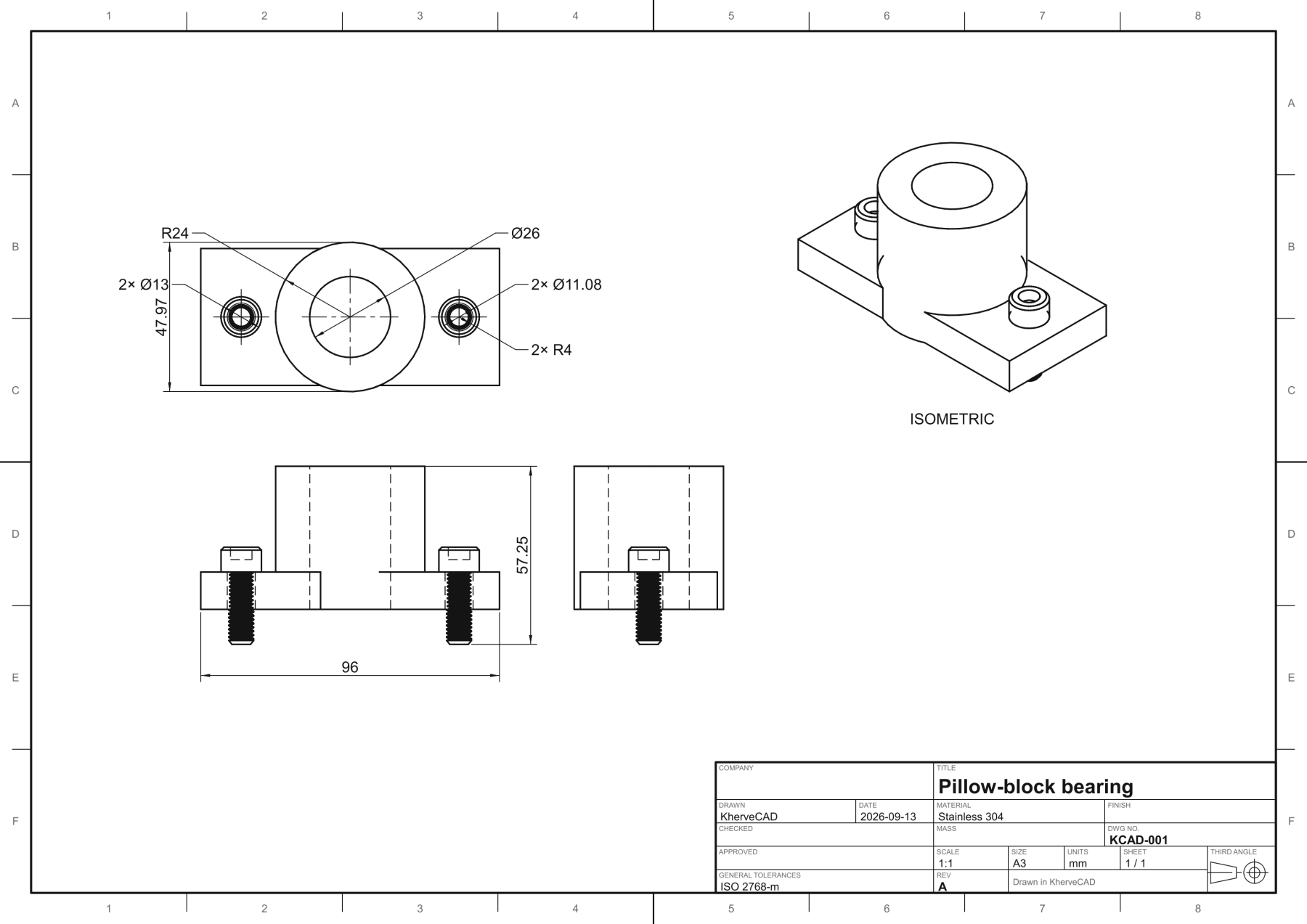
File ▸ Blueprint lays out a third-angle engineering drawing on its own: front, top, side and isometric views at a standard scale, hidden lines, overall dimensions, hole callouts and a title block. Add your own dimensions, sections, details, GD&T frames and a parts list, then export PDF, SVG, PNG or DXF.
Optional: vibe design with Claude
Prefer to describe a part? Claude can build it in the same document.
Connect Claude (AI ▸ Connect to Claude) and it works in your open part with 45 tools, every step undoable — then you carry on with the mouse.
How vibe designing works
A conversation on one side, a CAD model on the other.
- 1
Connect
AI ▸ Connect to Claude writes KherveCAD into Claude Desktop's or Claude Code's own settings — no config file to edit, and no API key: they use the Claude account you already have.
- 2
Describe
Mention KherveCAD and say what you want — “a 40 mm bracket with two M6 holes”. From then on it is an ordinary conversation: “make it 5 mm thicker”, “show me the front”.
- 3
Claude builds — and looks
It writes OpenSCAD that lands as real nodes in your tree, then asks for a picture of the 3D view, measures, and checks the part before it tells you it is done.
- 4
You take the wheel
Every piece is an ordinary, editable node. Drag a corner, change a variable, or press Ctrl+Z — one tool call is one undo step, so you can reject the last one on its own.
Watch it build
KherveCAD: Fusion & SolidWorks style — examples, and creating a light switch with AI
KherveCAD's Fusion- and SolidWorks-style modelling shown through worked examples, then a light switch designed from a plain-language request with AI.
Open on YouTubeEyes on the model
Claude looks at what it built before it says it’s done.
render_viewhands Claude a picture of the 3D preview — any standard view, any angle, a close-up of one part, orthographic, a cropped detail, or a contact sheet of several views — without moving your camera.- It waits for OpenSCAD’s exact render first, so a hole Claude cut is really there in the picture, not the approximate preview.
measure,sectionandget_node_boundsgive distances, cross-sections and sizes in millimetres.check_printability,check_interferenceandmass_propertiesanswer the questions a part has to pass: watertight? thin walls? overhangs? do the parts collide? what does it weigh?
Real CAD, not a frozen mesh
What Claude writes, you can still edit — every corner of it.
apply_codeparses a program into the object tree: modules become parts, loops stay loops, and a// Bodycomment names the row. Fifty lines of OpenSCAD in, and you can still drag one corner afterwards.- Parameters can be expressions —
wall * 2,i * 10— so the model stays adjustable after the conversation ends. - Parts and assemblies work the way they do by hand: define a part once, place copies, and mate them face to face — flush, concentric, hinged, geared or limited.
- One tool call is one Ctrl+Z, so you can throw away the last step and keep everything before it.
The whole application, as tools
45 tools — not a text box that guesses.
A chatbot that only writes code has to imagine your model. Over MCP, Claude drives the real application: it can read the tree, look up a node type’s parameters instead of inventing them, insert a library part, and see the result.
Understand
9The vocabulary and the model: node types with their parameters, the tree, the code.
get_document_infolist_node_typeslist_treeget_nodeget_codecheck_codelist_partslist_exampleslist_anchorsSee & measure
5A PNG of the 3D view from any angle, sizes, distances and cross-sections in mm.
render_viewget_node_boundsmeasuresectionselect_nodesBuild
14Whole programs through apply_code, or node by node — down to filleting a picked edge.
apply_codeadd_nodeset_paramswrap_nodesmove_nodeduplicate_nodedelete_nodesungroup_nodeset_colorround_edgeslist_edgesfillet_edgesset_poseset_reference_imageParts & assemblies
6Define a part once, place copies, mate them face to face, pull from the library.
make_objectadd_instancemake_masteradd_linked_copyattach_partsinsert_partCheck
3Volume, mass and cost; watertight, overhangs and thin walls; parts that collide.
mass_propertiescheck_printabilitycheck_interferenceDocuments & sharing
8Open, save and export — STL, 3MF, SCAD, PNG, engineering drawings, a Printables bundle.
new_documentopen_documentsave_documentload_exampleset_render_optionsexport_documentexport_drawingpublish_to_printablesPrivate by design
Claude drives a live window on your desk, so the connection is built like a door you open yourself.
Your machine only
The bridge listens on 127.0.0.1 and nowhere else. Cloud assistants that need a public URL cannot reach it — on purpose.
A token per session
Clients authenticate with a random token that changes every launch, and the HTTP endpoint checks Origin so a web page cannot drive your model.
Off until you switch it on
Nothing listens until you tick the box in AI ▸ Connect to Claude, and the dialog logs every call a client makes.
Access levels
Read only, Edit, or Full. The line between Edit and Full is the filesystem: at Edit the worst case is a change you undo.
Prefer a chat box inside the app?
The built-in ChatBox (AI ▸ ChatBox, Ctrl+/) talks to Claude, Mistral or Ollama Cloud with your own API key. It sees the live OpenSCAD program of whatever you are editing, runs slash commands, and applies its answer into the object tree — inside the part you have open, so you watch it take shape step by step.
More to watch
KherveCAD + Claude: building models from plain-language requests (Vibe Design)
The AI side of KherveCAD: describe a part in plain language and watch the assistant build it as real, editable nodes in the object tree — Claude Desktop or Claude Code connected over MCP, or the built-in KherveAI chat.
Open on YouTubeKherveCAD — a visual CAD app powered by OpenSCAD
A tour of KherveCAD: sketching and extruding profiles, the object tree and live .scad code side by side, the parametric vacuum-hardware library, and snapping parts together into an assembly.
Open on YouTubeHow to install
kCAD is free and its source is public, but it is not signed with a paid Microsoft or Apple developer certificate. So the first time you open it, Windows and macOS say they cannot verify it and may even call it possible malware. That is the standard warning for every unsigned app, not a detection of anything. You approve it once, as shown below, and it then opens normally. Only this one app is allowed; nothing else on your computer is changed.
macOS (Apple Silicon)
1Open the .dmg and drag kCAD into Applications
Double-click the downloaded
.dmgfile (in your Downloads folder). In the window that opens, drag the kCAD icon onto the Applications folder. Then eject the disk image.2Open kCAD once — macOS blocks it. Click “Done”
Open your Applications folder and double-click kCAD. macOS shows “kCAD” Not Opened — Apple could not verify “kCAD” is free of malware…
Click Done. Do not click Move to Bin. This attempt is needed: it is what makes the Open Anyway button appear in the next step.
3Open System Settings → Privacy & Security
Click the Apple menu at the top-left of the screen, choose System Settings…, then click Privacy & Security in the left-hand list (scroll the list down if you don’t see it).
4Scroll down to “Security” and click “Open Anyway”
Scroll the right-hand side all the way down, past the Privacy items, to the Security heading. Under it you will see “kCAD” was blocked to protect your Mac. Click Open Anyway.
The button appears only for about an hour after step 2. If it is missing, repeat step 2 and come back.
5Confirm with “Open Anyway” and your password
macOS asks once more: click Open Anyway, then type your Mac login password (or use Touch ID) and confirm.
kCAD starts. From now on it opens normally with a double-click, and updates install without asking again.
macOS 14 Sonoma and older: instead of steps 3–5, right-click (or Control-click) kCAD in Applications, choose Open, then Open again.
Message says the app “is damaged and can’t be opened”? That is the same block. Open Terminal (Applications → Utilities), paste this line, press Return, and open the app again:
xattr -dr com.apple.quarantine "/Applications/kCAD.app"
Windows (64-bit)
1If your browser warns about the download, choose “Keep”
Chrome or Edge may say the setup file isn’t commonly downloaded. Open the downloads list, click ⋯ next to the file and choose Keep (in Edge: Keep → Show more → Keep anyway).
2Run the setup file — click “More info”
Double-click the downloaded setup file. Microsoft Defender SmartScreen shows a blue Windows protected your PC window. Click the small More info link.
3Click “Run anyway”, then follow the installer
A Run anyway button appears at the bottom. Click it, answer Yes if Windows asks to allow changes, then click Next through the installer and Finish. kCAD is in the Start menu and opens normally from then on.
Examples
- Learn — 21 numbered tutorials, one technique each, primitives to recursion
- Mechanical — spur gears, ball bearing, pillow block, bolted flange joint, V-belt pulley
- Vacuum — CF/KF port tubes, chambers, valves and turbo pumps from the parts library
- Flowers & trees — procedural tulip, rose, orchid, fir, oak, weeping willow
- Lego — a Minecraft tower, a house, a church with stained glass, a street of apartments, a fire-breathing dragon
- Projects — a finished part per chapter of “Mastering OpenSCAD in 10 projects”
- Room & lab — workbench, chair, monitor, door and carpet, plus glassware for the bench
Built with
A modern stack of well-known scientific Python libraries.
Documentation
Getting started
On Windows, download the installer and run it — it installs per user, needs no administrator rights, and associates .kcad files. If you would rather not install anything, the portable zip extracts and runs in place. The installer is unsigned, so Windows may warn on first run — choose More info, then Run anyway. On a Mac, download the disk image for your Mac — Apple Silicon or Intel — and drag KherveCAD to Applications. The app is not notarised, so the first launch needs a right-click on it and Open, rather than a double-click. After that, both platforms update themselves from Help ▸ Check for Updates. Either way the OpenSCAD engine is bundled inside the download, so exact rendering — booleans that really cut — works immediately with nothing else to install. Running from source still works too: install the requirements and run python KherveCAD.py.
Building parts
Draw a 2D profile in the sketch view, extrude it, and combine solids with boolean operations — KherveCAD writes the OpenSCAD program live as you go, and the object tree keeps every step editable. A part is defined in the Object tab and placed in the assembly as an instance, so one definition can appear many times and editing it updates every copy.
Parts library & assemblies
Open the parts library (Ctrl+L) for parametric vacuum hardware built from manufacturer cross-sections — every dimension editable — plus chemistry glassware and room furniture. To assemble, either drag parts around a Top/Front/Side view plane, or use the snap tool: click a face on the part to move, then the face it should meet, and the two lock together. Move the parent later and everything mated to it follows.
Working with the code
The Code tab is the same model seen as an OpenSCAD program, and it works both ways: edit the text and Apply code puts the change back into the object tree. Scope it to the whole program or to the part you have open. Selecting an object highlights its lines, and a compiler error is traced back to the object that caused it.
Vibe designing with Claude
Open AI ▸ Connect to Claude (Simple), tick Let assistants connect, pick Claude Desktop or Claude Code and press Connect — KherveCAD writes its entry into that app's own settings. Restart it, then mention KherveCAD in the chat: “in KherveCAD, build a 40 mm bracket with two M6 holes”. From there, keep talking — “make it thicker”, “show me the front” — and use Ctrl+Z to undo any single step. Vibe Model (Ctrl+Shift+M) gives the 3D view the whole window while it builds.
File formats
Native documents save as .kcad (a JSON object tree). Open and save STEP, IGES and Rhino .3dm files to trade parts with other CAD. Export the generated program as .scad, the mesh as .stl or .3mf, pictures as .png, and drawings as PDF, SVG or DXF; .scad and meshes (.stl, .obj, .off, .3mf) import back in.
Licence
KherveCAD is free software under the GPL-3.0. It bundles OpenSCAD — a recent development snapshot (2026.09.18) on Windows, and on macOS a snapshot whose universal binary is what runs natively on both Apple Silicon and Intel. OpenSCAD is GPL-2.0-or-later and runs as a separate process; its licence is installed alongside it and the matching source archive is attached to every release.
Versions
Disk image for Apple Silicon.
kCAD now works like SolidWorks: a Features and Sketch ribbon, a FeatureManager-style History tree with roll back, Smart Dimension on sketches, faces and extrude depths, sketch relations, Extruded Boss/Base and Cut with selected contours, Revolve, Hole Wizard, reference planes, fillets, ribs, linear, circular and fill patterns, mirror, sheet metal with jogs and flanges, surface trim, knit and thicken, and a Welcome window. Third-angle drawings, a drawing set and BOM per part. Short name kCAD; the version is now the plain build number.
KherveCAD now trades files with other CAD: open and save STEP, IGES and Rhino .3dm, with OpenCascade and rhino3dm built into the installer, and fillet or chamfer the true edges of an imported STEP part. Rhino-style tools arrive too — draw 3D curves with snaps and typed points, then loft, sweep, patch, revolve or extrude surfaces from them; SubD smooth surfaces from an editable cage; Make2D line drawings of the view; Gumball move/rotate handles; and draft, curvature and zebra heat maps. Sculpting grows up with drag sculpting and new brushes, a Blender-style Edit Mode (inset, loop cut, knife, bridge, spin), armatures, shape keys, Skin, hair strands, displacement and creature skins, scatter on surface and vertex paint — and walking monsters can be sent to PlanetCraft. Also: reflective metal shading, light-direction sliders, Cut Through capped in each part's colour, 35 Raspberry Pi 5 enclosures and printer test parts in the library.
KherveCAD now speaks six languages: the interface and the User Guide are translated into Chinese, French, Spanish, Japanese and Hindi. A public MCP link lets ChatGPT and other cloud assistants connect to the open document, not just Claude. Design your own objects from shapes and give them a finish of their own; sofas come upholstered in fabric, velvet, leather or bouclé, and tables and cabinets get realistic wood grain. Blueprint offers architectural scales from 1:25 to 1:1000 and takes any typed ratio. The library adds split-system air conditioning and a modern house with a pool.
The engine catches up on Windows. The installer now bundles a recent OpenSCAD snapshot (2026.09.18) with the fast Manifold backend instead of 2021.01, and ships manifold3d, so exact preview booleans, Bevel, Wireframe and push/pull work out of the box. New since 0.1.328: Blender-style modelling nodes (Decimate, Remesh, Shrinkwrap, Bevel, Cloth), push/pull and inset on any face, inverse kinematics, drop-and-settle physics, photoreal renders through Blender, print-check heat maps, a Collections tab, and My Library — saved designs the AI finds and reuses. The library grows with houses, porches, trees with real leaves, stadiums and sport, people and animals, Lego, cars, molecules and the Solar System. Fixes: a click on a finely faceted circle now gives a diameter, and the local photo-to-3D command keeps Windows paths.
Build houses, whole cities, nanoparticles and molecules. The House Builder lays out rooms, walls, roofs, furniture and a garden floor by floor, with house styles from around the world. The City Builder grows villages, towns and cities across hills and valleys, reads real places from OpenStreetMap and LiDAR, and adds libraries of skyscrapers, landmarks, bridges and trees — and Send to PlanetCraft lets you walk through them. For the lab: a crystal builder with unit cells and supercells, crystal particles scattered over an area, a Surface Builder that cuts any (hkl) slab, and a compound builder that makes molecules from SMILES, with about 240 molecules in the library and units down to nanometres. Also new: sculpting, meshes from photos, GLB import, a paintable human figure, and Cut Through and exploded views on the 3D toolbar.
The vibe-designing release. Claude now has 45 tools in the open document, up from 32, and checks its own work: render_view waits for the exact render and looks from any angle, and new tools measure, section, weigh, print-check and interference-check a part. Publish to Printables assembles the whole upload, and Blueprint draws third-angle engineering drawings to PDF, SVG, PNG and DXF. New modelling tools: fillet or chamfer the edges you click, shell, patterns, loft through sections, sweep, organic nodes and deformers, sheet metal and materials. Mates gain flush, concentric, hinge, gear and limit, with exploded views; the 3D view moves to OpenGL with cavity shading and a platform shadow; and the library adds Lego bricks with a Lego Builder and realistic chemistry glassware. KherveCAD now updates itself — on Windows, and on Macs, which get native Apple Silicon and Intel builds.
Connect Claude Desktop or Claude Code straight to the open document over MCP — no API key needed: AI > Connect to Claude (Simple) configures the assistant for you. Thirty-two tools cover the object tree, the generated code, the parts library, instances and mates, and render_view hands the assistant a picture of the 3D preview so it can see what it built. apply_code turns a program into real, editable nodes rather than a frozen blob, and one tool call is one Ctrl+Z. Both assistants now sit under a new AI menu, with the API-key ChatBox hidden until you want it. Instances also carry their own colour and opacity, so you can colour a part from the Main tab and two copies of one Object can differ.
First release. The installer bundles the OpenSCAD engine, so the 3D view shows the exact rendered mesh — booleans really cut — with nothing else to install. Parts and assemblies, click-two-faces snapping, a parametric vacuum-hardware library, an AI assistant, and a big Examples menu.
Free & open source · GPL-3.0
What will you ask it to build?
Windows and macOS — Apple Silicon and Intel. OpenSCAD included.
chmod +x) and run it. A portable .tar.gz is also available.